
CONFIGURATIONS GUIDE
How wAnywhere Configurations work?
The Configurations Section decides the wAnywhere Agent Application’s behavior. Super Admin/Admin can set configurations through Console and the Agent Application will function accordingly.
01
Overview of Configurations
- The Configurations Section decides the wAnywhere Agent Application’s behavior.
- Super Admin/Admin can set the desired Configurations through Console and the Agent Application will function accordingly.
- The document will cover insights into Configurations and their impact on Agent Application.
- The Configurations work at the Organization and Department Level and the Super Admin can set different Configurations for each Organization and its related Departments.
02
Configuration 1 – Intrusiveness
The Intrusiveness level decides how the Agent Application will monitor the User and capture the related information.
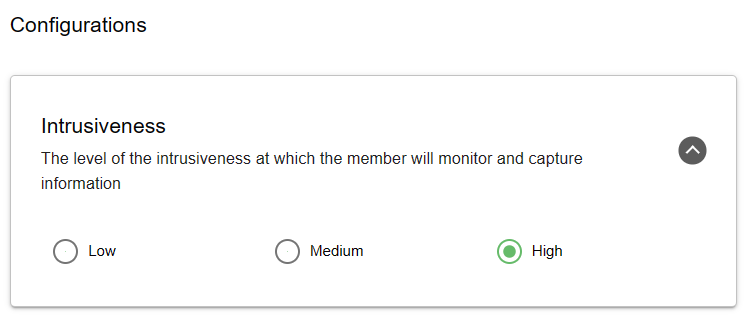
Intrusiveness Levels
- Low
- Medium
- High
Intrusiveness: Low
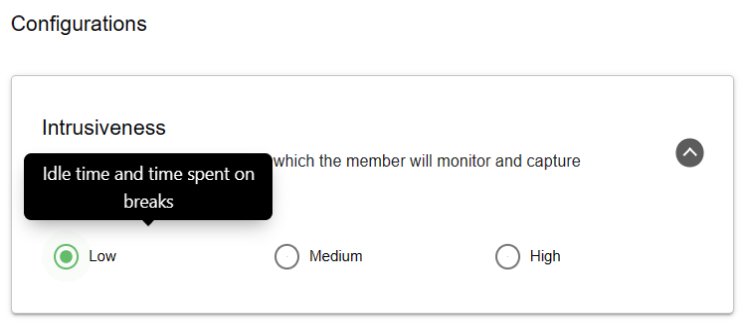
- Captures idle time and break time.
- Stores data in console.
Intrusiveness: Medium
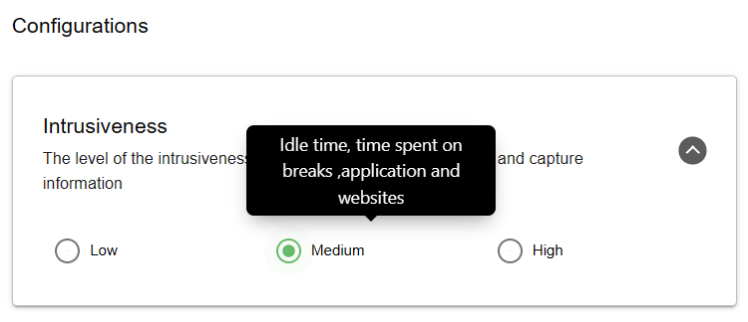
- Captures idle time, breaks, apps and websites usage.
Intrusiveness: High
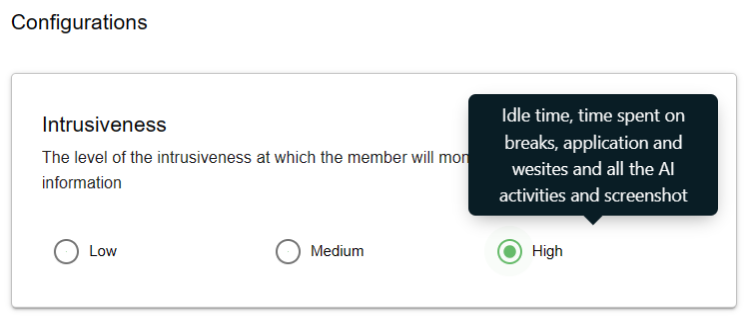
- Captures idle time, breaks, apps, websites, AI detection and screenshots.
03
Configuration 2 – Wellness
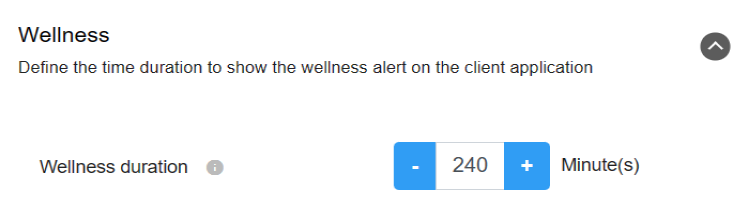
- Triggers wellness alert after defined time duration.
- Example: After 240 minutes continuous work alert is triggered.
04
Configuration 3 – AI Detection
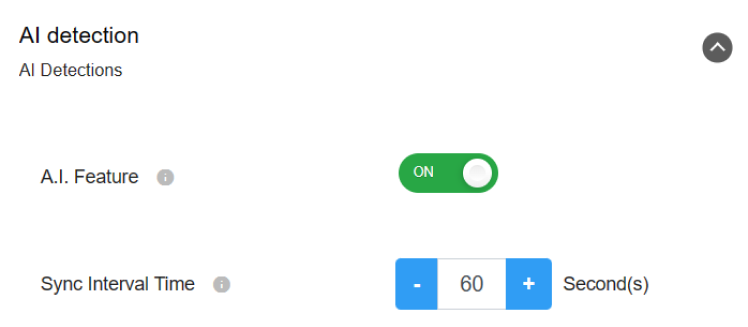
- Works only when intrusiveness is High.
- Sync interval recommended: 60 seconds.
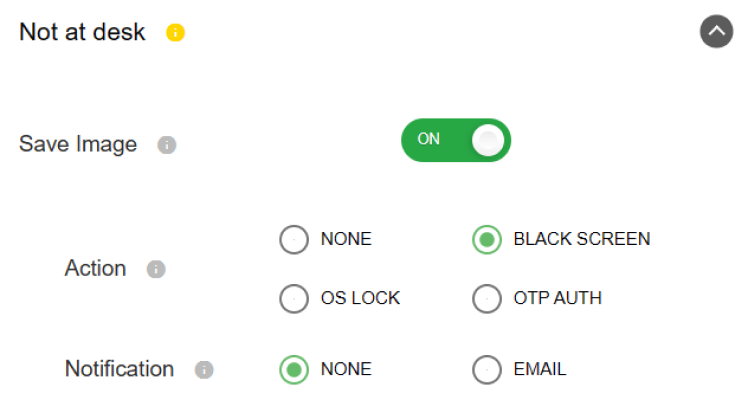
- Triggers alerts like OS lock, OTP, email, etc.
05
Configuration 4 – Breach Notification Alert
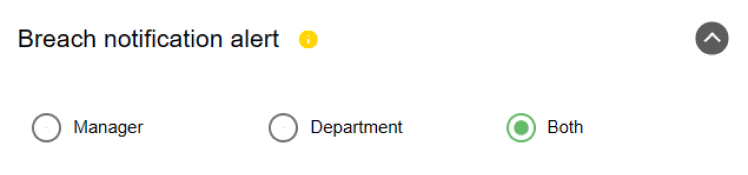
- Defines who receives breach notifications.
- Manager / Department / Both options.
06
Configuration 5 – Risky Users Level
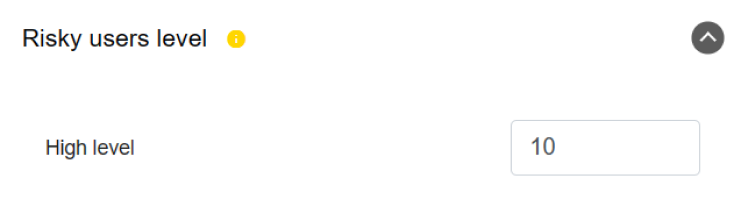
- Defines threshold for marking users as risky.
07
Configuration 6 – Camera
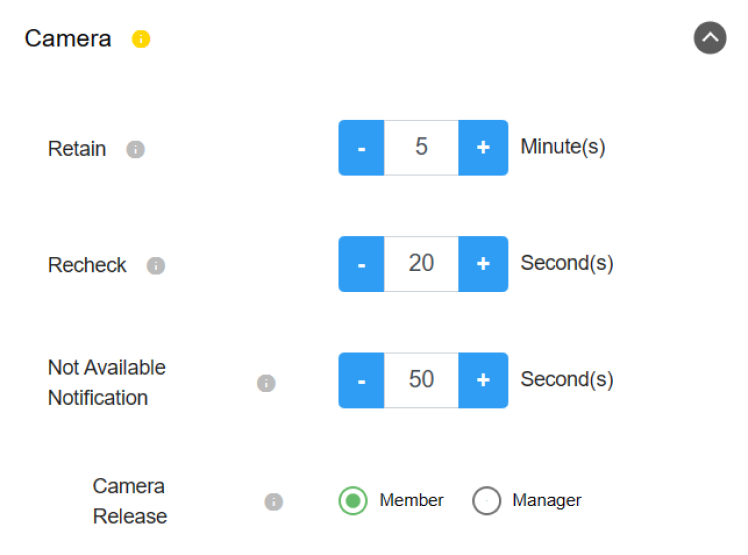
- Controls camera retention, recheck and notifications.
- Camera release by Member or Manager.
08
Configuration 7 – Randomizer
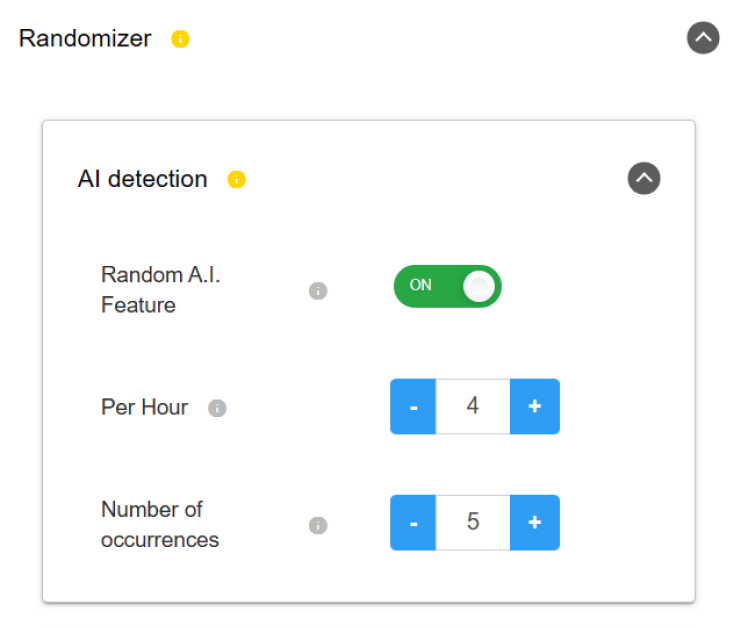
- Defines AI detection occurrences in time period.
09
Configuration 8 – Client App Version
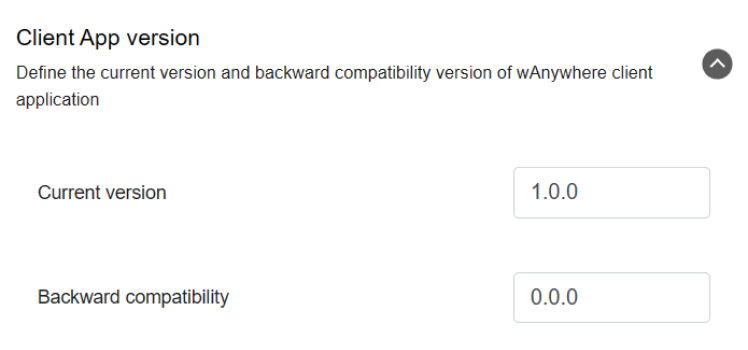
- Defines current and minimum supported version.
10
Configuration 9 – Productivity
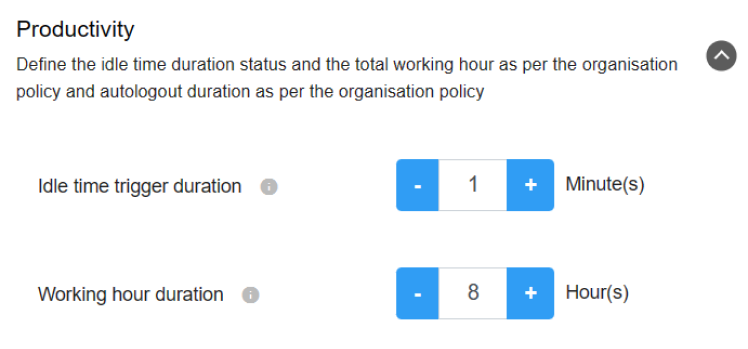
- Defines idle trigger and work hours.
11
Configuration 10 – Screengrab
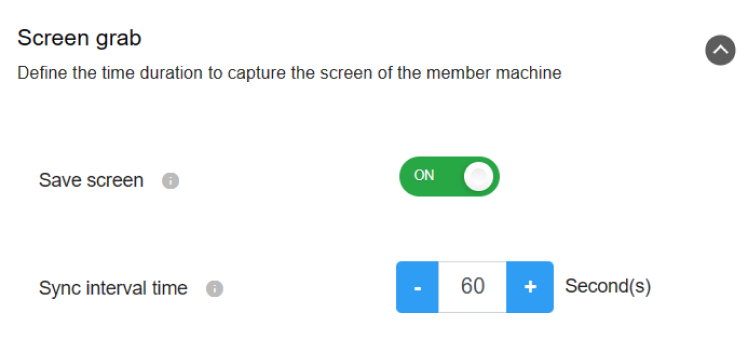
- Captures screen at defined intervals.
12
Configuration 11 – Break
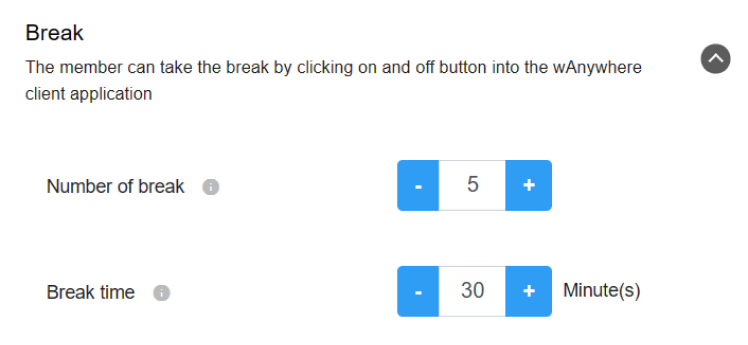
- Defines number of breaks and total break time.
13
Configuration 12 – Aux
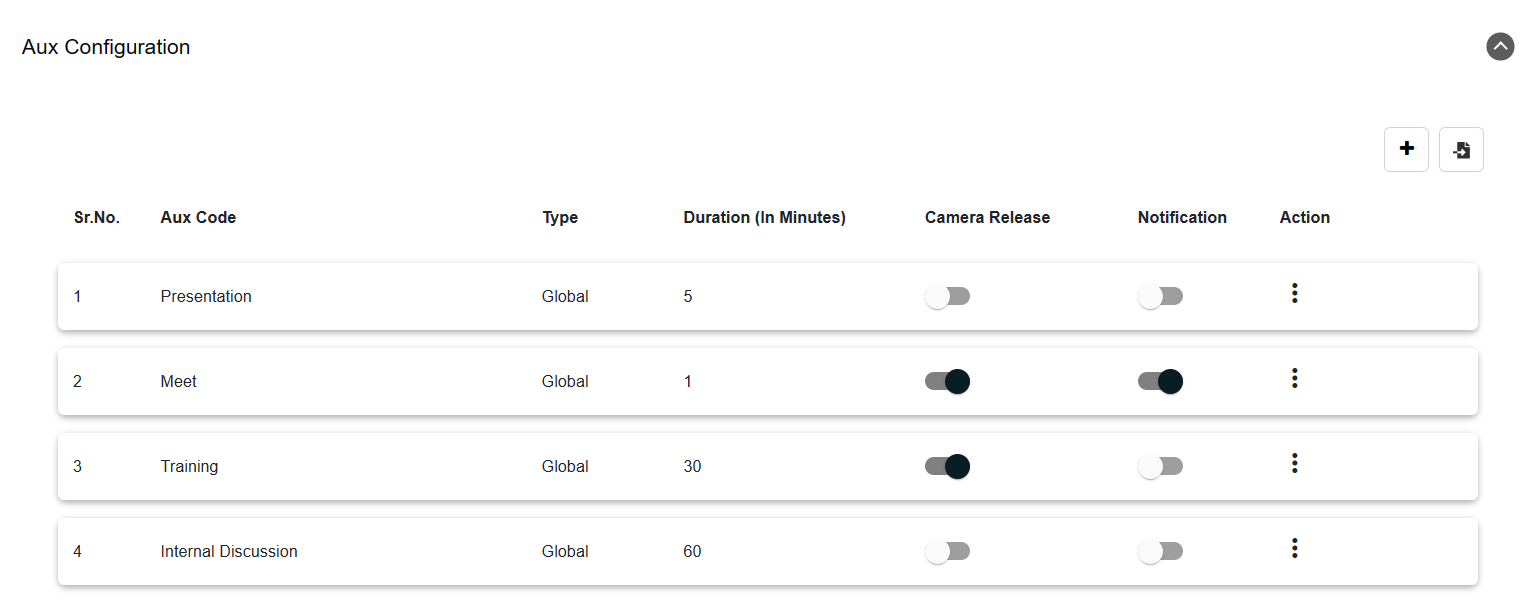
- Defines Aux codes for organization/department.
14
Configuration 13 – App and Web
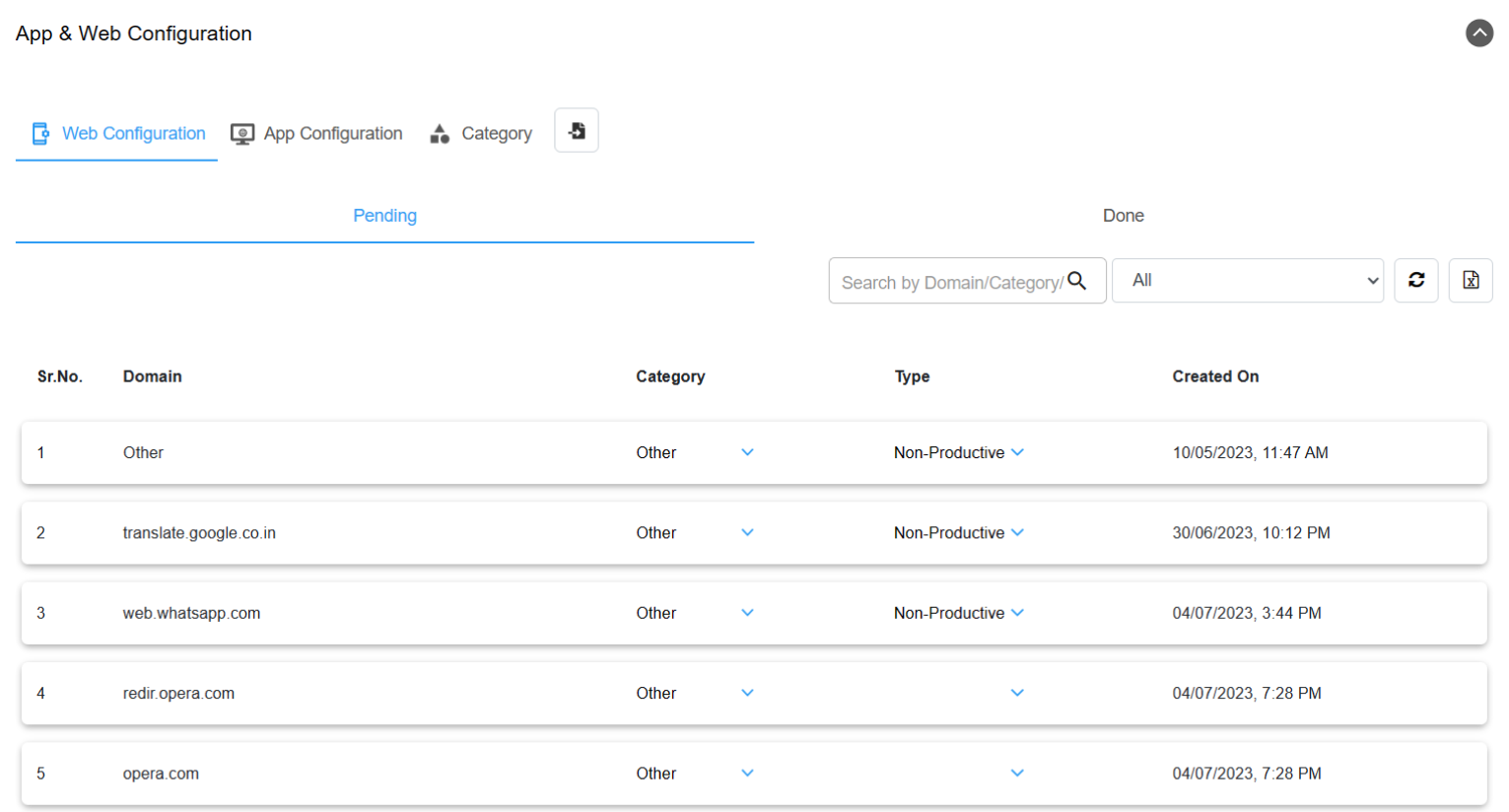
- Classifies apps and websites as productive/non-productive.
15
Configuration 14 – Leaderboard
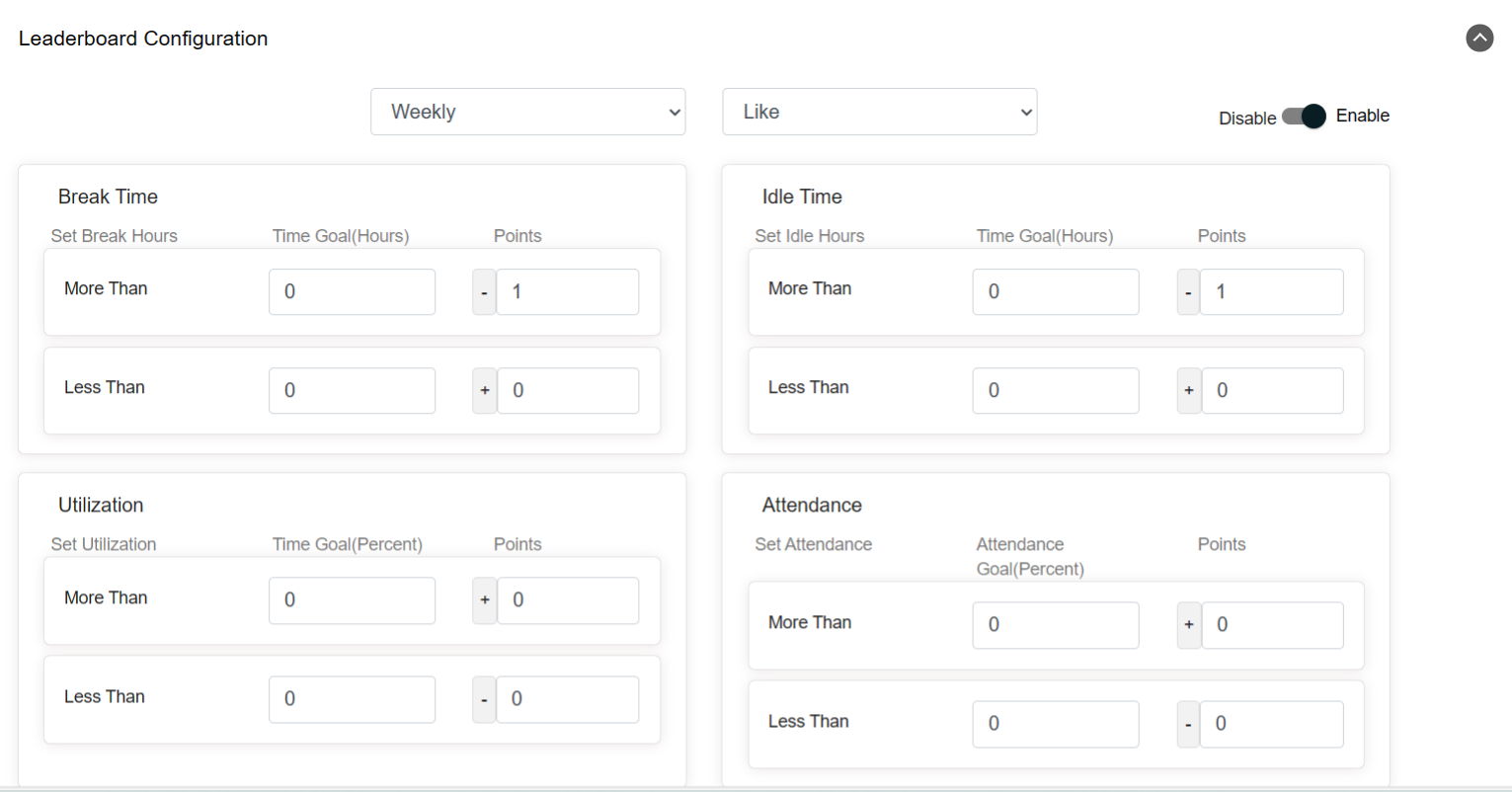
- Generates ranking based on productivity metrics.


