
Security first
Authorization plus enterprise-grade access controls on every session
With Assist Anywhere, IT teams and helpdesk engineers get secure remote support for every employee device, so technical issues get resolved wherever your workforce is working. No site visits. No waiting on physical access. Just faster fixes, backed by full session visibility and control.
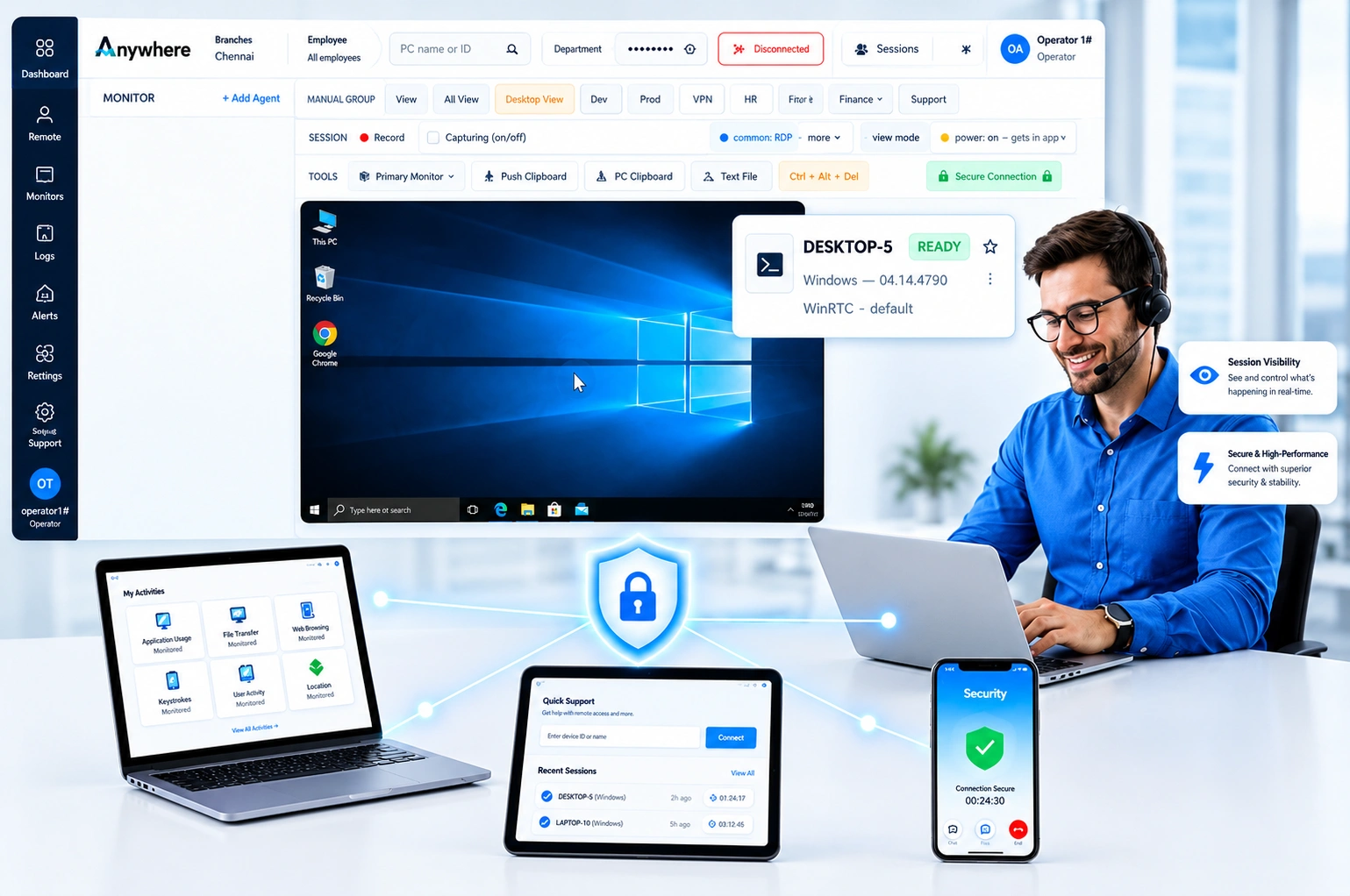
Your workforce is not sitting in one building anymore, and neither are its IT problems. With Assist Anywhere, authorized IT personnel connect directly to an employee's device, see what they are seeing, and fix the issue in real time, regardless of location.
It is built for the operational reality of hybrid teams, branch offices, and contact centers, where a stalled laptop or a broken application can quietly cost hours of productivity before anyone in IT even knows about it. Purpose built remote support software closes that gap with secure, authorized, and fully recorded sessions.
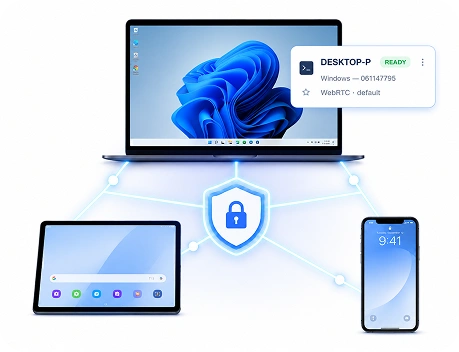
A distributed workforce means IT can't just walk over and check a device. Issues get diagnosed blind, guessing at problems they can't see.
The result: tickets sit longer, support costs climb with travel, and employees lose hours to fixable problems.
Remote access also raises a control question. Without authorized, recorded access, support and governance pull in opposite directions.
Fewer are built for enterprise IT environments where speed, security, and accountability all have to hold up at once.
Authorization plus enterprise-grade access controls on every session
Straight to the device, no wait for physical access
Requests, sessions, and technician activity in a single view
Recordings and audit logs on every interaction
Detect and resolve without switching platforms
Bring your toughest support scenario. We will run it live on a real device, start to finish.
Connect and take control the moment a request comes in.
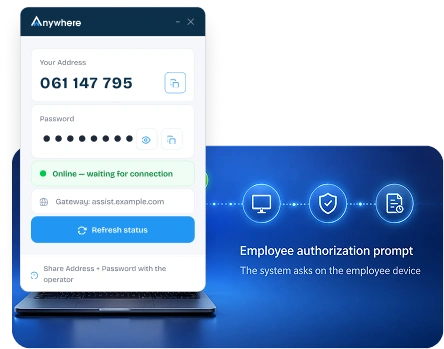
Employees approve every session before it starts.
Navigate multiple screens without slowing down.
Send patches and updates mid-session, fully encrypted.
Every session logged for review and compliance.
Diagnose and resolve issues live, no back and forth.
Role-based, authenticated, every connection.
Manage every request and session in one place.
This remote support tool moves a request from reported to resolved with as little friction as possible, without cutting corners on authorization or documentation.
Employee reports an issue through your existing process.
Employee approves the remote session.
A secure link connects engineer and device.
Engineer fixes the issue live.
Session details are logged for governance.
Paired with wAnywhere, it closes the loop between spotting a problem and actually fixing it, without handing IT teams a second, disconnected tool to manage.
wAnywhere identifies productivity, compliance, security, or operational issues as they happen across the workforce.
Managers and IT teams get immediate visibility into the incident and the employees affected by it.
Secure remote access lets IT investigate and resolve the issue directly on the device.
The issue is addressed quickly, minimizing disruption and helping the employee get back to productive work.
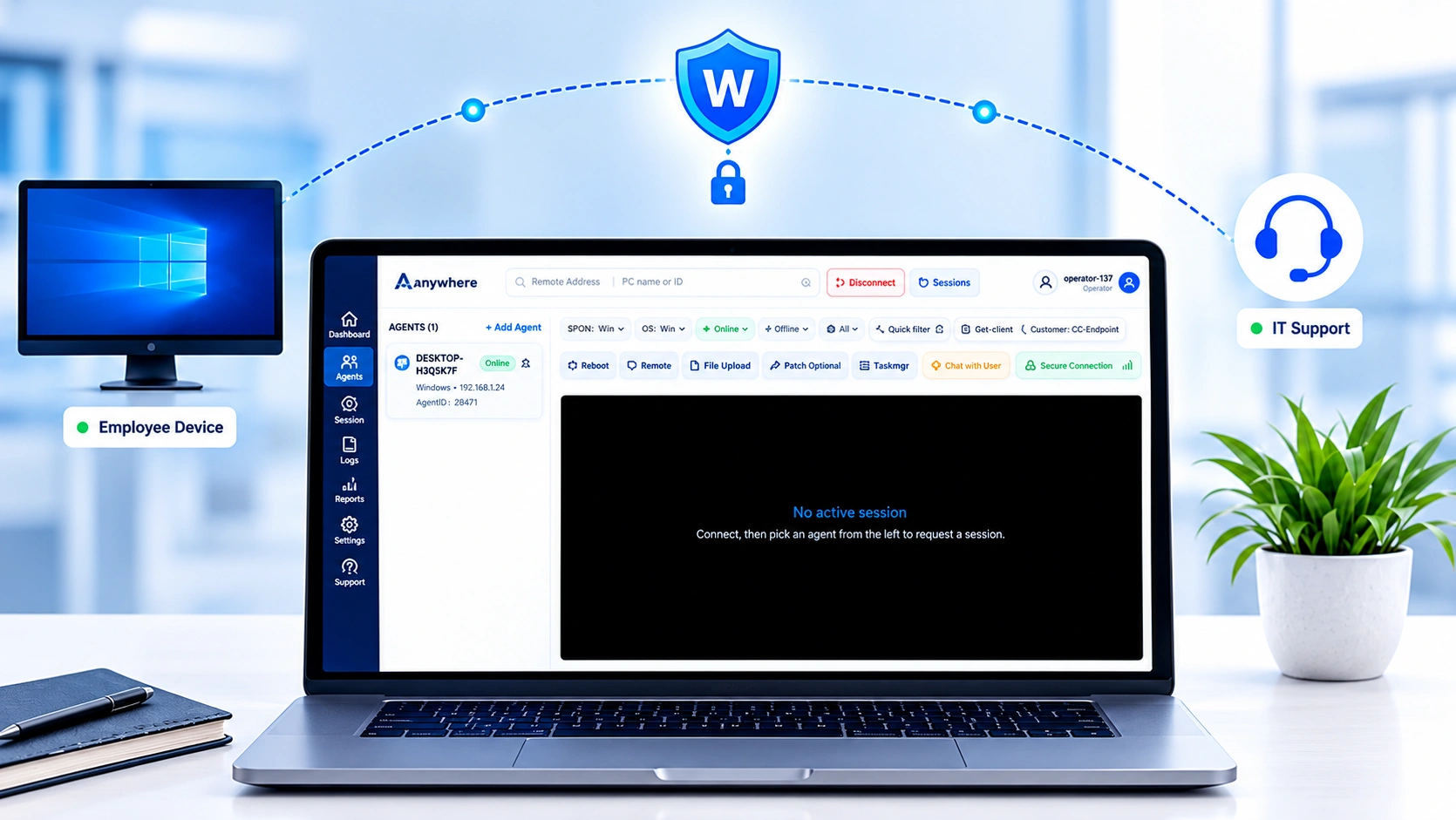
Give helpdesk teams direct access to resolve software, application, and system issues without escalating to a site visit.
Support employees working from home with the same speed and depth as if IT were sitting next to them, using remote support software built for distributed teams.
Help new hires get set up with the right software, configurations, and access from day one, wherever they are joining from.
Diagnose connectivity, performance, application, and configuration issues directly on the affected device.
Keep a complete, retrievable record of support activity for internal reviews and regulatory requirements.
Resolve agent device and application issues quickly, so service levels and shift productivity do not take the hit.
Book a demo to see how it works, or start a free trial to try it yourself.
Remote support should never mean open access. Every connection is authorized, recorded, and visible, so the employee knows when IT is on their device, and IT never works without a record.
No session begins without the employee authorizing the connection.
Every technician and session is verified before access is granted.
Support sessions run over secure, encrypted connections.
Permissions are assigned by role, so access matches responsibility.
Every support session is recorded for internal visibility and review.
A complete, exportable history of support activity is available for compliance and governance needs.
IT leaders can view all active and past sessions from one dashboard, rather than piecing together activity after the fact.
Reduce mean time to resolution
Improve employee productivity
Minimize operational downtime
Enhance employee experience
Improve IT team efficiency
Strengthen governance and compliance
Secure, authorized, and fully auditable remote desktop support reaches every device your team relies on. Name, work email, and company size. Nothing else.

wAnywhere ChatBot
Online

