Reduce Security Exposure
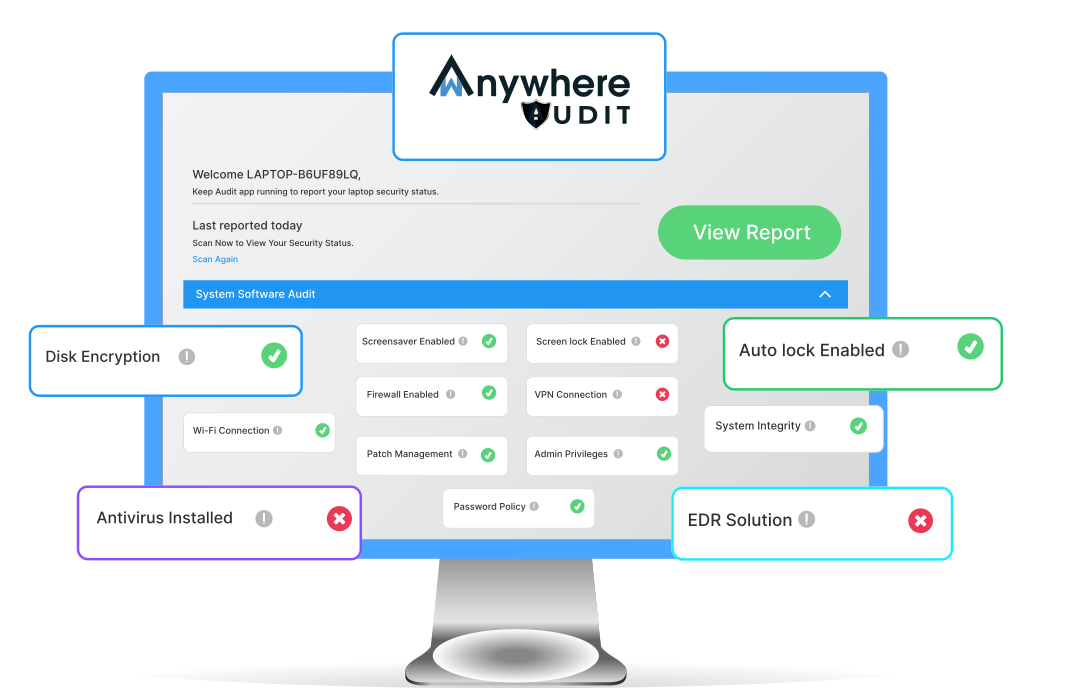
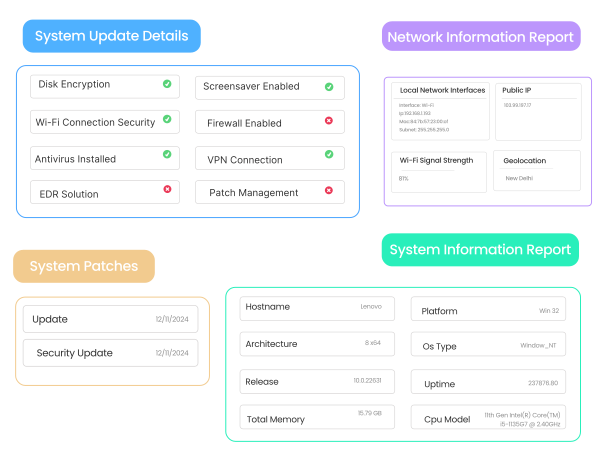
Check encryption, firewall, antivirus, VPN, EDR, password policies and system integrity to identify potential security risks.
Check the health, security and configuration of workforce devices from one place. wAnywhere's free system audit tool scans critical software and hardware parameters on Windows devices and generates detailed reports to help IT teams identify security gaps, performance issues and compliance risks.

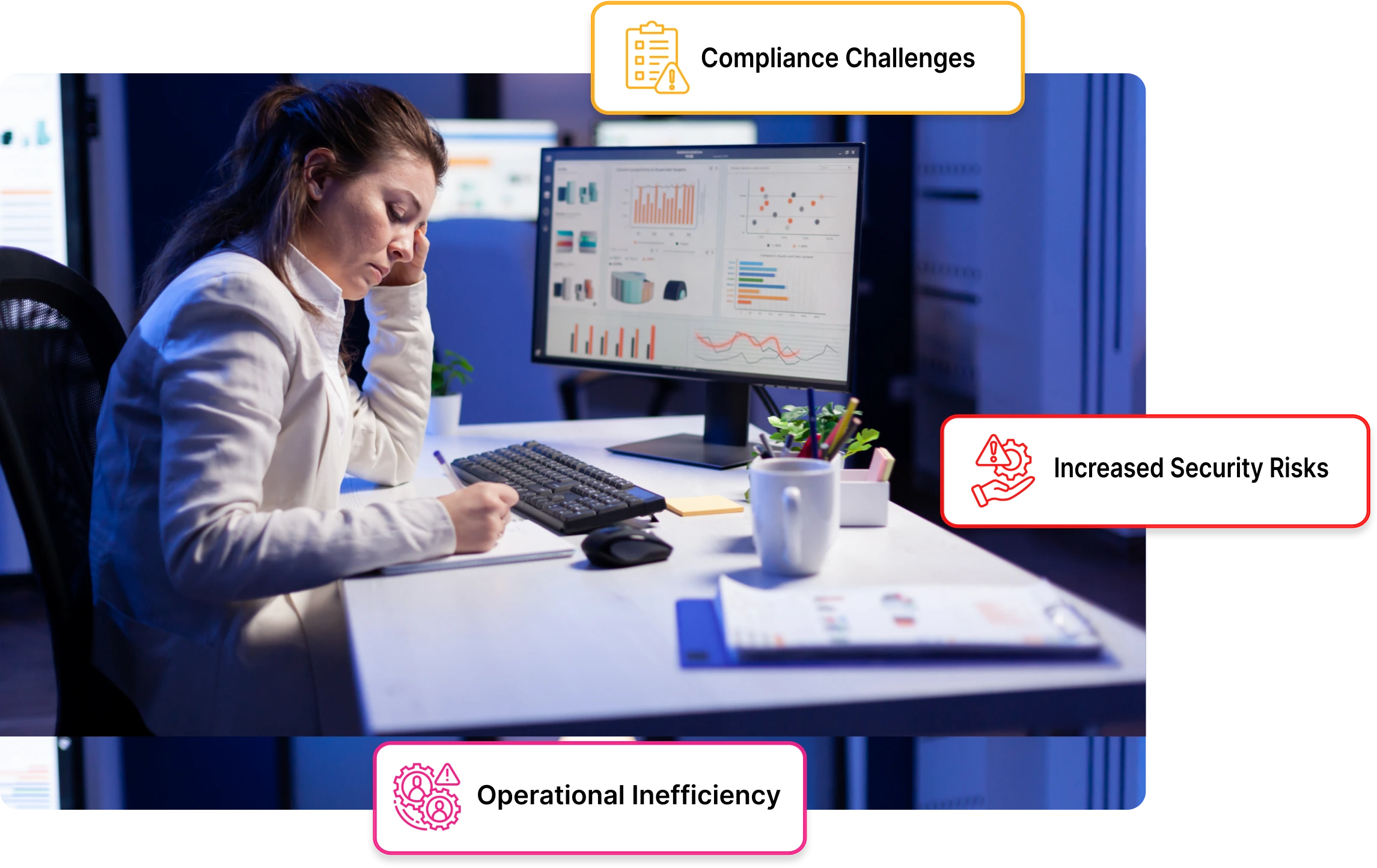
Every laptop and desktop used for business can affect security, compliance and productivity. A missing security control, outdated configuration or failing hardware component may remain unnoticed until it causes downtime or creates an avoidable security risk.
Manual device audits make this harder. IT teams have to collect information from individual machines, compare configurations and consolidate findings into reports.
A workforce system audit tool simplifies that process by bringing critical device information together in one report.
With wAnywhere's free system audit tool, organizations can assess workforce devices without relying on spreadsheets, manual checks or individual device inspections.
Check encryption, firewall, antivirus, VPN, EDR, password policies and system integrity to identify potential security risks.
Audit devices for missing controls, outdated configurations and gaps against internal security requirements.
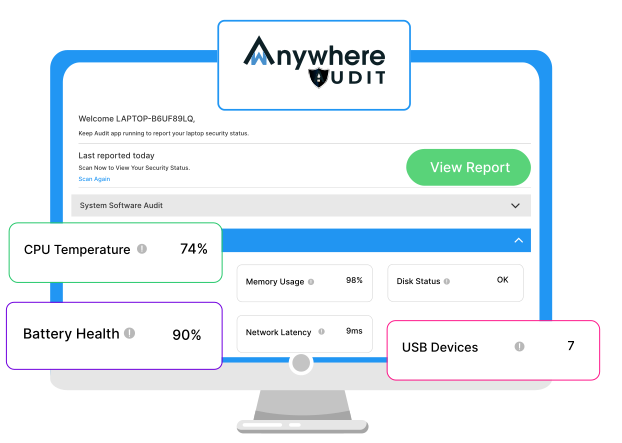
Monitor CPU, memory, battery, disk and network latency to identify potential performance issues early.
Replace manual checks with a centralized device audit process for faster system health visibility.
wAnywhere's device health checker analyzes critical software, security and hardware parameters on Windows devices. Use the resulting reports to understand whether workforce systems are configured correctly, performing reliably and meeting your organization's security requirements.
The tool supports remote, hybrid and office-based teams, giving IT and security teams a consistent way to audit company devices.
A secure device also needs to remain reliable.
Hardware and performance checks help organizations identify potential bottlenecks and device issues before they affect employees or business operations.
By combining hardware and software information in a single audit, IT teams can investigate both security and performance concerns without relying on separate manual checks.
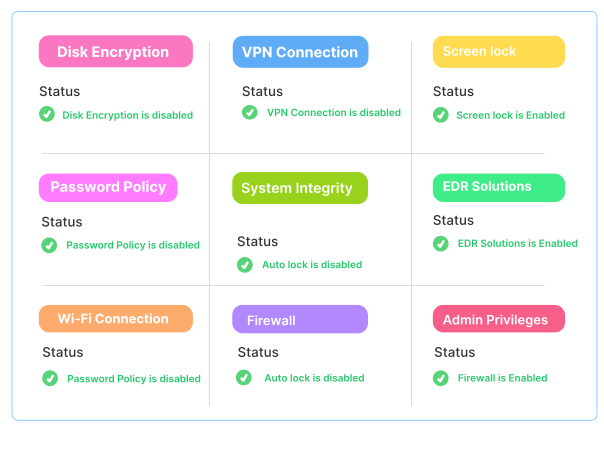
A system audit report gives IT teams a consolidated view of important device conditions and configurations.Depending on the available device data, reports can help teams review:
Instead of checking individual settings across multiple devices, administrators can use the audit results to identify systems that need attention and prioritize remediation.
Running a workforce device audit takes only a few steps.
Download the free wAnywhere system audit application and install it on your Windows device.
After installation, the application runs in the background and scans the supported software and hardware parameters of the device.
Once the audit is complete, detailed results are available through the wAnywhere portal. Review the findings to understand device health, security configuration and potential compliance gaps.
If you do not already have a wAnywhere account, register here to get started.
Remote work has made device visibility more important than ever. Employees may connect from different networks, locations and environments, making it harder for IT teams to maintain consistent device security.wAnywhere helps organizations check the security posture and health of workforce laptops without requiring IT teams to manually inspect every machine.

For organizations with distributed operations, this provides a practical way to maintain visibility across devices used outside the traditional office environment.
Explore how wAnywhere supports BPO teams and IT teams with broader workforce visibility and security controls.
A system audit helps you understand the current condition of your devices. But identifying a security gap is only the first step.
Organizations that need broader endpoint protection can combine system audits with wAnywhere's endpoint security capabilities.
Use endpoint security controls to strengthen protection against unauthorized devices, insecure connections and other endpoint risks.
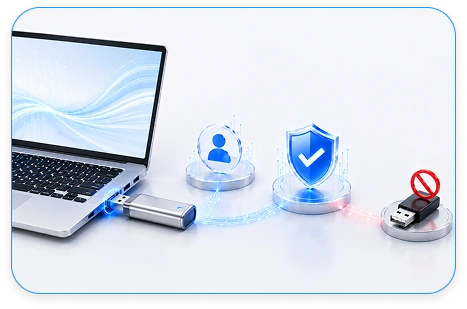
For example, organizations can use USB detection and device control to identify and control unauthorized USB devices that may introduce security or data-loss risks.
For a broader security and compliance strategy, explore wAnywhere's AI-powered security and compliance capabilities.
The system audit tool is designed for organizations that need visibility into the health and security of employee laptops and desktops.
Use device-level data to make better decisions about hardware upgrades, replacements and IT budgets. Identify aging or underperforming devices and prioritize investments based on actual system conditions.
Identify missing security controls, outdated configurations and potential compliance gaps across workforce devices. Use audit results to strengthen security reviews and support incident-response planning.
Get a clearer view of device health, security configurations and network performance. Use audit results to prioritize troubleshooting and reduce the need for repetitive manual checks.
Understand the condition of workforce devices without needing advanced technical knowledge. Use system audit reports to make more informed decisions about IT investments and operational risk.
BPO teams often manage large numbers of employee devices across offices, remote locations and client environments. A device-level audit helps IT and operations teams maintain consistent security controls across the workforce.
Use system audits to check:
This can help BPO teams maintain stronger endpoint visibility while supporting client security and compliance requirements.
IT teams need accurate device information to troubleshoot issues, plan upgrades and maintain security policies.
wAnywhere provides a centralized view of key device parameters so administrators can identify problems faster and make decisions based on actual device data.
Explore wAnywhere's solutions for IT teams to see how system auditing fits into broader workforce monitoring and endpoint security.
Want to see what the audit results look like before downloading the tool?
Download a sample report from the wAnywhere free system audit tool to understand the type of device, security and performance information available after an audit.
wAnywhere is designed for organizations that take workforce security, compliance and data protection seriously.

The system audit tool can complement your existing security and compliance processes by providing visibility into device-level configurations and system health.
A healthy workforce device is more than a productivity requirement. It is part of your organization's security posture.
wAnywhere's free system audit tool helps IT teams check device health, identify security configuration gaps and understand hardware and network performance from a centralized report.
Use it as a first step toward stronger endpoint visibility, then extend protection with wAnywhere's endpoint security, device control and security compliance capabilities.

wAnywhere ChatBot
Online