
LOGIN TROUBLESHOOTING
How to Resolve an Invalid Username and Password Error?
This document explains the steps to resolve the
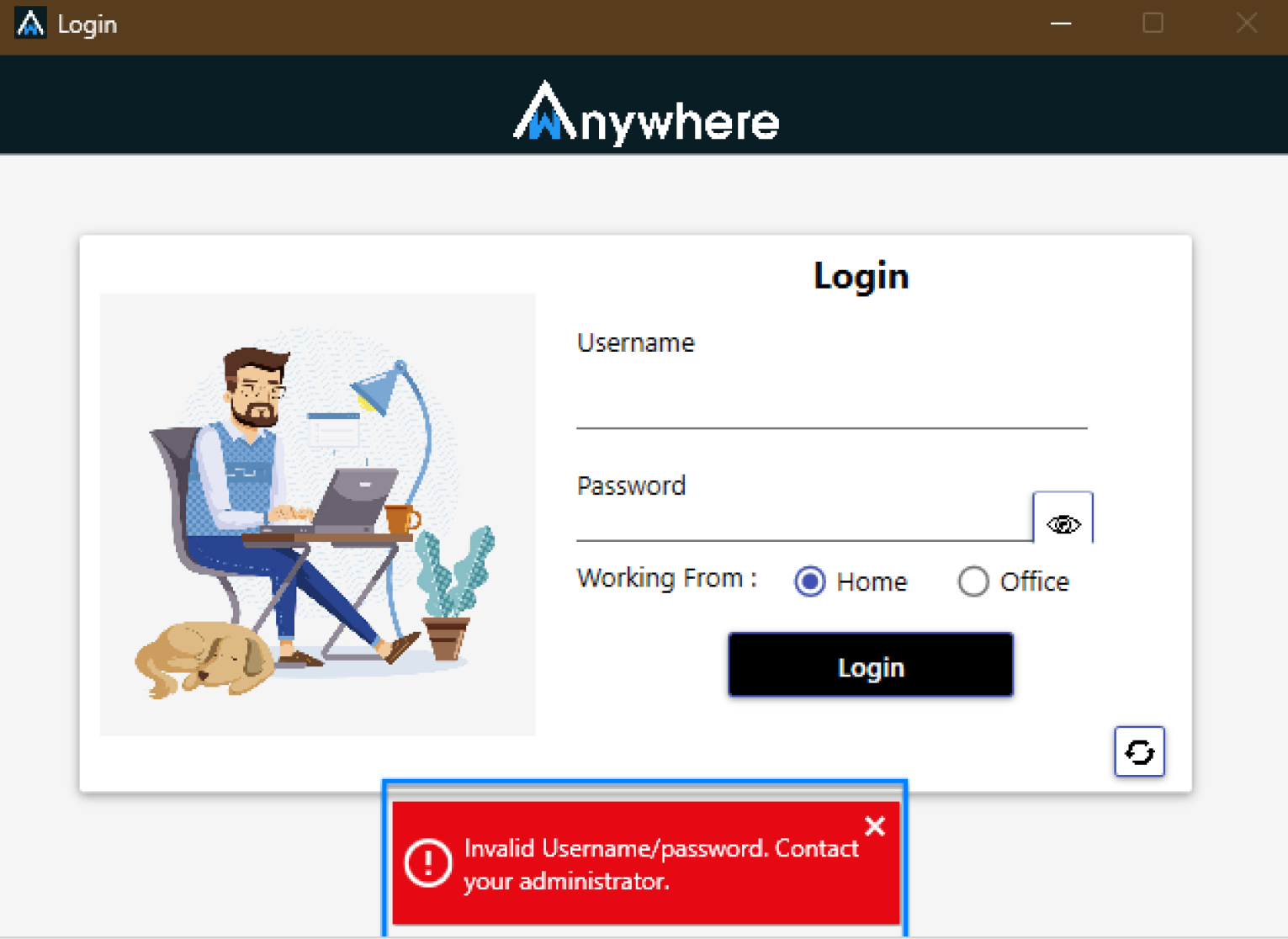
“Invalid Username and Password, please contact the Administrator”
error while logging into the application.
Review the Error Message
If you encounter the error “Invalid Username and Password,
please contact the Administrator” while logging into the
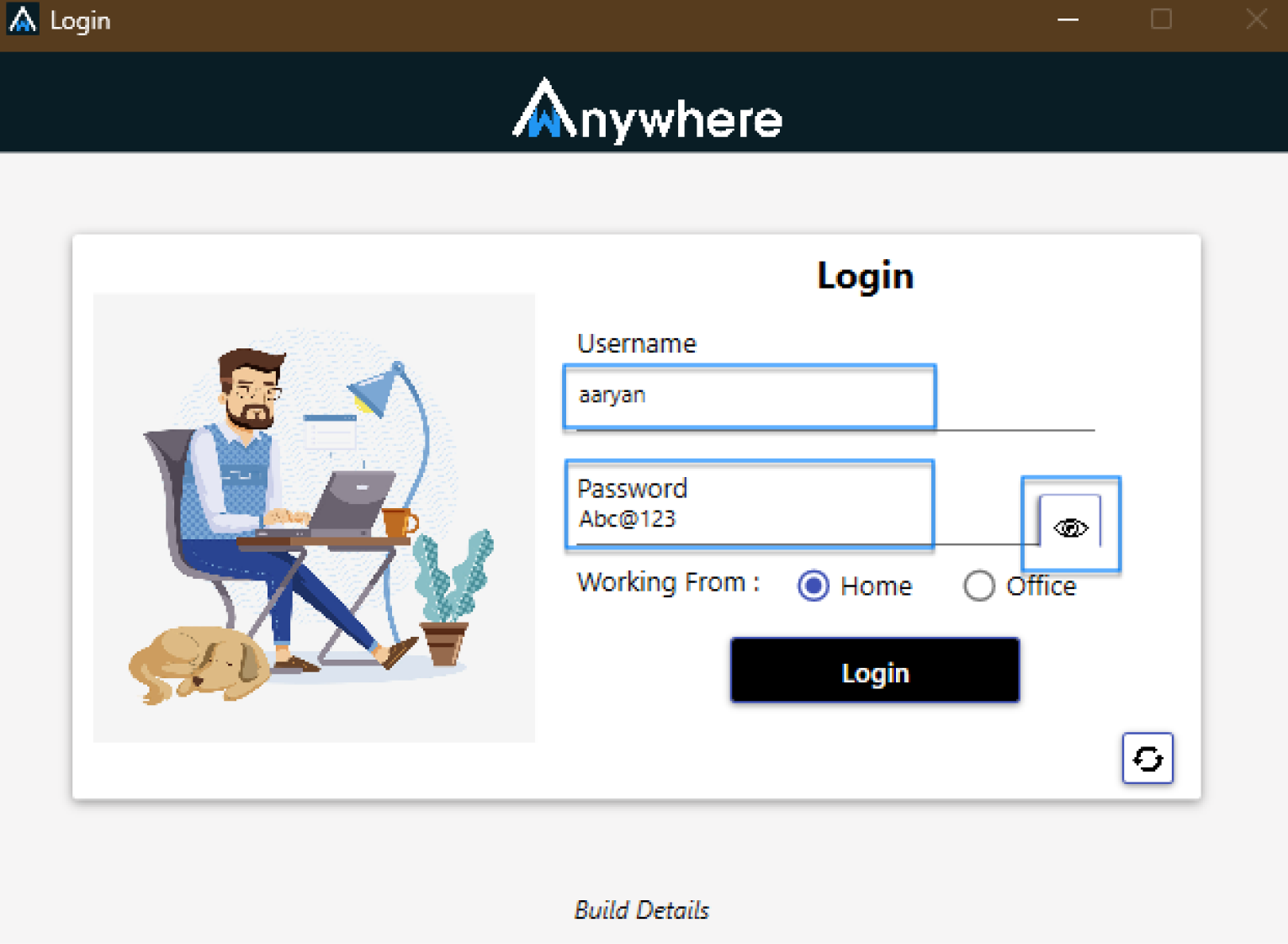
application, review the screenshots below.
Verify Login Credentials
Ensure that you are logging in with valid username and
password credentials.
Reset the Password
If the user is entering incorrect credentials or has
forgotten the password, the Super Admin can reset the
password from the User Management section of the Console.
Is It Possible for the Admin to Reset Passwords for the Users?
Check Application Version
If valid credentials are being used but the error still
appears, the Super Admin/Admin should verify the correct
application build version and ensure the user is using
the appropriate agent application version.
Login with Correct Version
Make sure you are using the correct agent application
version along with valid login credentials to avoid
this error.
Need Assistance?
For more queries, please contact
cst@shephertz.com


