 Set as a preferred Google source
Introduction
Since the COVID-19 pandemic, remote or hybrid work models have gained immense popularity across industries. The BPO industry is no different, as it has not only embraced this shift but accelerated it. Because of this shift to remote or hybrid work models, BPOs have unlocked access to global talent. However, this transition comes with a new set of challenges as well, such as:
- Data security
- Management
- Productivity tracking
- Compliance & Security
To overcome these challenges and manage a remote workforce, the requirement for Remote Workforce Management Tools in BPOs has increased immensely.
A remote workforce management tool for BPOs is a tool that gives leaders access to 360° visibility, ensures data is protected, maintains productivity, ensures regulatory compliance, and helps meet client SLAs. In this guide, you will understand why there is a need for these tools, what features you should look for in 2026, and finally, a comparison between the top remote work tools for BPO in 2026, so you can choose the best.
Why Remote Workforce Management Matters for BPOs
With the dawn of remote or hybrid work models in the BPO industry, the need for remote workforce management has increased. In this section, you will understand how evolving work models and challenges make a remote workforce management tool a necessity, not optional, for BPOs in 2026.
Changing BPO Work Dynamics
Shift to hybrid and remote models
Most BPOs have adopted remote or hybrid work models with centralized offices and agents distributed across the globe, which makes management complex for a traditional workforce management tool.
Talent spread across geographies
Modern BPOs are not only hiring agents across Tier 2/Tier 3 cities but also globally to recruit diverse workforce, reduce costs, and enhance scalability. Managing such a team across locations requires an intelligent cloud-based system that not only can automate operations but also protect sensitive client data.
Rising expectations for flexibility
In 2026, agents across the globe expect flexible shifts, better work-life balance, and remote access. BPOs that fail to match these expectations risk lower retention and engagement.
Read more: How workforce analytics helps with contact center efficiency
Core Challenges BPOs Face in Productivity and Compliance
Limited visibility into remote performance
One of the biggest challenges BPOs face in remote or hybrid work models is the lack of real-time visibility into employees’ productivity. With no centralized monitoring data and analytics, managers and leaders often struggle to answer performance and audit questions.
Employee engagement and attrition
An employee working remotely can burn out and disengage because of isolation. If not managed proactively, it can lead to higher attrition and lower engagement.
Data security and access risks
According to studies, approximately 63% of businesses have suffered data breaches since the adoption of remote work. In BPOs, agents working remotely have access to sensitive client data, and in an unfavorable work environment, it can lead to breaches. Without proper monitoring and access control, the risk of a data breach is always high.
Workforce Management To | Key Features
A remote or hybrid work culture will only grow in BPOs worldwide. This is why there is a need for a workforce management tool that goes beyond basic monitoring. In the section below, we have broken down critical features you should prioritize to enhance productivity, maintain compliance & security, and protect sensitive data.
Real‑Time Productivity Dashboards
What it is
A centralized productivity dashboard that gives real-time visibility to managers and leaders. Productivity metrics such as break time, idle time, active hours, task completion status, and application usage.
Why it matters
To maintain a smooth workflow across teams, managers need to have instant visibility to not only ensure that clients’ SLAs are met within the deadline but also assist in identifying bottlenecks early.
Automated Time Tracking & Reporting
What it is
An automated tool like wAnywhere that records break & idle time, working hours, task duration, and more without manual input from employees.
Why it matters
Data collected from regular time tracking and AI-assisted analytics accurately identify the bottlenecks, prevent time leakage, and ensure transparency. Not only that, but it also directly impacts client billing and SLA reporting.
Intelligent Scheduling & Forecasting
What it is
An intelligent system that identifies demand, allocates agents, and maintains workload balance across time zones.
Why it matters
A BPO that operates 24/7 needs to ensure optimal staffing at all times to maintain fluctuating client demands. Intelligent scheduling helps organizations balance workload by preventing agent burnout, meeting client SLAs, and avoiding overstaffing.
Employee Engagement & Feedback Tools
What it is
To measure employee engagement, a platform with built-in tools such as sentiment analysis, feedback loops, pulse surveys, and performance check-ins is needed.
Why it matters
According to a study conducted by Workday Workforce Global, the attrition rate in the business services industry has increased by 14%. One of the major cost drivers in BPOs is high attrition. This is the reason why a remote workforce management tool that consists of an engagement feature is highly beneficial, as it detects burnout early, retains top performers, and improves morale.
Read more : Is Your Remote Work Secure Enough? A Security Checklist for BPO Operations
Secure Remote Access & Compliance Tracking
What it is
A management tool consists of security and compliance features that monitor activities, control remote access, maintain audit trails, and enforce policies.
Why it matters
A BPO employee has access to sensitive client data, which, if not monitored properly, can lead to a data breach. That is why compliance tracking and accessibility control are required to prevent data leaks, maintain client trust, and meet GDPR/ISO requirements.
Top Remote Workforce Management Tools to Manage Remote BPO Teams in 2026
There are dozens of remote workforce monitoring tools available in the market and choosing what’s best for your organization can be overwhelming. Given below are some of the leading remote workforce management tools that are used by top BPOs in 2026. You can go through them one by one and select the one that meets your requirements.
1. wAnywhere
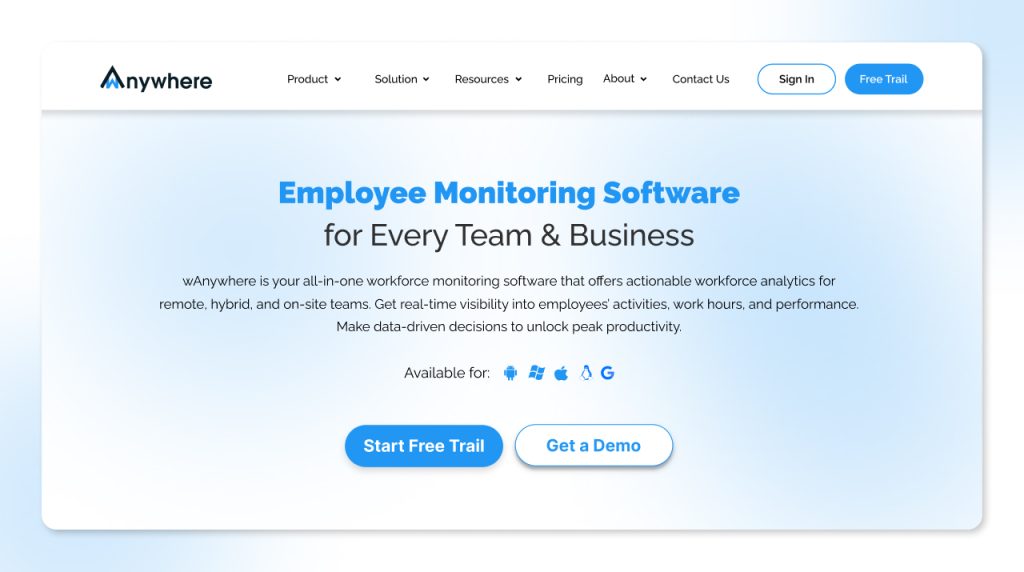
wAnywhere is an AI-powered platform that was built for managing remote and hybrid BPO teams. It is a unified platform that offers data protection, enhances productivity, ensures proactive monitoring, compliance-ready reporting, and deep workforce analytics.
Key Features
- Real-time visibility with productivity dashboards
- Idle detection and productivity scoring
- Automated time and attendance tracking
- Protects sensitive client data
- Application and website usage analytics
- Compliance tracking and audit-ready logs
Pros
- Offers a 14-day trial for free
- Designed to meet the demands of BPOs and remote teams
- Easy deployment with minimal agent friction
- Strong focus on compliance and SLAs
Cons
- To get access to advanced customization, users need to opt for enterprise plans
Pricing
- Basic: $6 per user per month
- Standard: $8 per user per month
- Pro: $10 per user per month
- Enterprise: Contact sales
Best for
Mid‑to‑large BPOs managing remote or hybrid teams with strict SLA and compliance requirements.
2. Teramind
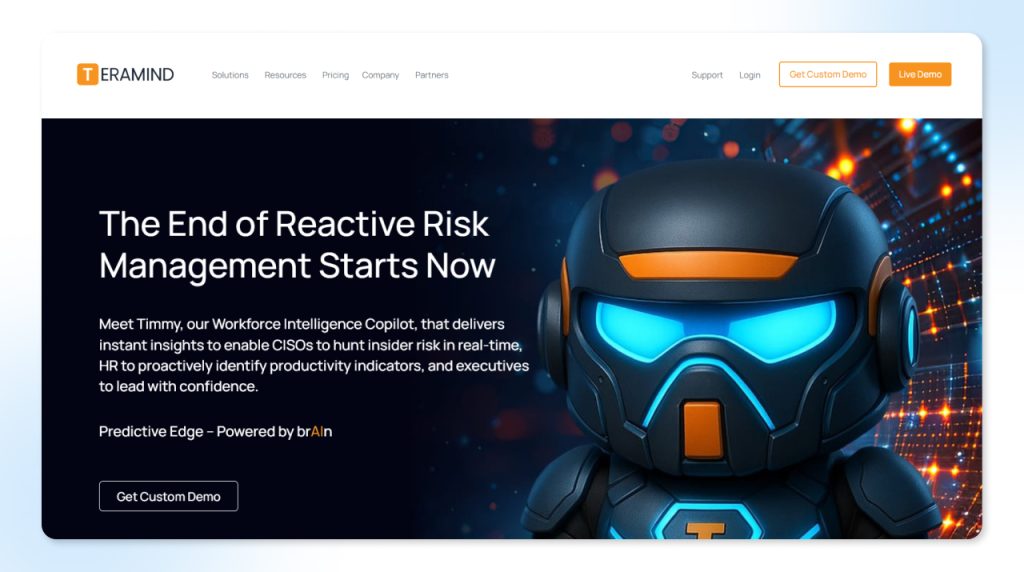
Teramind is a platform that provides employee monitoring and security solutions. Organizations mainly use this platform to analyze productivity and detect insider threats.
Key Features
- Screen recording
- Data protection tools
- Activity monitoring
- Behavior analytics and alerts
Pros
- Strong security
- Deep behavioral analysis
- Powerful risk detection
Cons
- Higher learning curve
- If not implemented carefully, this platform can feel intrusive
Pricing
- Starter: Rs.1343 per seat per month
- UAM: Rs.2686 per seat per month
- DLP: Rs.3134 per seat per month
- Enterprise: Contact sales
Best for
Security‑focused BPOs handling sensitive client data.
3. ActivTrak
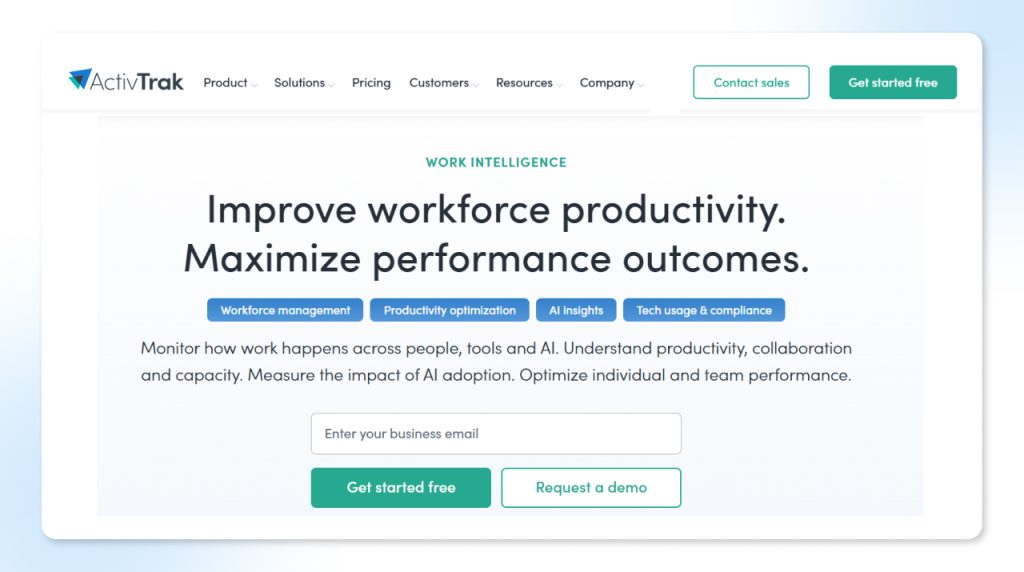
The focus of ActivTrak is on productivity analytics mainly. However, it also emphasizes workforce well‑being.
Key Features
- Offers insights on team performance
- Productivity classification
- Distraction analysis
- Focus time
Pros
- Dashboards are user-friendly
- Balance between monitoring and trust
Cons
- When it comes to workforce scheduling, it offers limited features
Pricing
- Free: $0 per user per month
- Essentials: $10 per user per month
- Essentials Plus: $15 per user per month
- Professional: $19 per user per month
Best for
Small to mid‑sized BPO teams focused on productivity optimization.
4. Hubstaff
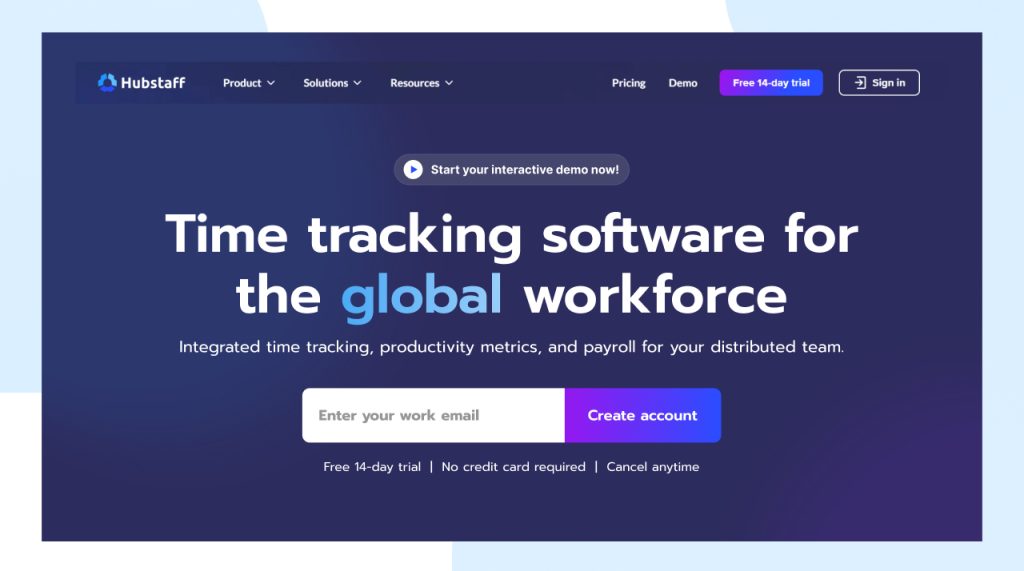
One of the most popular remote team management tools in the market is Hubstaff. It offers activity monitoring and time tracking.
Key Features
- GPS tracking
- Tracks time with screenshots
- Payroll and invoicing integrations
Pros
- User-friendly interface
- Transparent pricing
Cons
- When it comes to enterprise‑grade compliance, it offers limited features
Pricing
- Starter: $4.99 per seat per month
- Grow: $7.50 per seat per month
- Team: $10 per seat per month
- Enterprise: $25 per seat per month
Best for
Small BPOs and distributed teams with basic monitoring needs.
5. ProHance
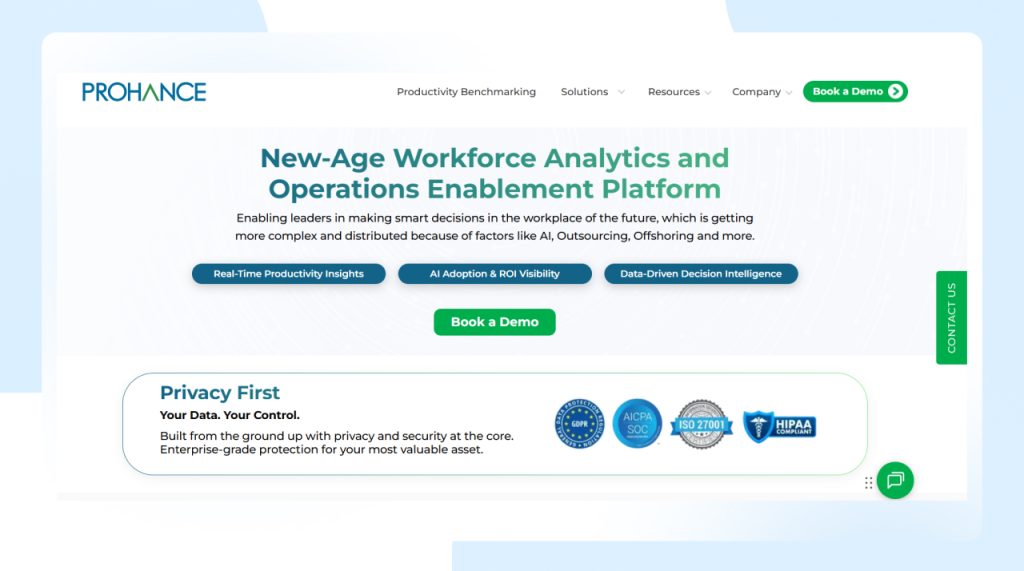
ProHance is another popular enterprise‑level BPO workforce management software that focuses on operational efficiency.
Key Features
- Capacity planning
- Strong workforce analytics
- Utilization and SLA reporting
Pros
- Offers advanced analytics for large operations
- Built for enterprise BPO environments
Cons
- Takes a longer time to implement
Pricing
- Pricing plans aren’t disclosed publicly; however, enterprise pricing is available upon request.
Best for
Large, process‑heavy BPO enterprises.
Top 5 Workforce management tools for BPO
| Tool | Productivity Monitoring | Best for |
| wAnywhere | Advanced | Mid-large BPOs, Large BPO enterprises |
| Teramind | Very advanced | Security-focused BPOs |
| ActivTrak | Moderate | SMB BPO Teams |
| Hubstaff | Basic | Small remote teams |
| ProHance | Advanced | Large BPO enterprises |
How to Choose the Best Remote Workforce Management Tool for BPO
To choose the best remote workforce management tool for your BPO, you need to identify operational needs based on:
- Team size, service type, client expectations, and business goals.
Let’s explore it further:
| Define Your Remote Workforce Needs | Prioritize Features Based on Pain Points | Implementation & Change Management |
| Size of your remote workforce | High attrition rates | Onboarding time for agents |
| Number of shifts and time zones | Meeting client SLAs consistently | Change adoption and communication strategy |
| Nature of work | Inaccurate billing and payroll accuracy | Training hours required for managers |
Conclusion
In 2026, remote and hybrid work in BPOs is a strategic reality, not just an operational experiment. How effectively BPOs are managing distributed teams in 2026 will separate high-performing BPOs from struggling ones. The right remote workforce management tool ensures 360° visibility without micromanagement, enhances productivity across time zones, protects sensitive client data, and ensures compliance at scale. Take contrwol of BPO compliance security today start your free 14‑day trial and experience the difference
Choose the tools that not only align with your business goals, but also with tomorrow’s vision and scalability. Check it out now!
FAQs
How do these tools help increase productivity?
They provide real‑time visibility, identify inefficiencies, and enable data‑driven performance improvements.
Are these tools suitable for non‑voice BPO teams?
Yes, they work well for chat support, data processing, IT services, and back‑office operations.
Do these tools support GDPR/ISO compliance?
Most enterprise‑grade tools offer compliance‑ready features such as audit logs, access control, and policy enforcement.
Can these tools replace traditional call center monitoring?
In many cases, yes, especially for remote and hybrid BPO environments where physical supervision is not possible.

Table of Contents
Boost productivity and compliance with wAnywhere
Read summarized version with