
ACCOUNT SETUP PROCESS
How to Setup Your
wAnywhere Account
Follow these step-by-step instructions to create and configure
your super-admin account professionally and securely.
Go to wAnywhere.com
Go to wAnywhere.com and open the official website to begin your account setup process.
Click on Register
Click on ‘Register’ available on the top right corner of the page.
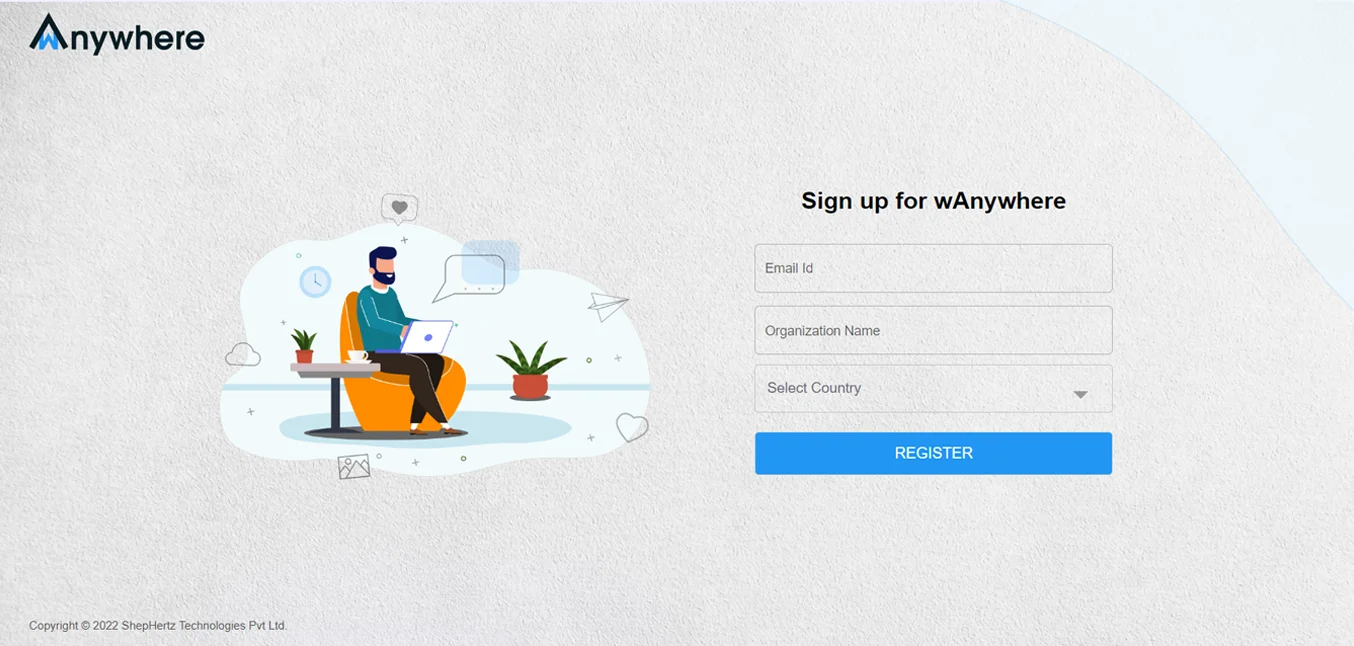
Sign Up Your Account
Sign up by filling out the required details and clicking on ‘Register’.
Sign In Using Email
To sign in you can either go to your registered email ID and use the sign in link in your inbox or head to the sign-in page directly.
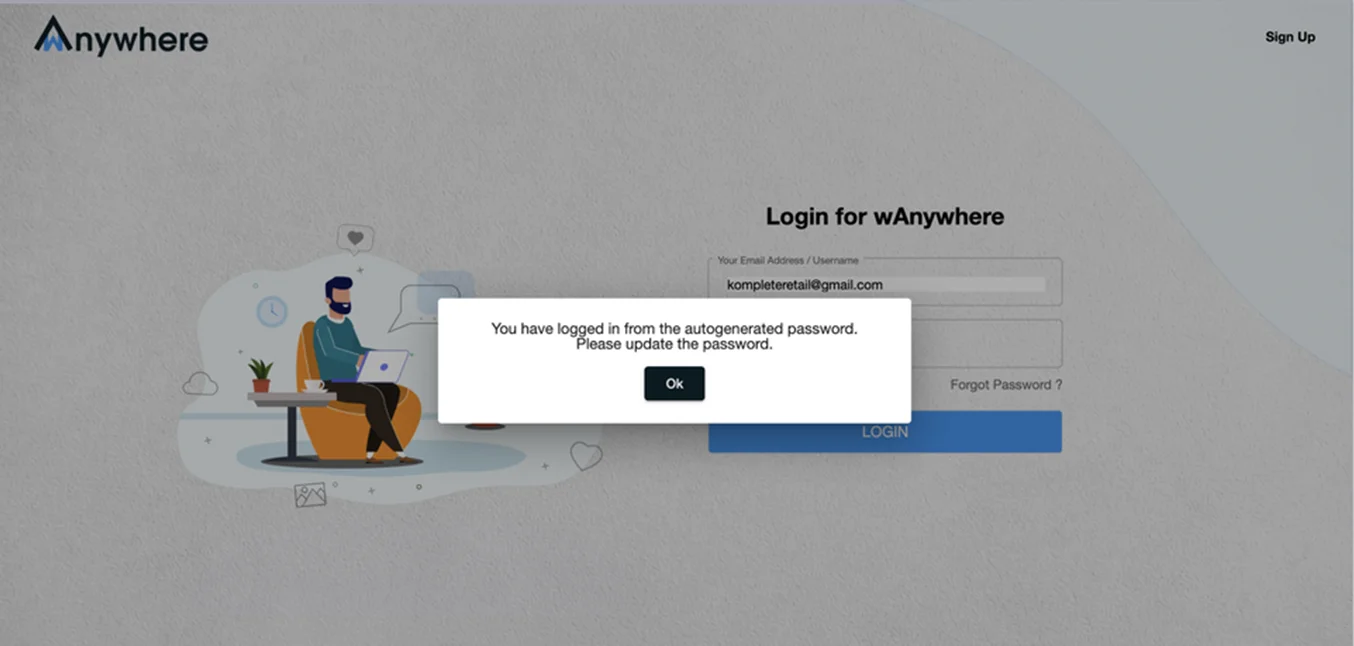
Login with Credentials
Login with the username and password sent to your email and select ‘OK’ when prompted to change password.
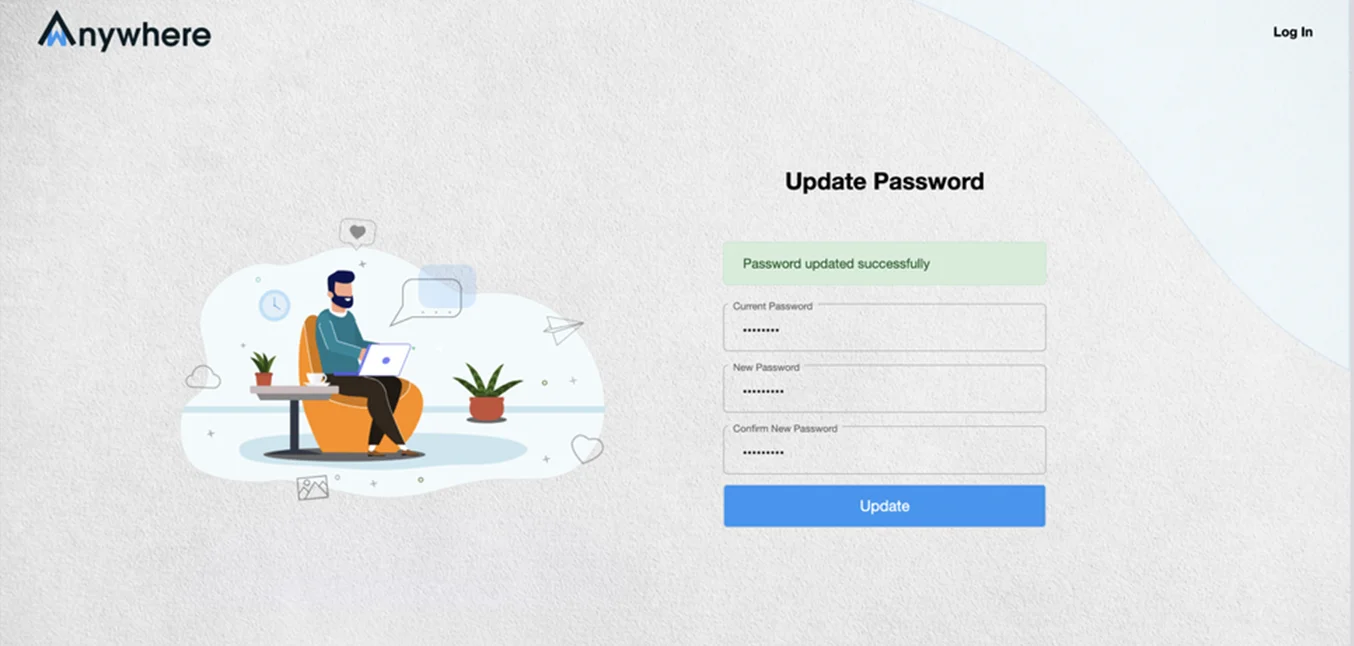
Update Your Password
Under current password, enter the password shared in your inbox, then type out the password you would like to use and click ‘Update’.
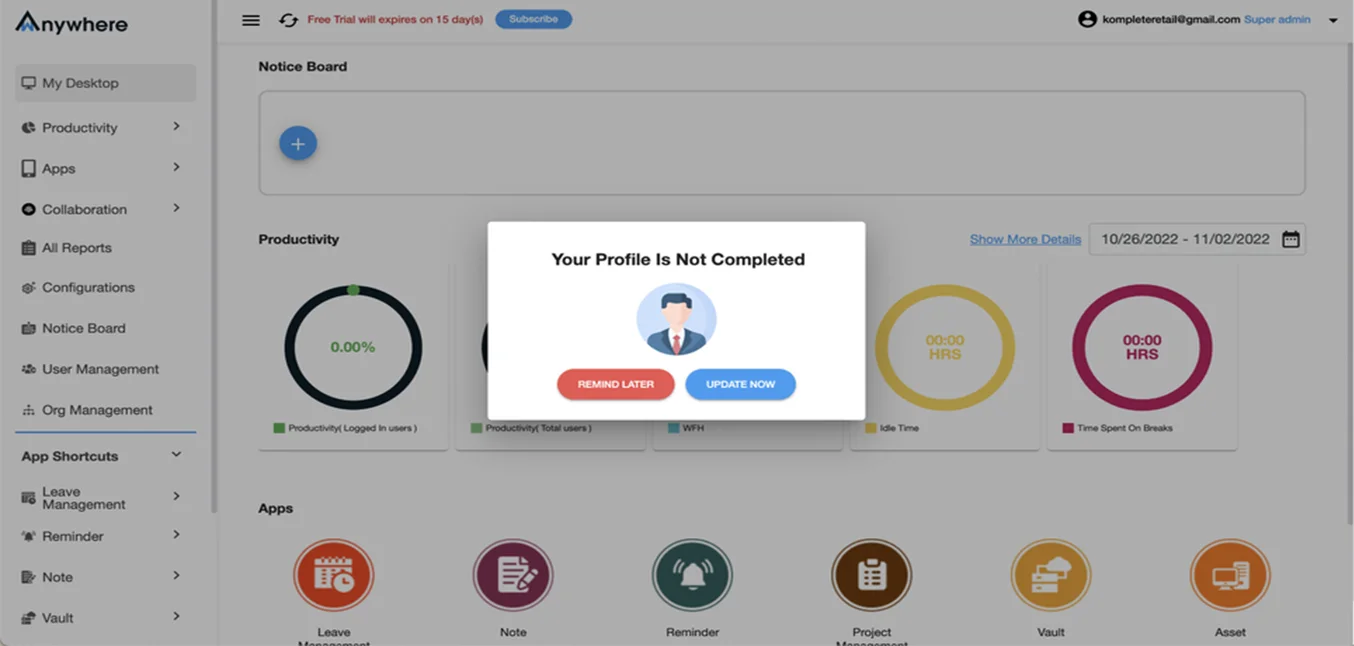
Setup Your Profile
Once you have updated your password, you will be prompted to set up your profile. Select ‘Update now’ on this dialogue box.
Profile Management
Under Profile Management enter the super-admin’s details and press ‘Save Changes’. Voila! Your super-admin account is ready.


