
Phones at the desk
A photo of the screen captures customer data in seconds.
wAnywhere call center monitoring software keeps customer PII and payment data safe on every agent seat. Verify agents, stop data leaks and track productivity, on the floor or at home.

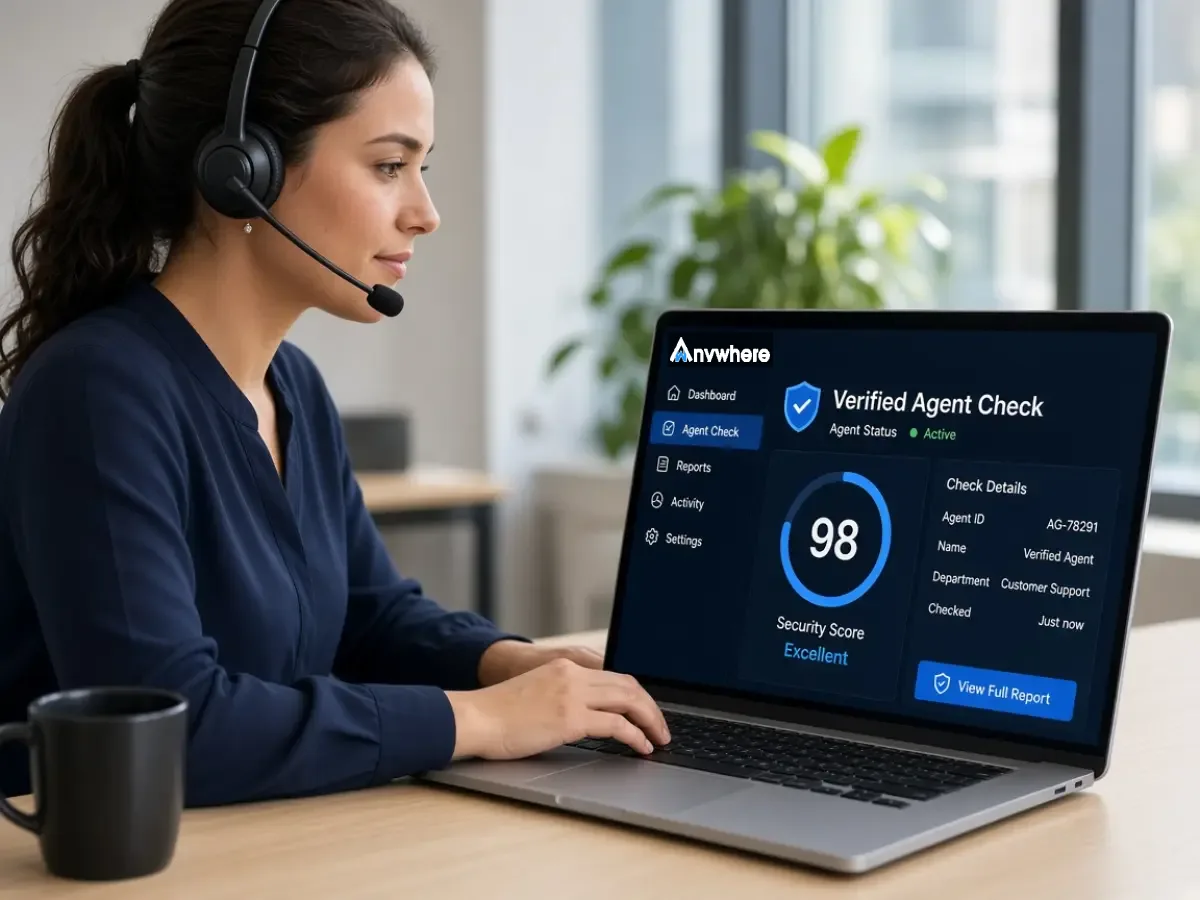
Agents handle card numbers, account details and personal data on every call. When they work from home, the controls built for your floor no longer reach their desk.
A photo of the screen captures customer data in seconds.
Someone other than the verified agent takes calls.
Customer details pasted into personal files or chats.
Unattended screens and thin audit trails turn everyday agent work into client risk.
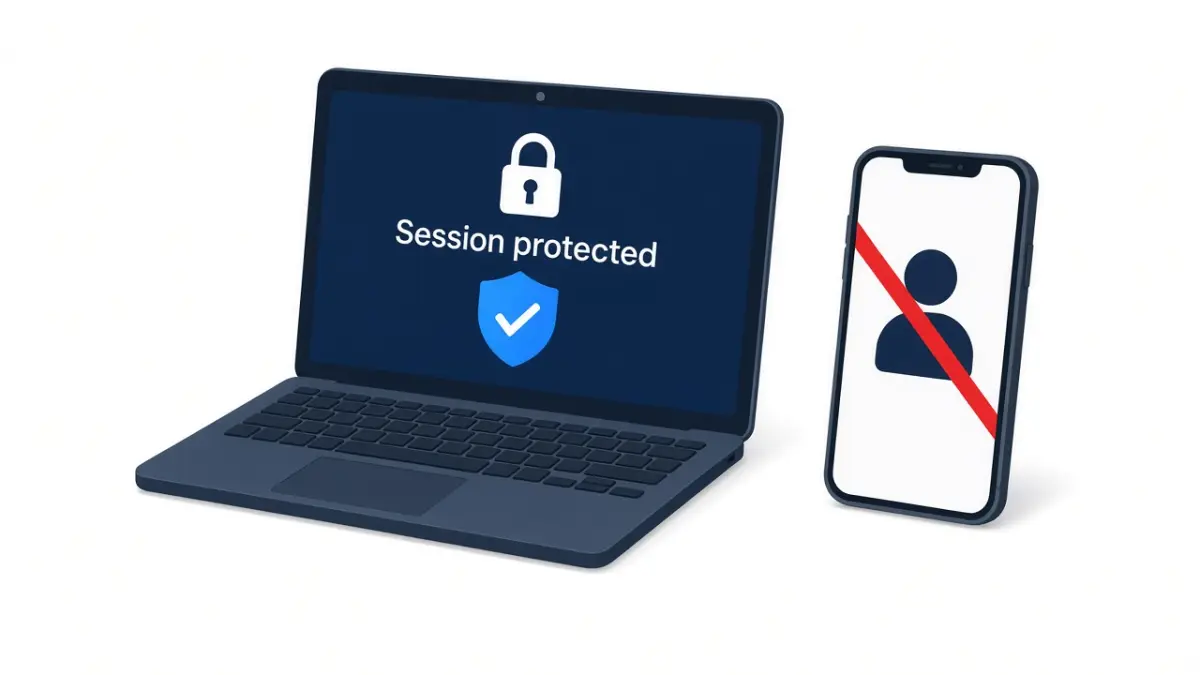
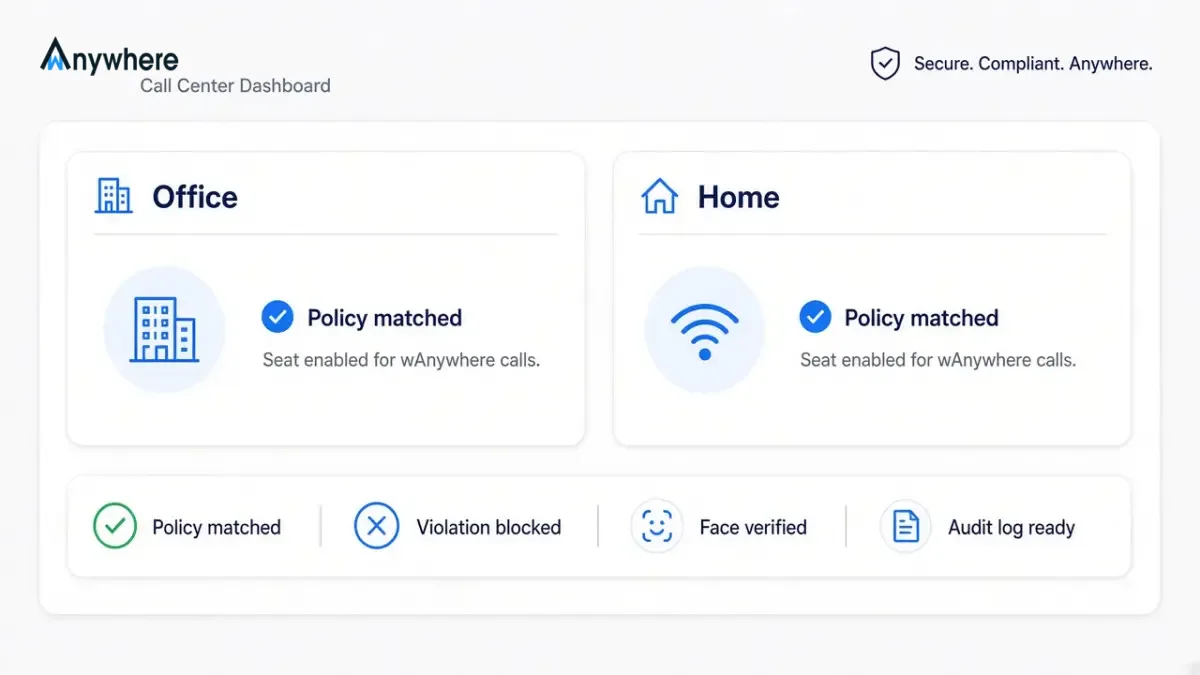
Call center compliance software monitors agent desks and devices to keep customer data handling within policy and client requirements. wAnywhere combines it with productivity tracking in one agent.
Face authentication and unknown person detection.
Mobile, multiple person and not at desk detection.
Copy paste prevention and PII masking.
Login, logout, break, idle and aux time tracking.
Each feature closes a specific risk on the agent desk. Together they give security and operations leads full seat-level control.
Verify agents with AI facial recognition at login and throughout the shift. Only the right agent takes customer calls.
Detect phones, cameras and extra people around the agent’s screen. Shoulder surfing and photos are stopped in real time.
Block agents from copying customer data out of approved systems. Card numbers and account details stay where they belong.
Mask personally identifiable information on screen. Agents see only what each call needs.
Trigger a black screen, OS lock or OTP verification on any violation. Response happens in seconds, without a supervisor.
Track login, logout, aux, break and idle time for every agent. Shift adherence and SLA reporting run on accurate data.
Every event is logged by agent, device and time. Client and regulator audits start with evidence.
Watch wAnywhere verify an agent, catch a phone at the desk and lock the screen in real time.
Set your policy once and wAnywhere applies it to every agent. Three steps take you from rollout to audit.
Install wAnywhere on agent devices and set rules for identity, desk and data handling.
AI checks each seat in real time and acts the moment a rule is broken.
Dashboards show productivity and compliance for every agent, ready for clients.
Contact center risk sits across security, operations and compliance. Each team gets a clear benefit.
Stop photo, clipboard and proxy agent risks. Automate response on every seat and apply one policy across office and WFH agents.
Track aux, break and idle time against shift targets. Scale work from home seats and keep clients with stronger data controls.
Prove every seat meets client data requirements. Pull logs for any agent, campaign or date and cut audit prep.
If a client is asking how customer data is protected on home seats, Book A Demo and see the evidence wAnywhere produces.
wAnywhere fits the way your contact center runs today. These setups use it most.
Protect customer data across your own floor and remote agents.
Give each client proof that their data is handled to contract on every seat.
Secure card, loan and account data handled during customer calls.
Roll out to a pilot campaign and see contact center security and productivity on one dashboard.
Contact center security is the set of controls that protect customer data handled by agents, on the floor and at home. It includes identity verification, desk monitoring and data loss prevention.
Call center compliance software helps with audits by logging every agent, device and violation event. wAnywhere lets compliance teams pull these logs and reports on demand.
Yes, wAnywhere monitors work from home and in-office agents with the same policy. Identity, desk and data controls apply wherever the agent logs in.
Yes, wAnywhere tracks agent login, logout, aux, break and idle time alongside its security controls. Operations and security teams use the same dashboard.

wAnywhere ChatBot
Online

