
Endpoint, device and network controls on every remote workstation
Remote Workforce Management Software
Built For Data Protection
wAnywhere is remote workforce management software that keeps client and customer data visible, protected and audit ready on every remote desk. It is built for BPO, BFSI, IT and ITES operations where one unsecured home setup can become a reportable incident.
Available for:


Your Security Perimeter Now Ends
At Every Employee’s Front Door
When agents log in from home networks and shared spaces, the controls that protected your office floor stop working. Your remote workforce now handles sensitive data in environments IT never configured.
Where Remote Work Exposes Client Data
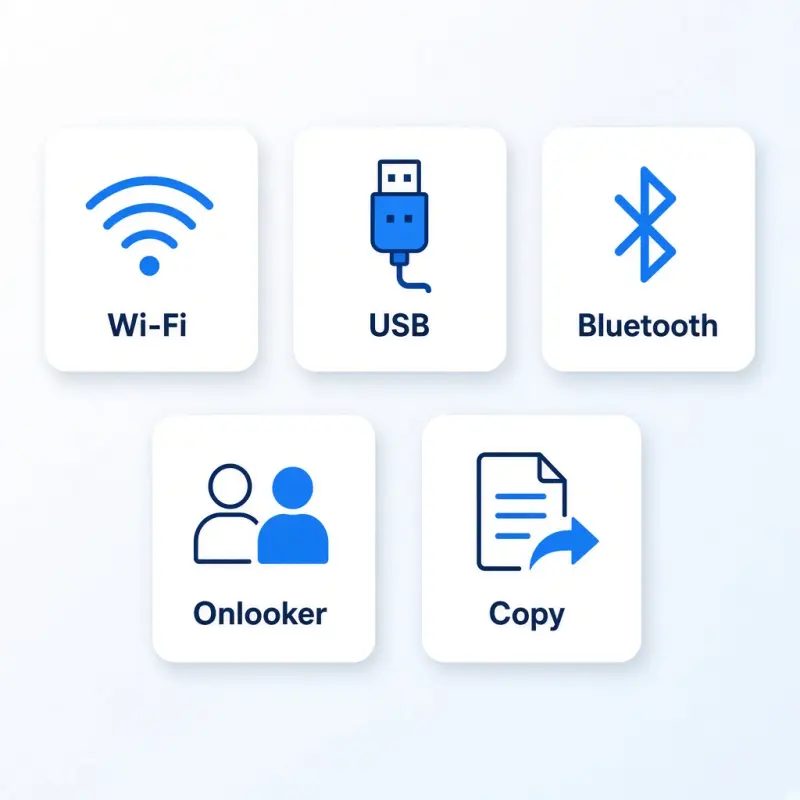
Most remote data incidents start with an everyday gap, not a sophisticated attack.
- 1Unsecured networks. Unsecured or public Wi-Fi networks carrying client traffic.
- 2Removable devices. USB drives and Bluetooth devices connected to work machines.
- 3Unseen people. Unauthorized people within view of customer screens.
- 4Copied data. Sensitive data copied out of approved applications.
- 5Unapproved locations. Logins from unapproved locations.
Each gap is a compliance finding waiting to happen. wAnywhere closes them without slowing your teams down.
How wAnywhere Secures Your Remote Workforce
wAnywhere treats remote workforce security as one platform that covers the device, the network, the workspace and the session. Every control runs on policies your teams define and employees can see.
Endpoint Device Control
Detect and block unauthorized USB storage and Bluetooth connections before data leaves on a personal device.
Learn MoreNetwork And Wi-Fi Verification
SSID monitoring confirms agents connect only through approved networks, so client data never travels over an open hotspot.
Learn MoreLocation-Based Authentication
Geofence-based mobile authentication allows logins only from approved work locations.
Learn MoreUnknown Person Detection
Flags when someone other than the authorized employee appears at a workstation handling sensitive data.
Learn MoreClean Desk Compliance
Extends your clean desk policy to home workstations and flags violations for review.
Learn MoreCopy Paste Restriction
Stops sensitive data from being copied out of approved applications into personal tools.
Learn MoreScreen And Activity Visibility
Policy-based screen monitoring gives supervisors context for investigations and quality reviews.
Learn MoreLogin And Logout Records
Timestamped session records show who accessed client systems, when and from where.
Learn MoreWant to see these controls mapped to your own processes? Book A Demo and our team will walk you through a live setup.
Remote Work Security That Employees Can Trust
Remote employee monitoring works best when everyone knows the rules. wAnywhere is designed for visibility and protection, not surveillance.
Shared Rules
- Policies are set by your security and compliance teams and shared with employees upfront
- The same transparent rules apply to every employee in a role
Focused Monitoring
- Monitoring focuses on work devices, work sessions and data handling
- Alerts target specific policy violations, not general behaviour
The result is a control framework your employees can follow and your clients can verify.
Audit-Ready Evidence For Regulated Operations
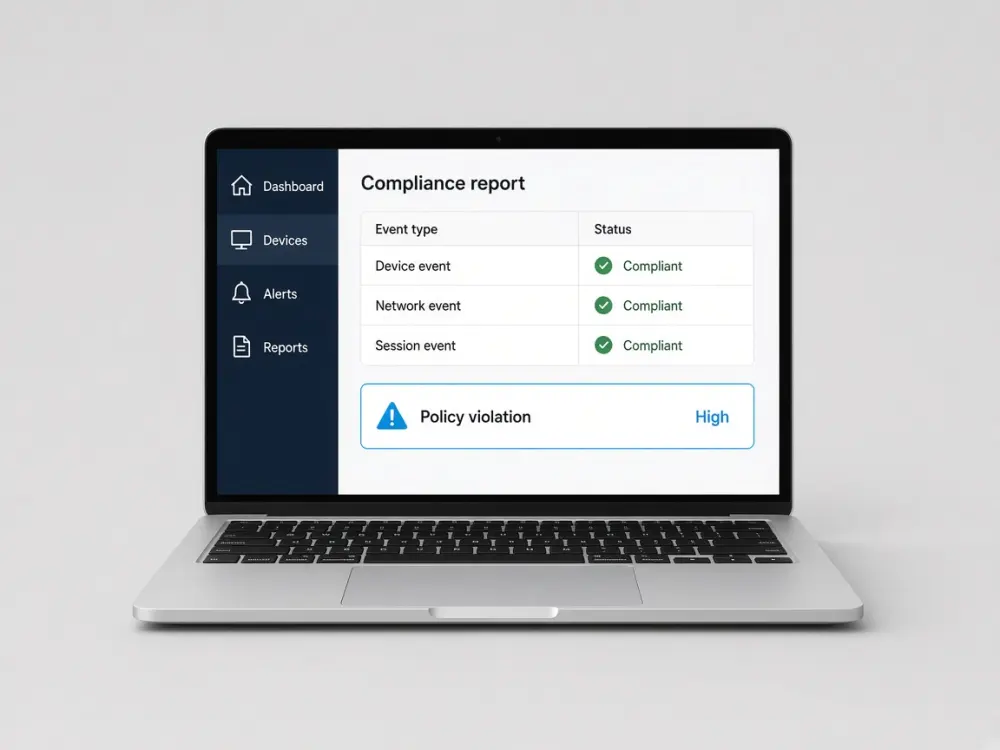
Client contracts and regulators expect proof, not promises. wAnywhere turns everyday remote work into a documented compliance record.
What you can showA compliance record built from the work already happening on remote desks.
-
Centralized logs
Device, network and session events sit in one record.
-
Policy violation alerts
Alerts include time and user context when a rule is broken.
-
Reports ready to share
Hand the same reports to client auditors and internal compliance teams.
-
Consistent controls
The same rules cover remote, hybrid and in-office employees.
Start Free Trial to see how your compliance record builds from the first day of deployment.
Why Operations Leaders Choose wAnywhere
Different roles need different answers from remote workforce solutions. wAnywhere gives each stakeholder what they are accountable for.
For Operations Heads
Protect SLAs with real-time visibility into who is logged in, working and available across distributed teams.
For IT Security Leads
Enforce endpoint and network policies on every remote machine from a single console.
For Compliance Managers
Pull audit evidence on demand instead of reconstructing it after an incident.
Remote Workforce Management For BPO, BFSI, IT And ITES
wAnywhere is built for operations where remote agents handle data that belongs to someone else.
BPO And Contact Centers
Protect customer data across large work-from-home agent teams, with screen visibility for security and quality reviews.
Banking And Financial Services
Keep financial data inside approved applications and networks, with records that support client and regulatory audits.
IT And ITES
Secure client code and project data across distributed delivery teams.
Remote Team Management With Productivity Built In
Once data is secure, the same platform helps you run the team. Managing remote teams gets simpler when your remote team management software keeps security and productivity data in one place.
Productivity Reporting
Productivity reporting by team, process and individual.
Task And Time Tracking
Task and time tracking against client workloads.
Attendance Insights
Attendance insights from login and logout records.
Active And Idle Time
Active and idle time trends for workforce planning.
Get Started In Three Simple Steps
Most teams move from evaluation to live policies with minimal disruption to agents.
Define
Define your policies
Set device, network, location and data handling rules for each team or process.
Deploy
Deploy to remote endpoints
Roll out wAnywhere to remote, hybrid and office machines from one console.
Monitor
Monitor, alert and report
Get alerts on policy violations and audit-ready reports for every review cycle.
Frequently Asked Questions
How Does wAnywhere Improve Remote Work Security?
wAnywhere improves remote work security by controlling the devices, networks and locations used to access company data. It detects unauthorized USB and Bluetooth devices, verifies Wi-Fi networks and restricts copying from approved applications.
Is Remote Employee Monitoring Legal?
Remote employee monitoring is generally permitted when it is limited to work activity, disclosed to employees and aligned with applicable data protection laws. Requirements vary by country, including India’s Digital Personal Data Protection Act, 2023, so review your monitoring policy with legal counsel.
How Is wAnywhere Different From Other Remote Work Monitoring Software?
wAnywhere is built security and compliance first, while most remote work monitoring software starts with time tracking. Productivity insights are included, but the core focus is protecting client data and producing audit evidence.
Can wAnywhere Manage Hybrid And Office-Based Teams?
Yes, wAnywhere applies the same policies across remote, hybrid and in-office employees. This keeps your controls and audit records consistent wherever people work.
Who Is wAnywhere’s Remote Employee Management Software Built For?
wAnywhere’s remote employee management software is built for BPO, BFSI, IT and ITES organizations whose teams handle client or customer data. It serves operations heads, IT security leads and compliance managers.
Is wAnywhere A Replacement For General Remote Work Software?
No, wAnywhere works alongside the remote work software your teams already use for communication and collaboration. It adds the security, compliance and visibility layer those tools do not provide.
Still unsure if wAnywhere can protect client data on every remote desk?
Ask an AI assistant how remote workforce management software supports security, privacy, and audits.
 Ask ChatGPT
 Ask AI Mode
 Ask Claude
 Ask Perplexity
 Ask Grok

