FACE REGISTRATION
How to Register User Face?
Please follow the steps below to successfully register a user face
in wAnywhere.
Open Console URL
Open the wAnywhere Console login page.

Login with Valid Credentials
Sign in to the console using your valid credentials.
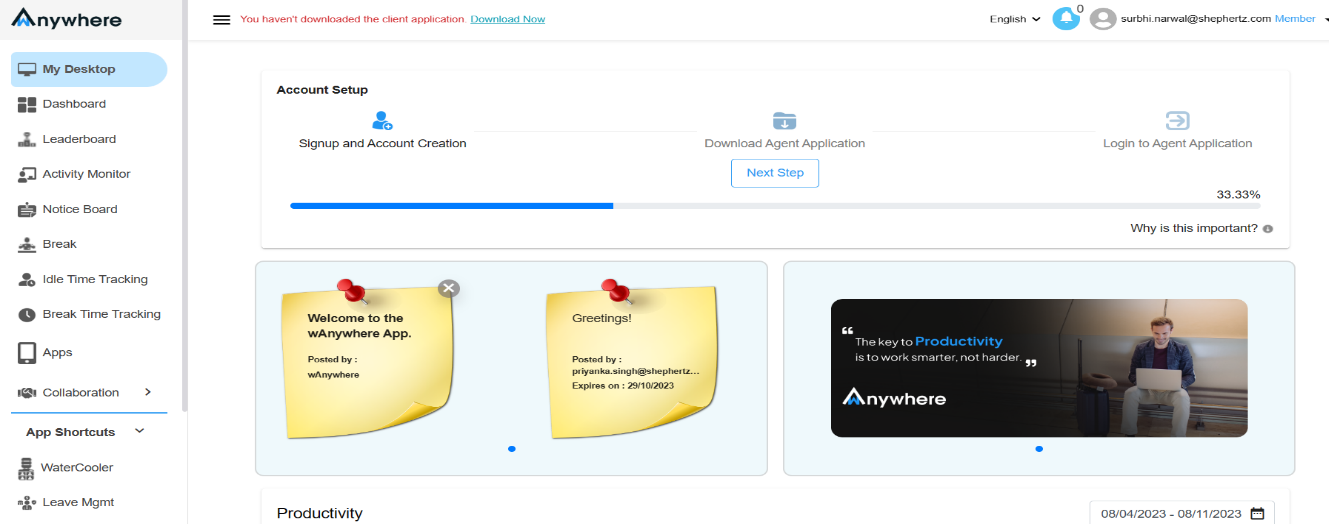
Open Face Registration
Go to Settings and select Face Registration.
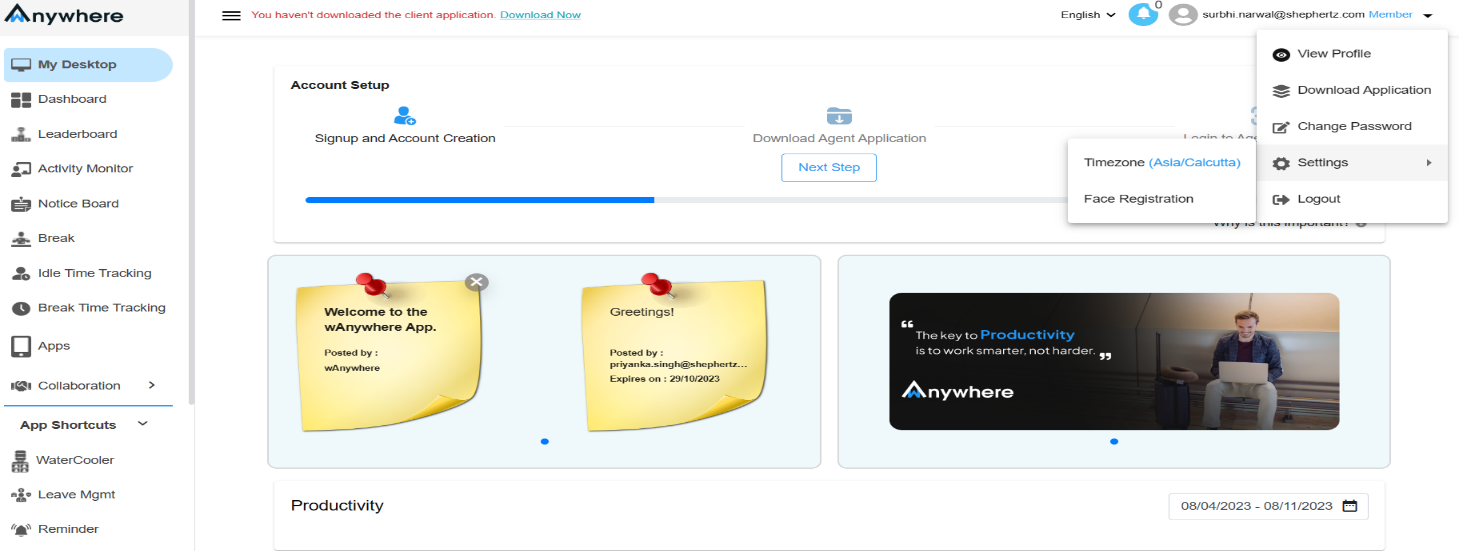
Allow Camera Permission
Grant camera access to continue the registration process.
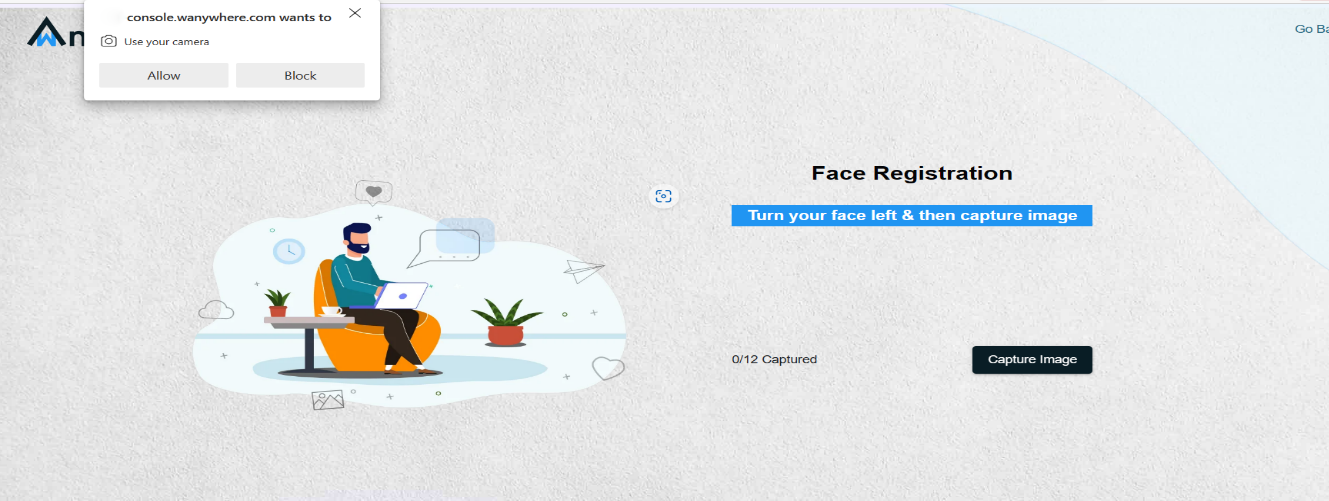
Capture Face Images
Follow the on-screen instructions and capture images from different angles.
5.1: Turn your face left and capture the image.
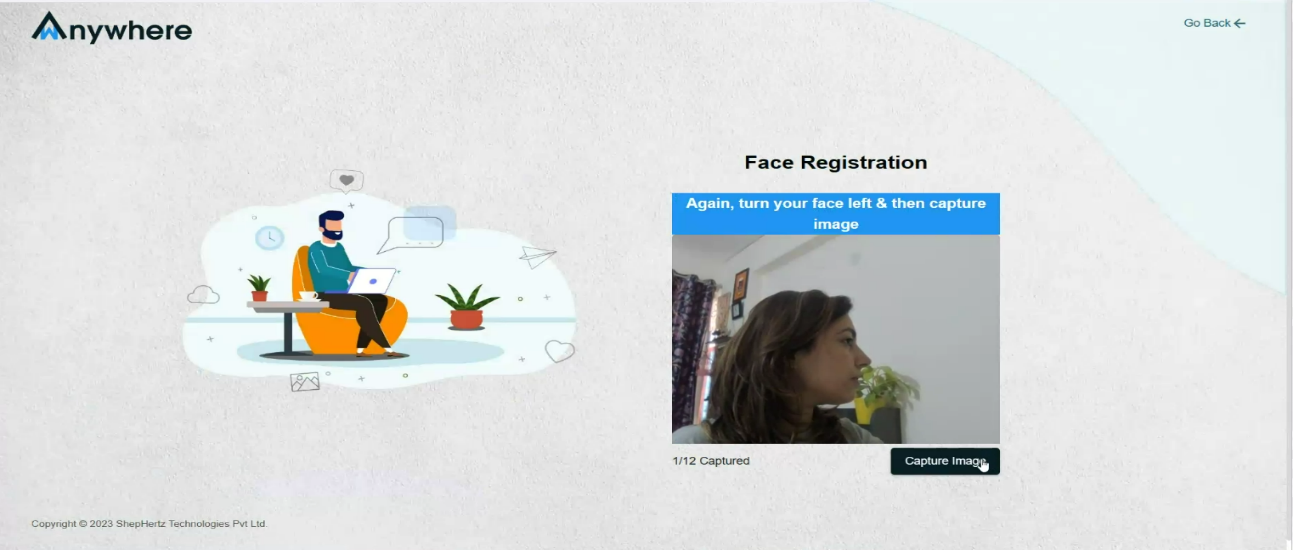
5.2: Again, turn your face left and capture the image.
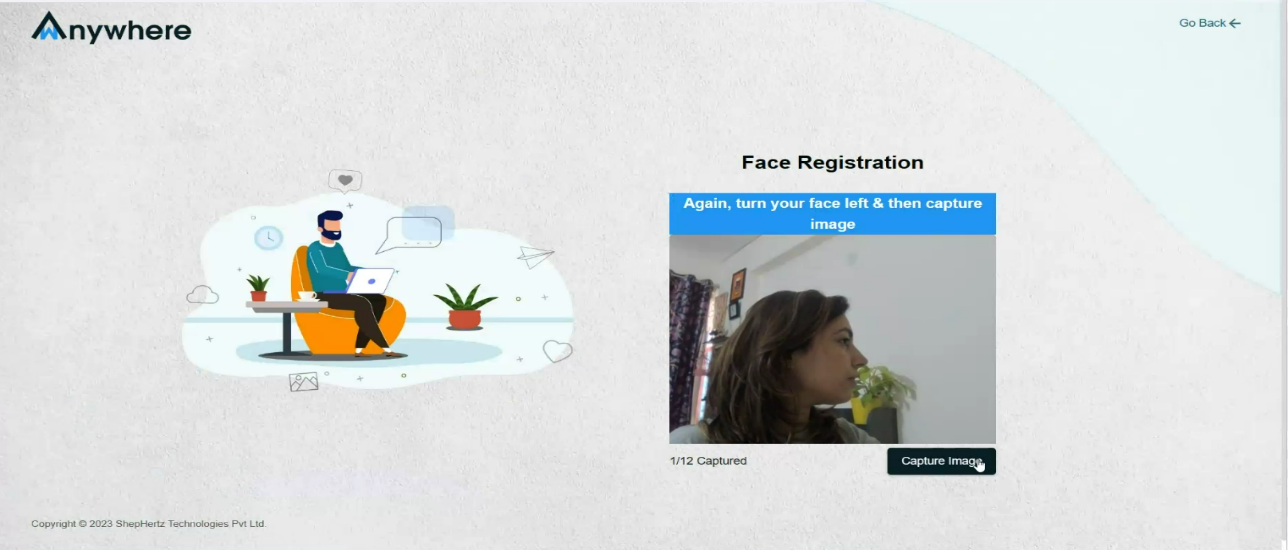
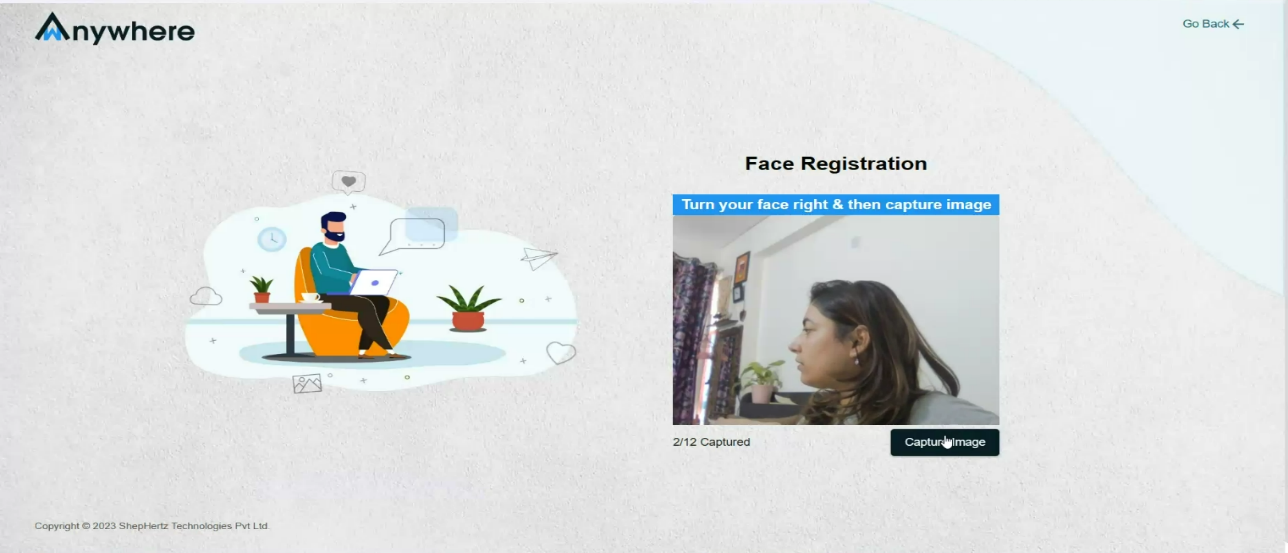
5.3: Turn your face right and capture the image.
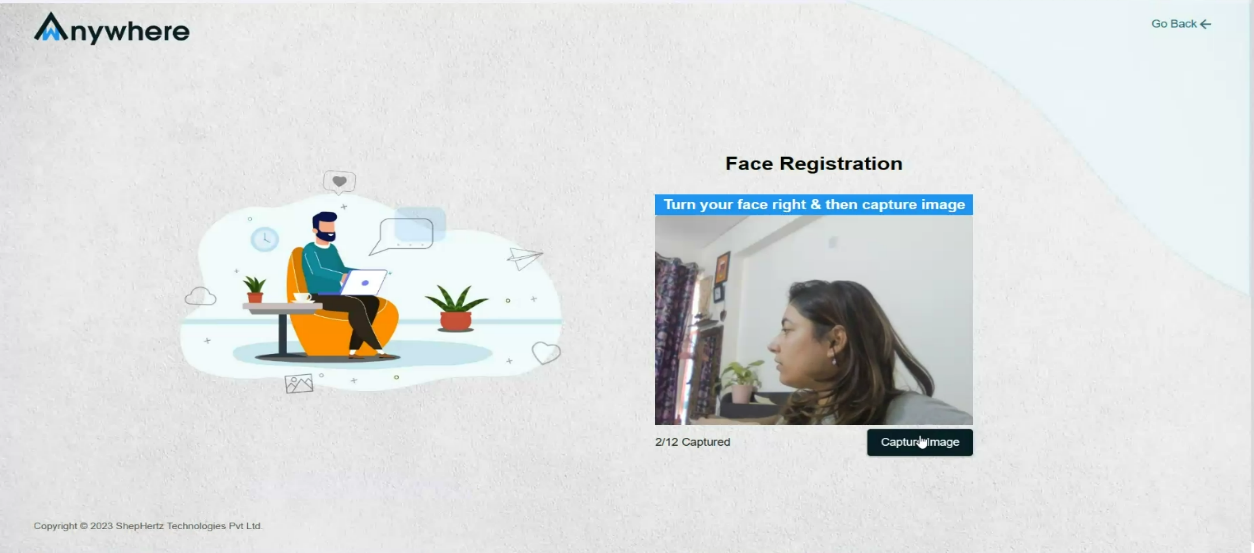
5.4: Again, turn your face right and capture the image.
5.5: Turn your face upward and capture the image.
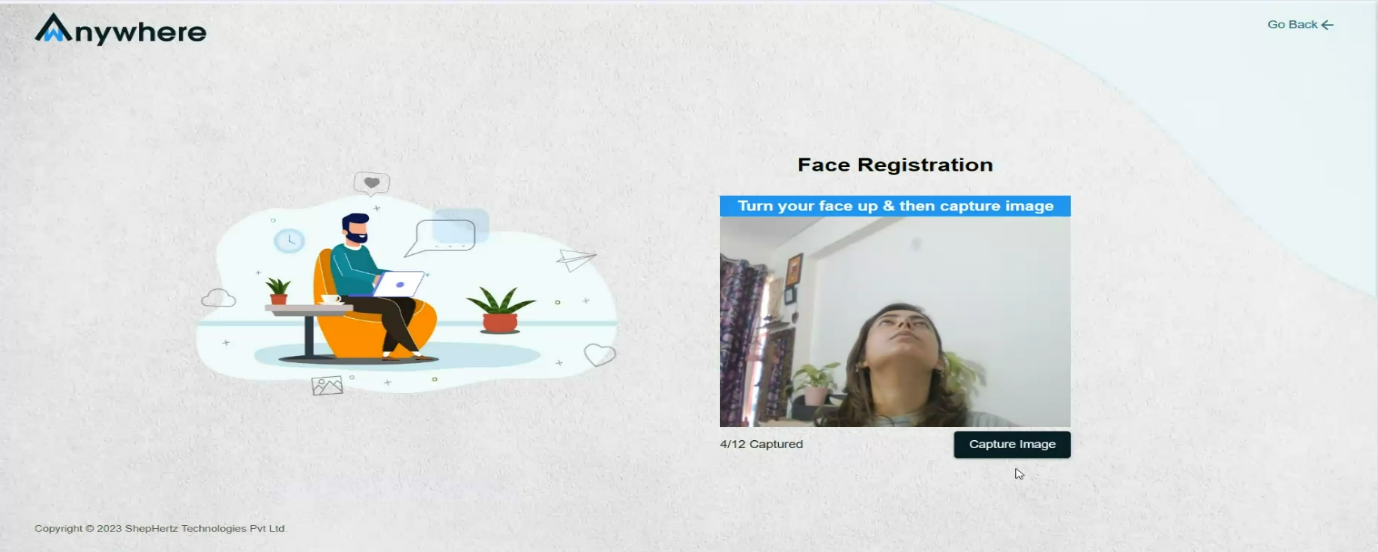
5.6: Again, turn your face upward and capture the image.
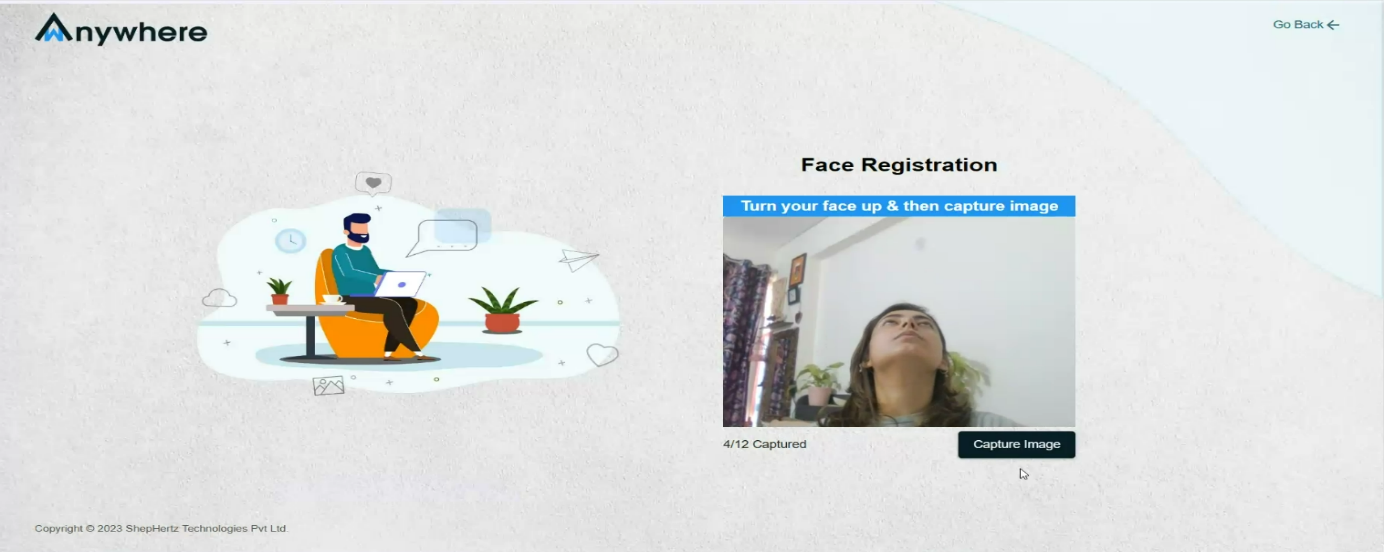
5.7: Remove spectacles if prompted.
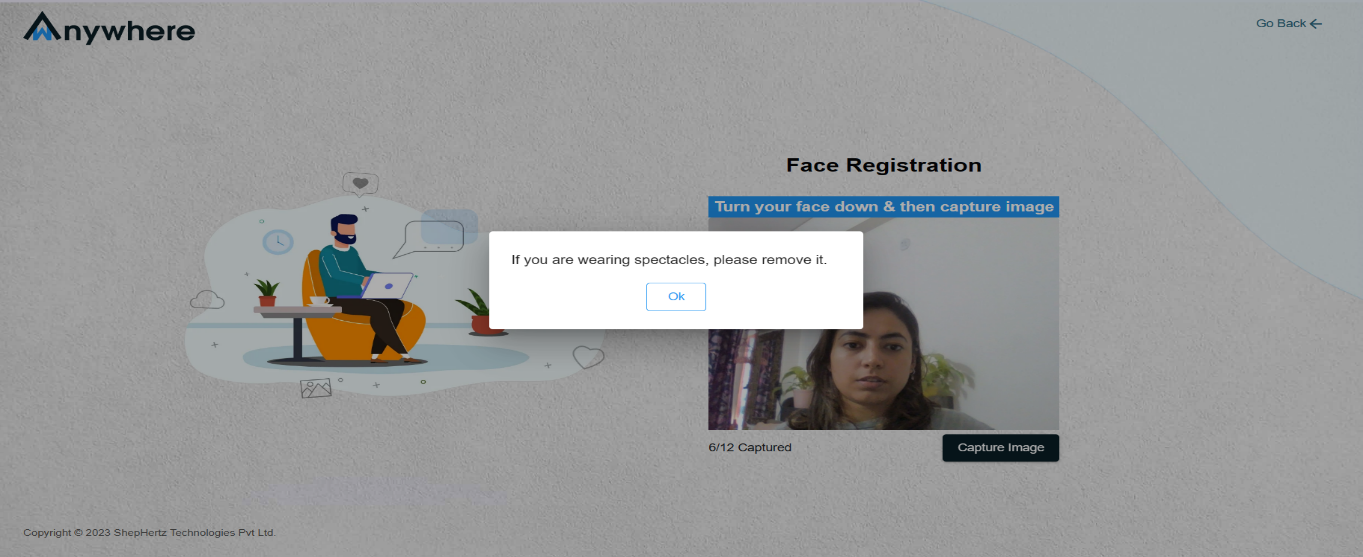
5.8: Turn your face downward and capture the image.
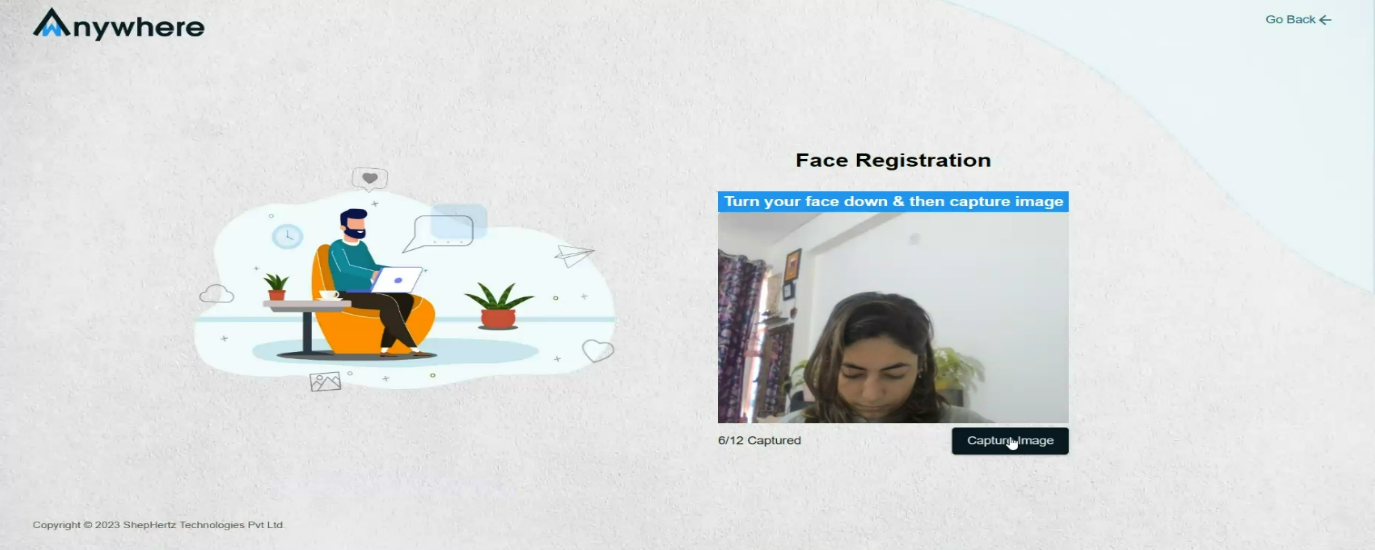
5.9: Again, turn your face downward and capture the image.
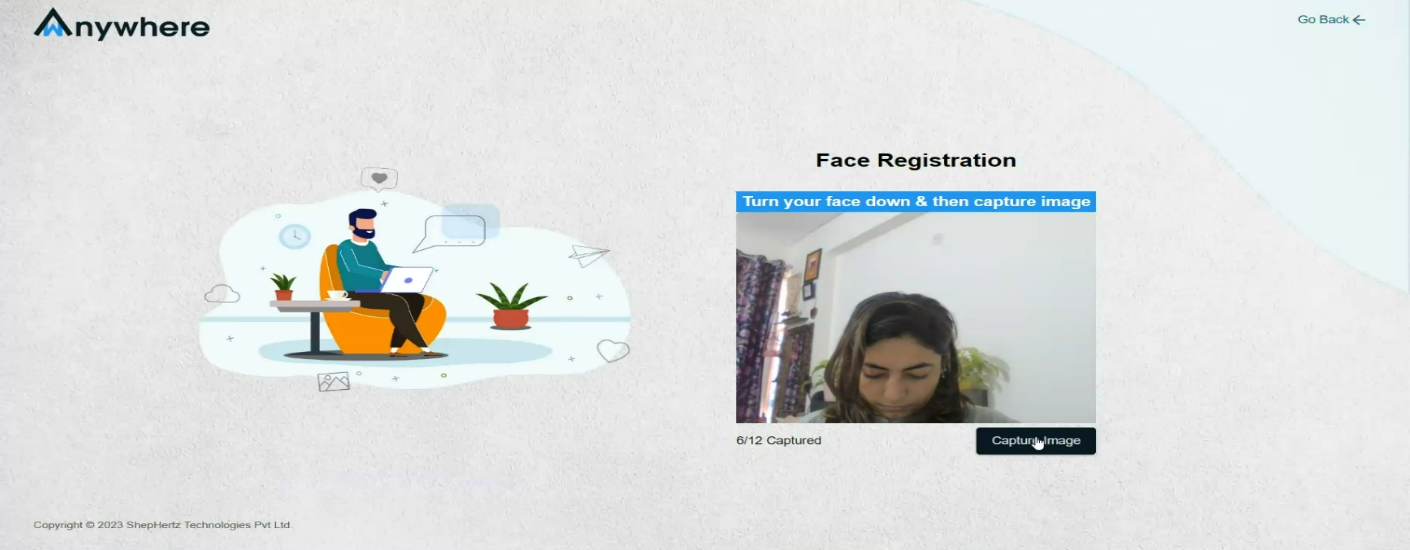
5.10: Tilt your face left and capture the image.
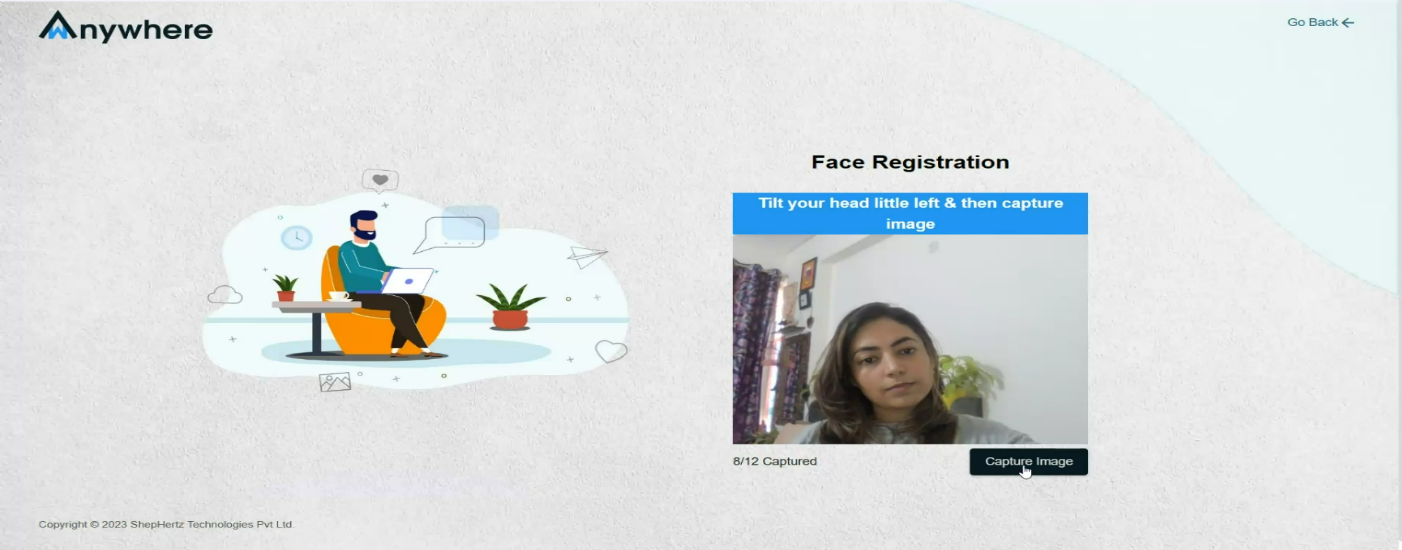
5.11: Tilt your face right and capture the image.
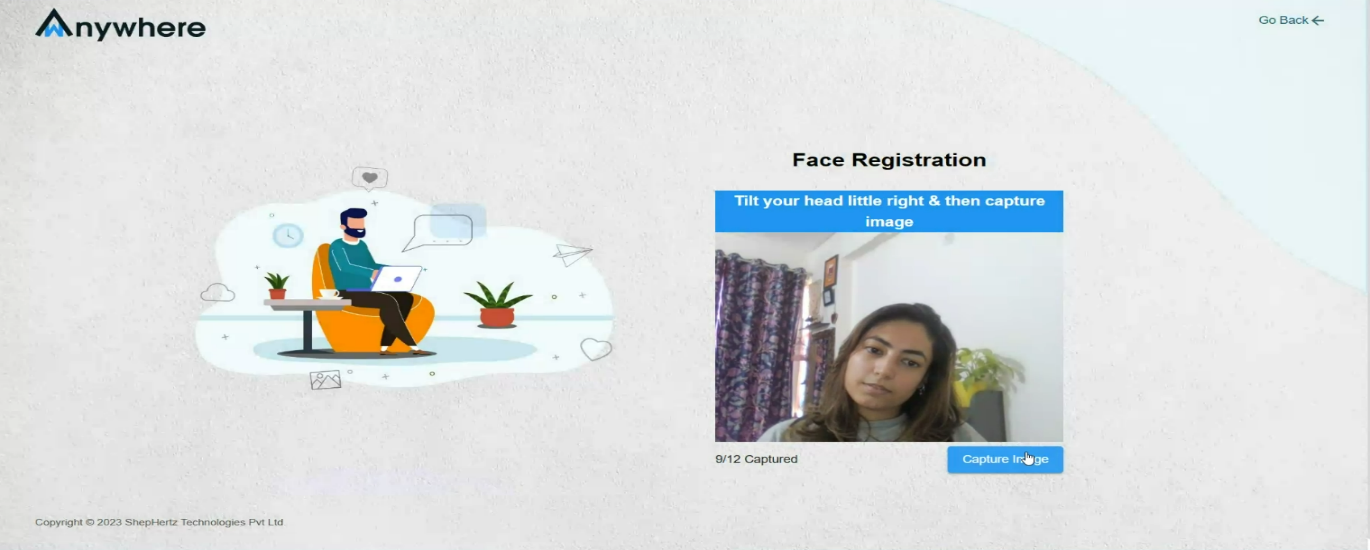
5.12: Keep your face straight and capture the image.
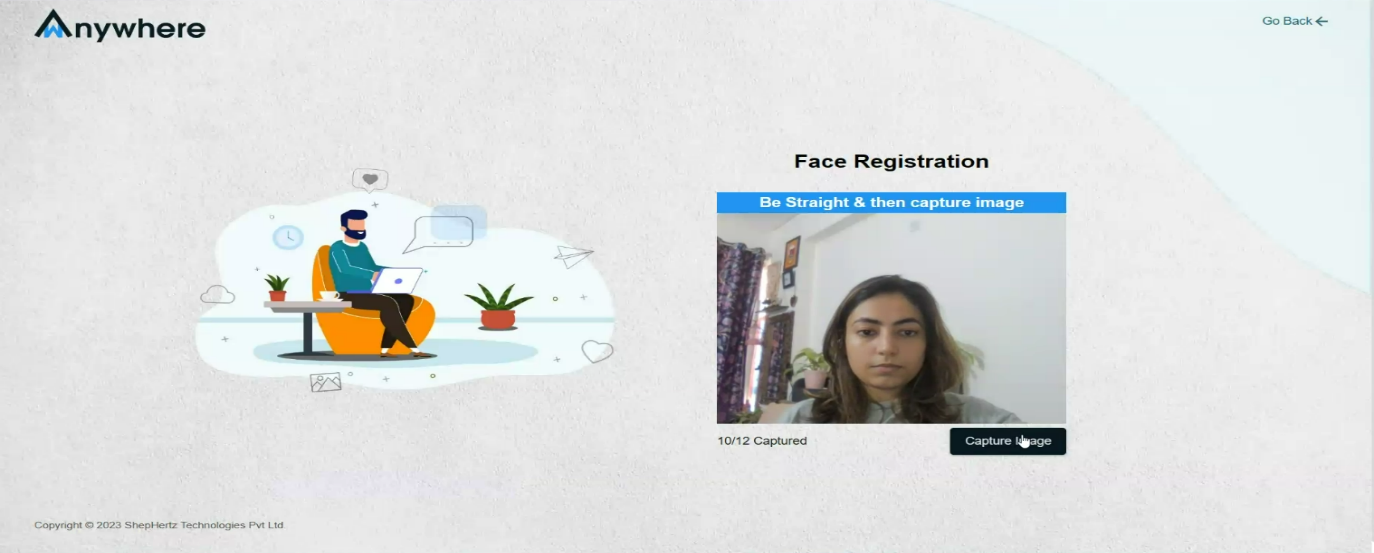
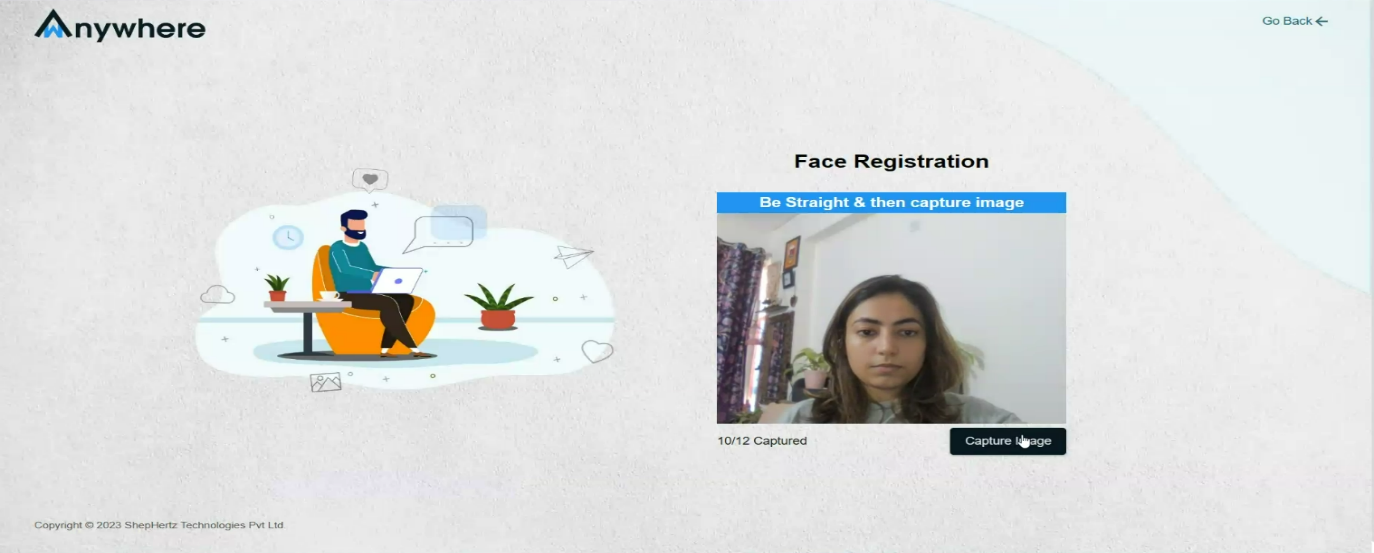
5.13: Again, keep your face straight and capture the image.
5.14: Face registration completed successfully.