REPORTING
Does wAnywhere Provide Reports for Employee Activity?
wAnywhere provides employee activity reports in Excel and CSV formats. Reports can be accessed by all roles except Members.
01
Sign In to the Console
Sign in to the wAnywhere web console using your credentials.
02
Open the Reporting Section
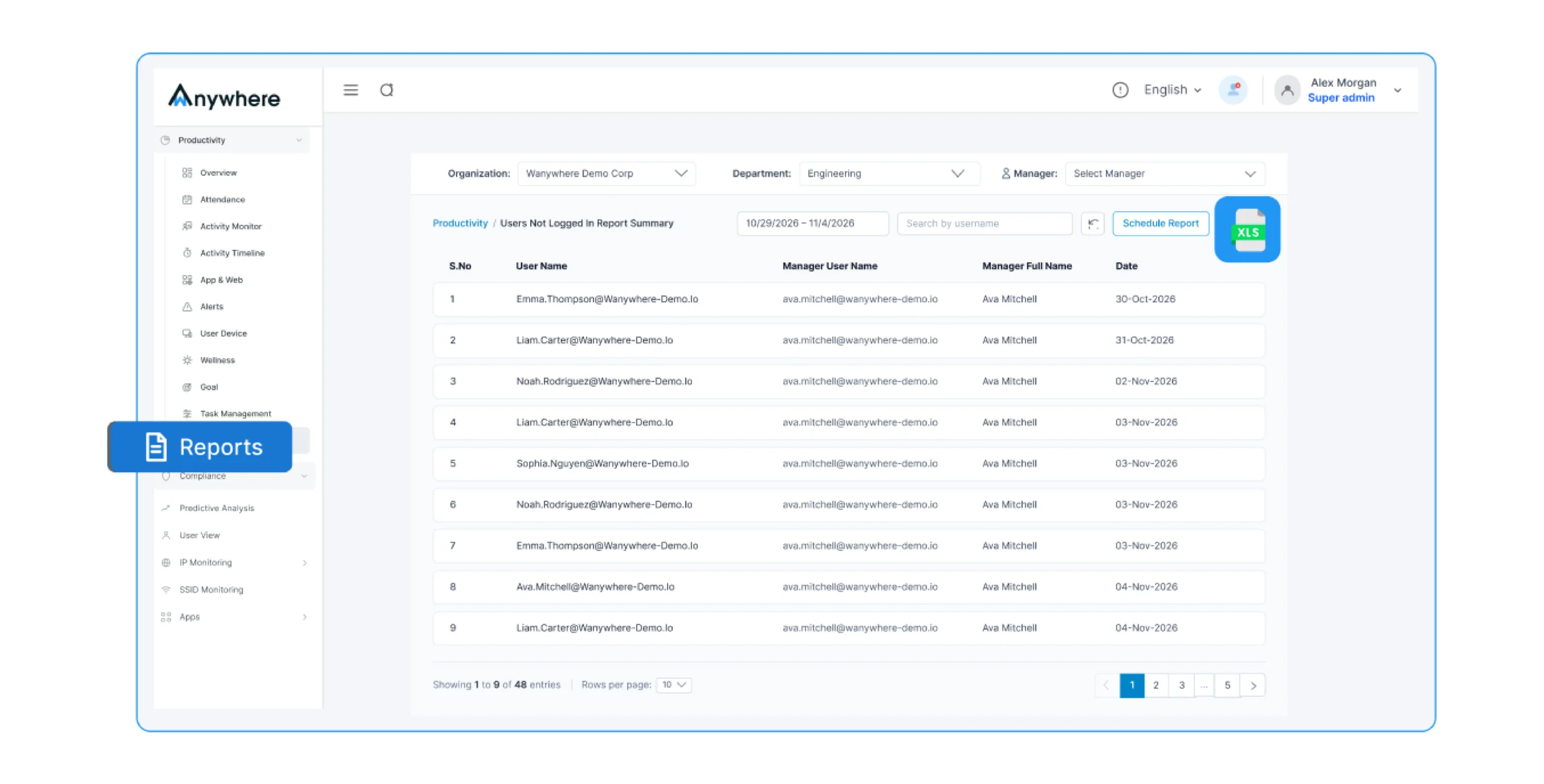
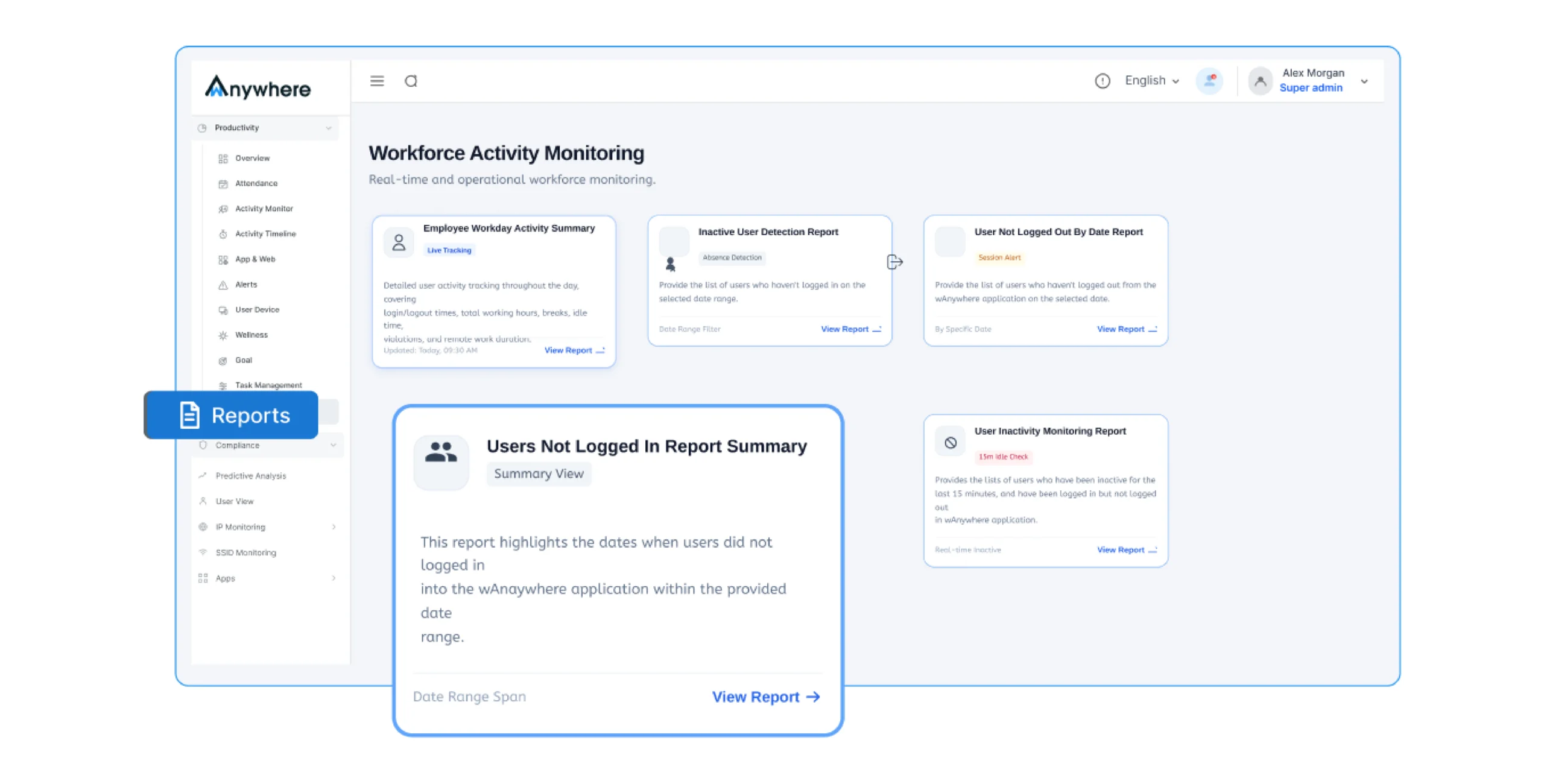
Go to the ‘Reporting’ section to view available reports and select the department for which you want to generate a report.
03
Generate and Export the Report
Select the desired report, choose the required date range, and click on ‘Export To Excel’. The report will be downloaded to your system.