SUBSCRIPTION MANAGEMENT
Can I Upgrade/Downgrade My Subscription Plan?
Yes, Super Admins can upgrade or downgrade the subscription plan, and the changes will take effect immediately.
Sign In as Super Admin
Sign in to the wAnywhere web console as a Super Admin. Only Super Admins have access to subscription management features.
Open My Account
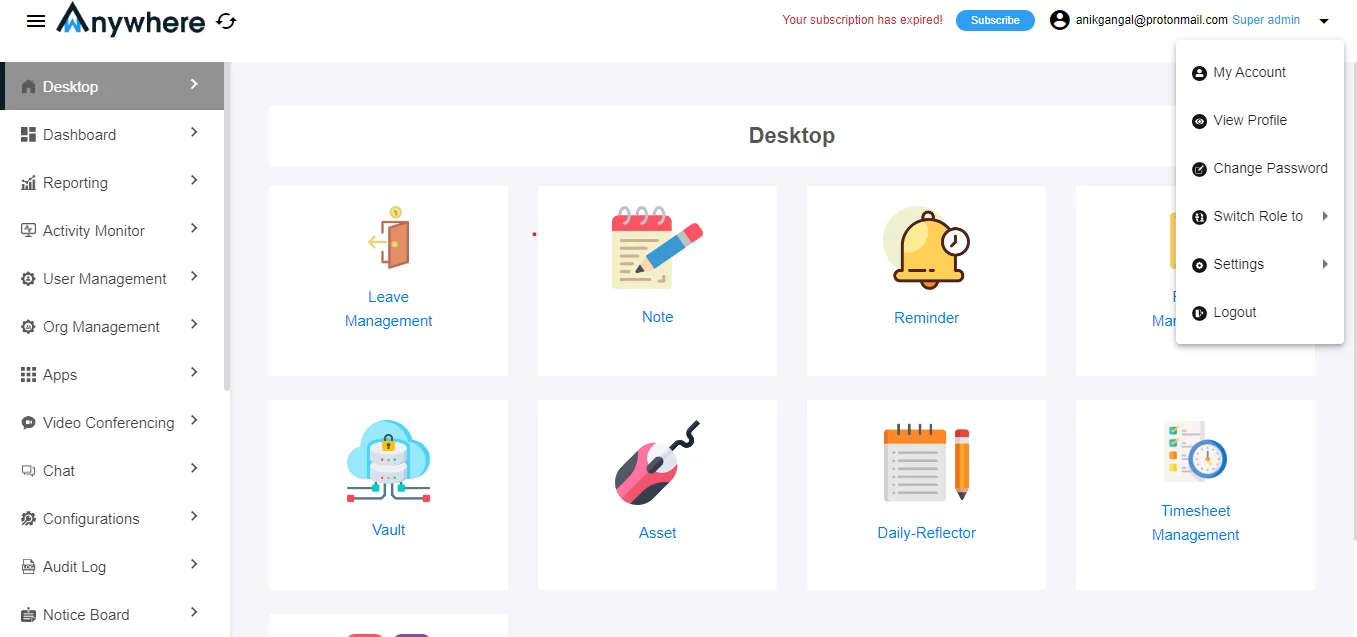
Click the arrow icon in the top-right corner and select My Account from the dropdown menu.
Select Upgrade Plan
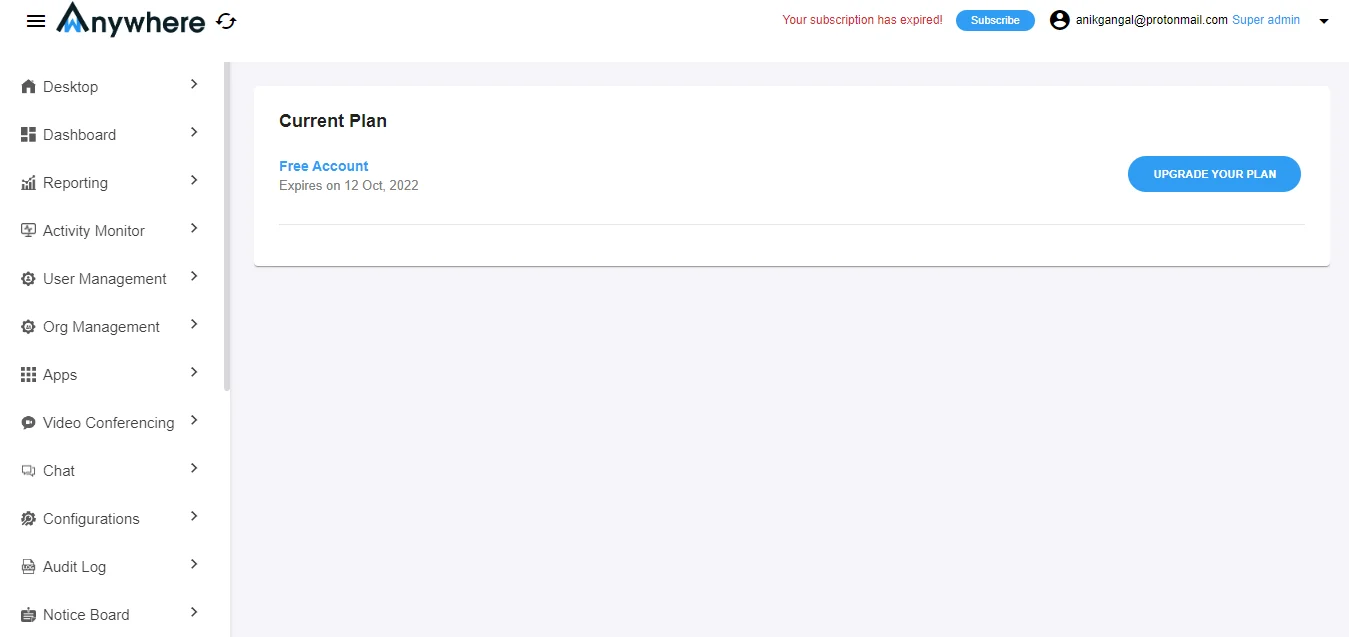
Click on Upgrade Plan to view the available subscription plans and select the one that best suits your requirements.
Complete Subscription Payment
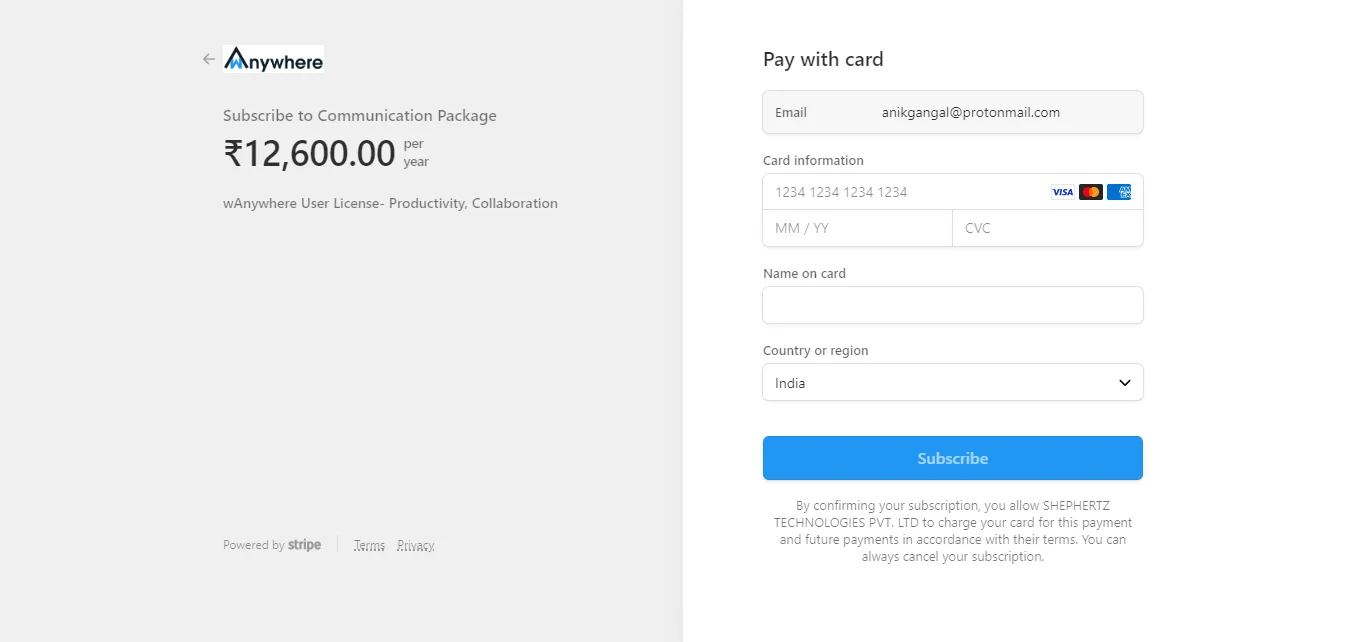
After selecting the desired plan, you will be redirected to the payment page. Enter the required payment details and click Subscribe to activate the selected plan.