REPORTING
Does wAnywhere Provide Reports for Employee Activity?
wAnywhere provides employee activity reports in Excel and CSV
formats. Reports can be accessed by all roles except Members.
Sign In to the Console
Sign in to the wAnywhere web console using your
credentials.
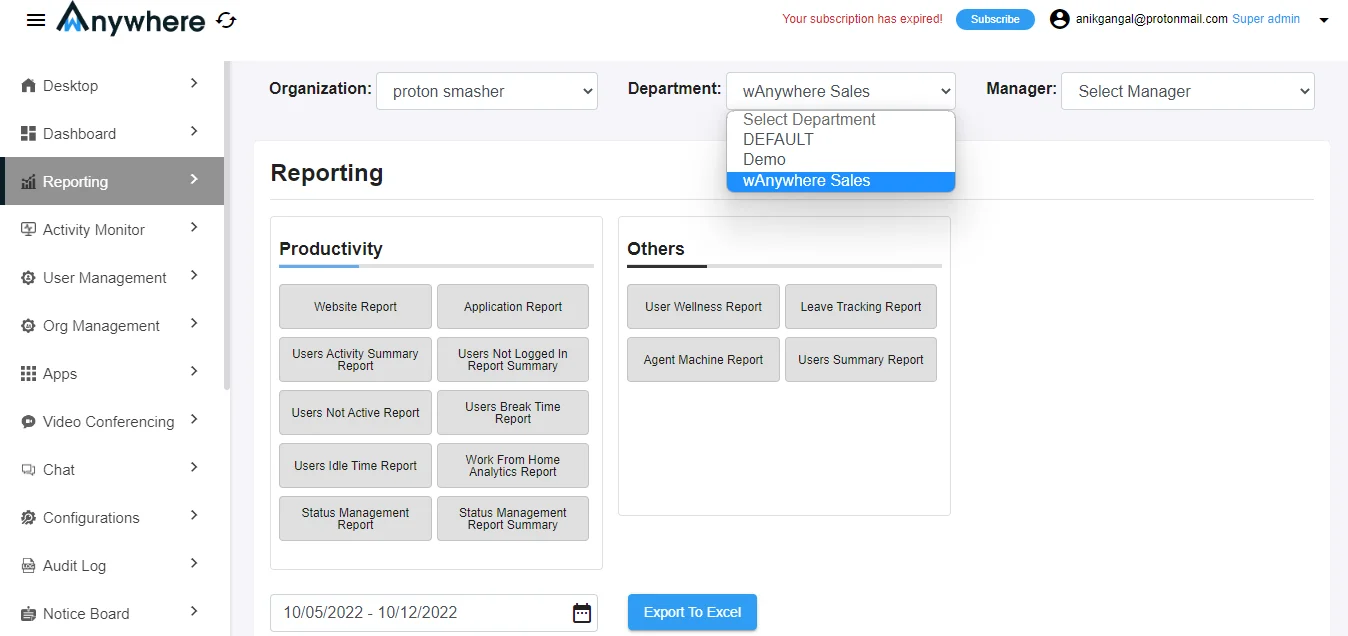
Open the Reporting Section
Go to the ‘Reporting’ section to view available reports
and select the department for which you want to
generate a report.
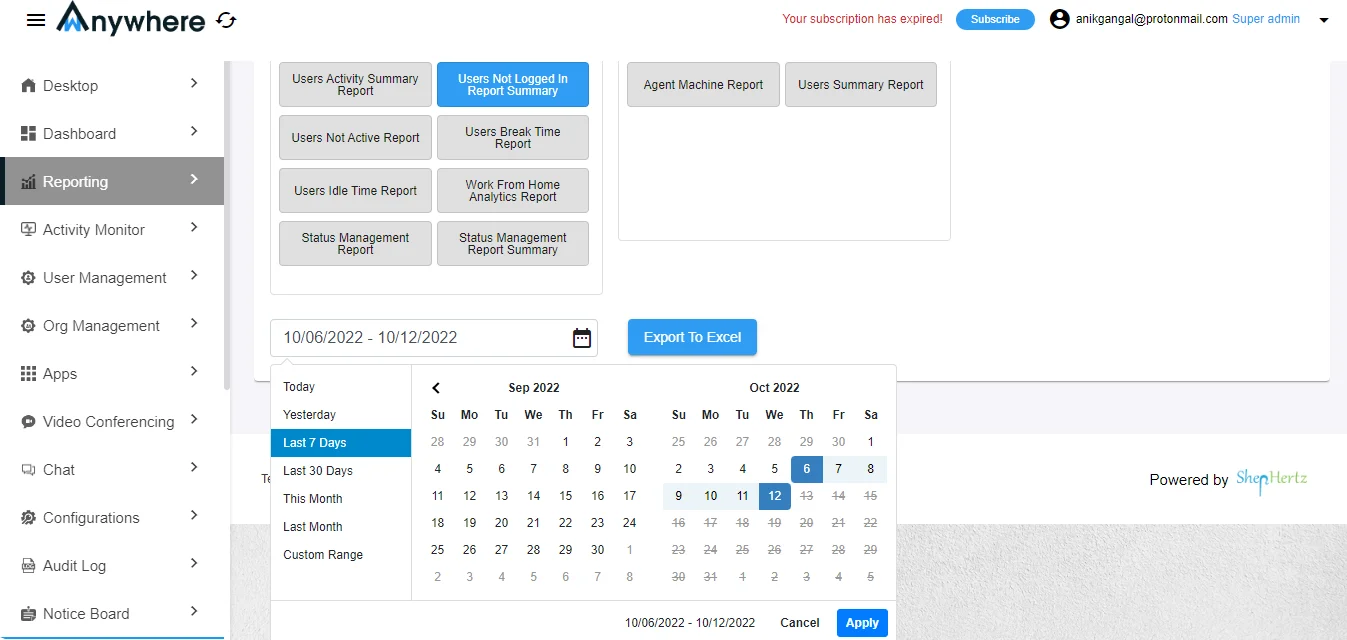
Generate and Export the Report
Select the desired report, choose the required date
range, and click on ‘Export To Excel’. The report will
be downloaded to your system.