 Set as a preferred Google source
Call center monitoring has moved well past spot checks and next-morning reports. Contact centres today run on live screen monitoring, a real-time window into how agents work across office, remote, and hybrid setups. Instead of piecing together what happened after a shift ends, supervisors can see it as it happens, which application an agent has open, how long a call is taking, and where a workflow is starting to slip. That shift from looking back to watching in real time is changing how contact centres manage quality, compliance, and customer experience all at once.
What is live screen monitoring
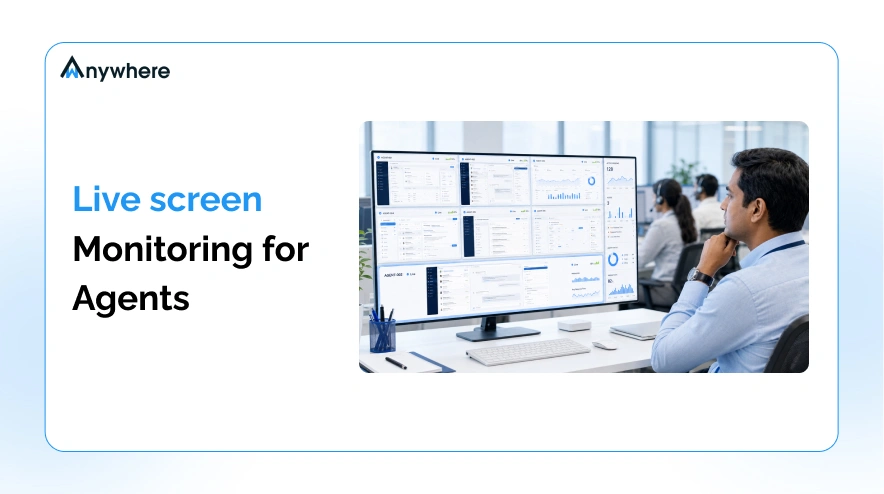
Live screen monitoring is a secure, real-time view of an agent’s desktop that lets authorized supervisors see ongoing work as it unfolds, not a recording reviewed after the fact.
For a contact centre, that means a manager can confirm whether an agent is using the correct CRM screen, following the standard troubleshooting path, or navigating a live payment flow safely, all without interrupting the call. It functions less like a surveillance tool and more like an extension of supervision itself, built for teams that are no longer sitting in the same room. Most call center monitoring systems pair this live view with a dashboard, so a single supervisor can watch several agents at once instead of standing behind one desk at a time.
Also read: Time Theft at Work
Benefits of live screen monitoring
Real-time visibility changes something different depending on where you sit in the operation. Here is what it actually changes day to day.
Improve agent productivity
Idle time and workflow bottlenecks are hard to catch from a report generated the next morning. Live screen monitoring surfaces them while a shift is still running. A supervisor watching for prolonged inactivity, a stuck ticket, or an agent toggling between too many tabs can step in immediately instead of flagging it in a review two weeks later. Over time, that immediacy shortens average handle times and keeps agents focused on the queue in front of them.
Deliver better customer service
Contact centre calls rarely follow a script exactly, and agents handling a complex billing dispute or an unfamiliar product query benefit from a supervisor who can see the same screen they are looking at. Live screen monitoring lets a manager step into that moment, point to the right knowledge base article, or confirm a refund policy, so the agent does not have to put the customer on hold to ask around. Faster, more confident answers on the first call are what customer satisfaction scores actually measure.
Strengthen compliance and security
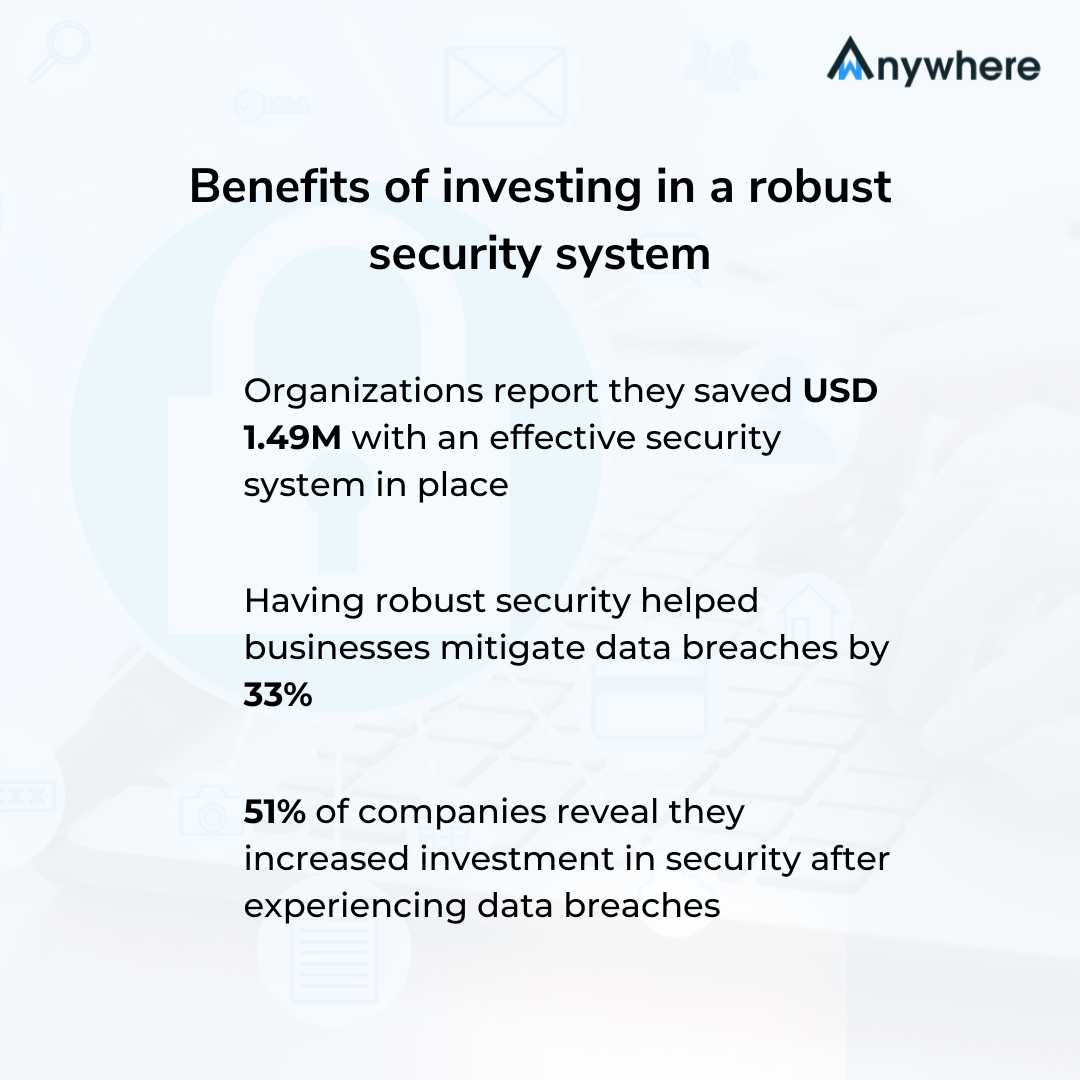
Banking, insurance, healthcare, and BPO teams handle sensitive data on nearly every call, which puts call center quality monitoring and data protection in the same conversation. According to IBM’s Cost of a Data Breach Report 2024, the global average cost of a breach reached USD 4.88 million, the highest figure on record, and breaches caused by malicious insiders were the costliest attack vector at USD 4.99 million on average. Live screen monitoring gives compliance teams a way to confirm agents are working inside approved applications, following required disclosures, and not moving customer data into unauthorized tools. Paired with privacy controls like PII masking and role-based access, it becomes as much a security layer as a coaching one.
Let’s further discuss how integrating screen monitoring in your call center workflows can help align your BPO teams and regulate workplace compliance:
Simplify remote workforce management
A real time monitoring in call center setup does for a distributed team what walking the floor used to do for an in-office one. Supervisors managing agents across cities or time zones get a single dashboard that shows who is active, who is stuck, and who needs a quick check-in, instead of relying on status pings or end-of-day summaries to guess how the shift actually went.
Enable real-time coaching
Performance reviews built entirely on hindsight tend to correct behavior only after it has already reached a customer. Live monitoring moves coaching into the moment. A supervisor watching a new hire’s first week of calls can step in before a mistake becomes a habit, and can reinforce what is already working while it is still fresh. For a call center agent monitoring program built around faster ramp time, that immediacy matters more than the coaching notes that follow.

See every agent’s screen, the moment it matters
Live visibility, real-time coaching, and compliance in one dashboard.
Key features to look for in call center monitoring software
Not every monitoring system on the market is built the same way, and the difference usually shows up in the feature list. A capable call center monitoring system should include:
- Real-time screen viewing across every connected agent
- A multi-agent dashboard for supervising several screens at once
- Secure remote access for supervisors, wherever they are working from
- Productivity analytics that turn screen activity into usable reporting
- Application and website usage tracking
- AI-powered alerts for policy violations or unusual activity
- Role-based permissions so only authorized staff can view sessions
- Audit logs and activity history for compliance review
- Privacy controls such as screen blurring or PII masking
Together, these features are what separate genuine screen monitoring software from a basic remote-viewing tool, and they are worth checking for by name before signing a contract.
Also read: What Compliance Teams Should Look for in BPO Management Software
Best practices for ethical monitoring
Live screen monitoring works best, and holds up best under scrutiny, when it is implemented openly rather than switched on quietly in the background.
- Communicate clearly. Employees should know what is monitored and why, before the first session, not after.
- Put it in writing. A defined monitoring policy sets expectations and protects both the organization and the agent.
- Keep scope work-related. Monitoring should cover business applications and workflows, not personal browsing or unrelated activity.
- Restrict access. Only supervisors and compliance staff with a genuine need should be able to view live sessions.
- Coach, do not just watch. The moment monitoring turns into a scoreboard for penalties instead of a tool for support, teams stop trusting it and start working around it.
Also read: Bluetooth and USB Detection and Prevention
Why modern businesses need live screen monitoring
Customer expectations keep rising, and a contact centre that only reviews performance after the fact is already a step behind. Live screen monitoring closes that gap. Managers catch process deviations before they reach the customer, agents get support in the moment instead of after a complaint, and compliance teams get evidence they can act on rather than reconstruct.
AI adds another layer on top. Instead of a supervisor manually watching every open session, AI-powered analytics can flag unusual behavior, policy violations, or productivity dips automatically, so human attention goes where it is actually needed most.
Stop reviewing shifts after they’re over
wAnywhere gives supervisors a live view of every agent, every session.
How wAnywhere supports live screen monitoring
wAnywhere brings these capabilities together for contact centres managing office, remote, and hybrid agents from one place.
Real-time monitoring gives supervisors a live view of agent screens the moment a shift starts, not a recording to review later. Advanced behavior analytics layer AI on top of that view, flagging deviations from expected workflows so supervisors know where to look first. Because contact centres in banking, insurance, and healthcare cannot compromise on data handling, wAnywhere’s security and compliance controls, including multiple person detection to flag unauthorized viewers near an agent’s screen, are built into the same platform rather than added on separately.
Conclusion
Live screen monitoring is not about watching over agents, it is about being present for them the moment they need it. Done well, it turns workforce management from something reactive, built on reports and after-the-fact reviews, into something proactive, catching issues early, coaching in real time, and keeping compliance intact across office, remote, and hybrid teams alike.
If your contact centre is still relying on end-of-day summaries to understand how a shift went, live screen monitoring is worth a closer look. See how wAnywhere’s screen monitoring capabilities work for your team, or book a demo to see it live.

Table of Contents
Boost productivity and compliance with wAnywhere
Read summarized version with