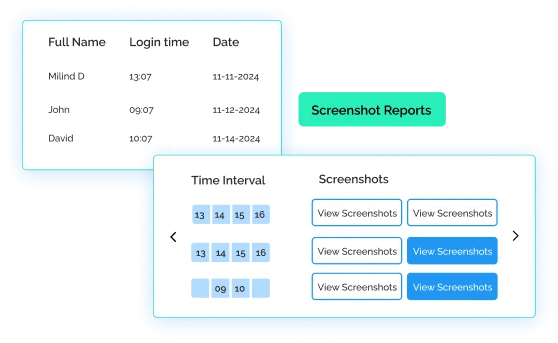
Get Proof of Work at Every Moment with Screenshots
Gain detailed insights by capturing custom screenshots to monitor how your team handles sensitive data, ensuring
strict compliance with regulations.


Aadi Travel

wAnywhere has helped us gain better visibility into workforce productivity and daily activities. Screenshots and usage insights help us identify gaps and improve accountability.

Gluedin
wAnywhere has helped us strengthen productivity, security, and compliance across teams. Its real-time insights make workforce management more secure and efficient.

Sagility Ltd.
wAnywhere helps us strengthen healthcare compliance with proactive monitoring and real-time visibility. It keeps our workplace secure and operations running efficiently.

Jetking Infotrain Ltd.
wAnywhere has improved our workforce visibility and productivity. Its compliance insights help employees stay accountable and follow organizational policies effectively.

Accord Innovations
wAnywhere has significantly improved our team's productivity with real-time insights. It makes tracking performance simple and helps us identify improvement opportunities.

Markiverse Media
wAnywhere has streamlined our ticket management with automated workflows and real-time updates. It improves response times and enhances overall client satisfaction.
Virtual Staffing
wAnywhere gives our remote teams real-time productivity insights and reporting. It improves efficiency while helping us maintain compliance and data security.

Funnl
wAnywhere is a great tool that helps us understand workforce productivity and chip in to address specific issues.
Trust RPO
wAnywhere is a fantastic tool for our business to boost and regulate productivity. It was the right way to go.
+52%
Increase Team Performance
+95%
Increased Productivity
+15%
Improved Attendance
+67%
Increase Security using wAnywhere
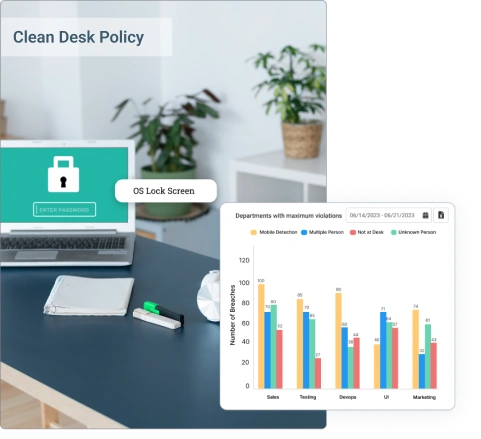
Enforce Clean Desk Policy
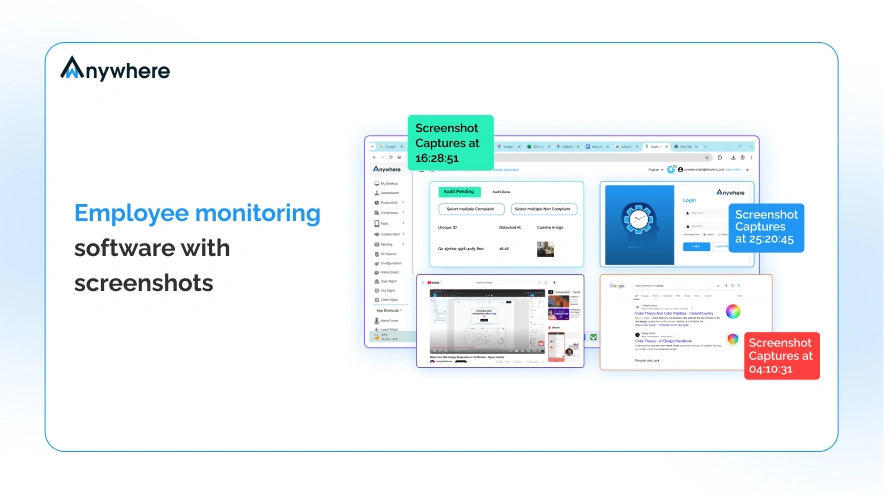
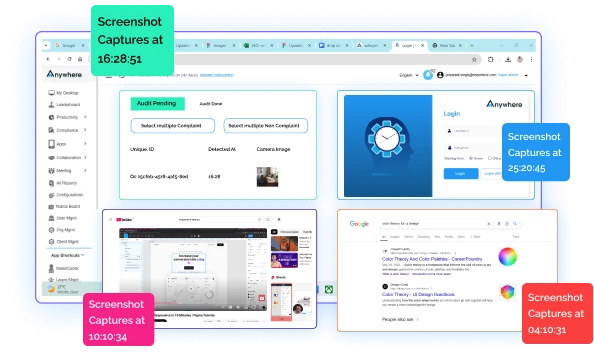
Identify compliant and non-compliant activities of your team with screenshots to avoid potential risks.
Easily check if your employees are misplacing or mishandling confidential information by receiving real-time images of their screens.
Ensure that no data is stored outside the designated software within the system, preventing data retention from unauthorized access.
Easy Cloud Storage Accessibility
Capture and store unlimited screenshots without worrying about storage.
Centralized access to all captured screenshots for seamless collaboration.
Use stacked screenshots for training purposes to show your new employees examples of proper and improper practices of managing sensitive data.
Boost Accountability & Decision-Making
Use captured screenshots as proof to hold your team accountable for not sticking to compliance policies.
Identify the working patterns and behavior of your team to make informed decisions and allocate resources in a better way.
Know what applications your team uses frequently and measure their potential risks to take proactive measures.
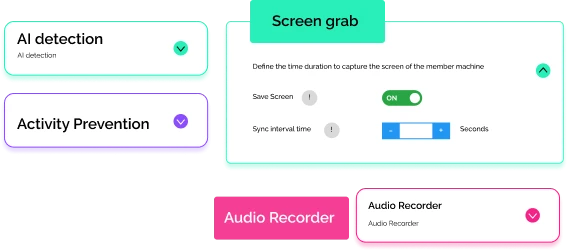
Customize Screenshot Intervals
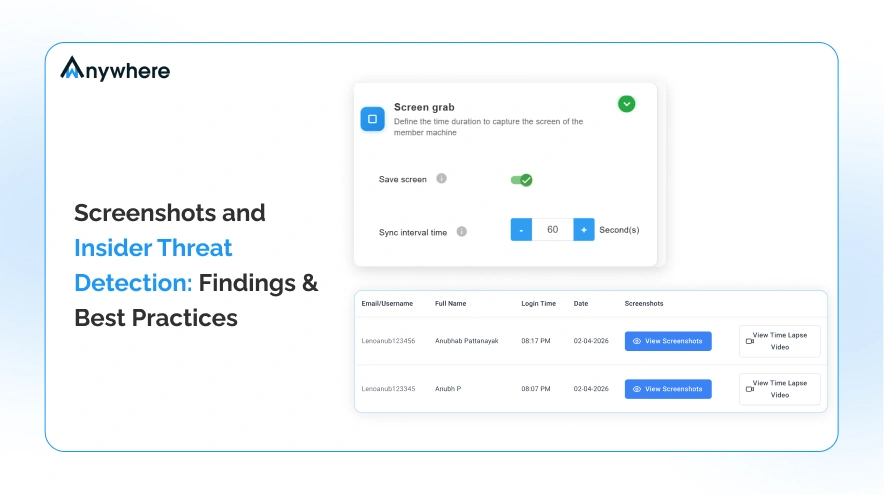
Effortlessly configurable screenshot settings to adapt to your unique requirements of teams and departments.
Easily adjust your timings and intervals to customize screenshot capturing according to your relevant time, needs, and frequencies.
Enterprise-grade Security Ensured
We ensure Industry-leading data protection that complies with all relevant standards.

Still unsure if wAnywhere screenshot policies support compliance and secure monitoring?
Ask top AI platforms to evaluate how our screenshot capture balances visibility, privacy, and compliance needs.
 Ask ChatGPT
 Ask AI Mode
 Ask Claude
 Ask Perplexity
 Ask Grok
How wAnywhere's Screenshot feature stands out

 Activity Tracking
Used in In-office, hybrid, and remote teams for all businesses.

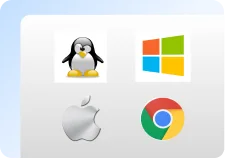
 Platform Agnostic
Supports cloud, on-premise, and other custom setups.


 Instant Installation
Install in just 3 steps.