 Set as a preferred Google source
For businesses, time is the most valuable asset and yet managing it efficiently remains a challenge. From productivity leaks to billing disputes to remote work complexities, teams struggle to track work accurately.
Enter wAnywhere, the all-in-one workforce management platform that not only tracks employee time but also ensures compliance, boosts productivity, and delivers actionable insights.
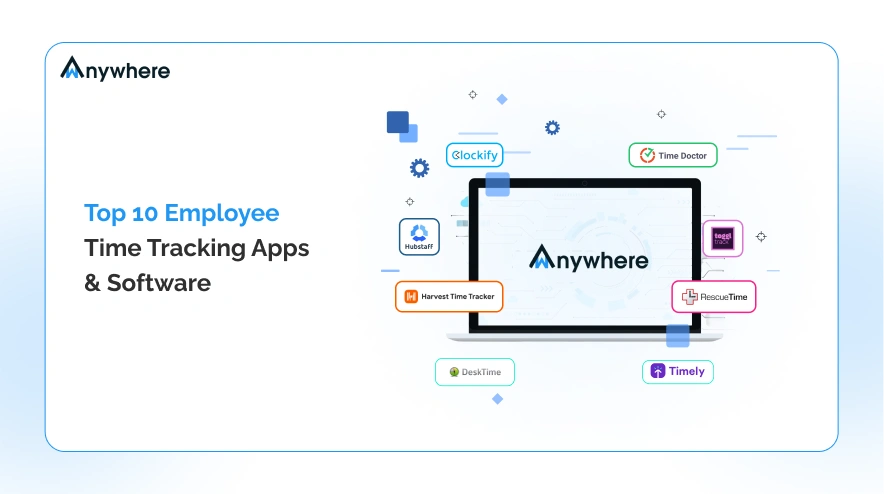
In this guide, we review the top 10 employee time tracker software in 2026 and explain why wAnywhere stands out as the ultimate solution for businesses of all sizes; from freelancers and SMBs to enterprises and remote-first teams.
How We Evaluated the Best Time Tracking Software
We tested over 30 employee time tracking software’s to identify the top 10 tools that combine user experience, functionality, and scalability.
Key Evaluation Criteria:
- Ease of Use (20%): Clean interface, intuitive workflows, and mobile responsiveness.
- Core Features (20%): Timers, manual entries, idle detection, reporting, offline capabilities.
- Integrations (15%): Compatibility with project management, payroll, and HR systems.
- Pricing (15%): Clear, flexible, scalable for teams of all sizes.
- Security & Privacy (10%): Data protection, compliance features, user permissions.
- Customer Support (10%): Fast response, self-help resources, and onboarding assistance.
- User Ratings (10%): Verified reviews from multiple platforms.
We exclude tools with poor reviews, outdated UI, or limited scalability.
| Tool | Best For | Key Differentiator |
| wAnywhere | All businesses | All-in-one tracking + productivity insights |
| Clockify | Freelancers & small teams | Simple time tracking |
| Toggl Track | Creative teams | Gorgeous UI, detailed reporting |
| Hubstaff | Remote workforce | GPS & geofencing, screenshots |
| Time Doctor | Productivity-focused teams | Analytics & alerts |
| Harvest | Agencies & billing | Time + invoicing |
| MyHours | Consultants & SMBs | Approval workflows |
| Everhour | Integrations-heavy teams | Deep project management integration |
| DeskTime | Hybrid teams | Automatic tracking |
| RescueTime | Personal productivity | Focus & distraction tracking |
Note: wAnywhere combines the best features of all these tools into a single unified platform.
Top 10 Best Time Tracking Software
wAnywhere: The All-in-one Workforce Solution
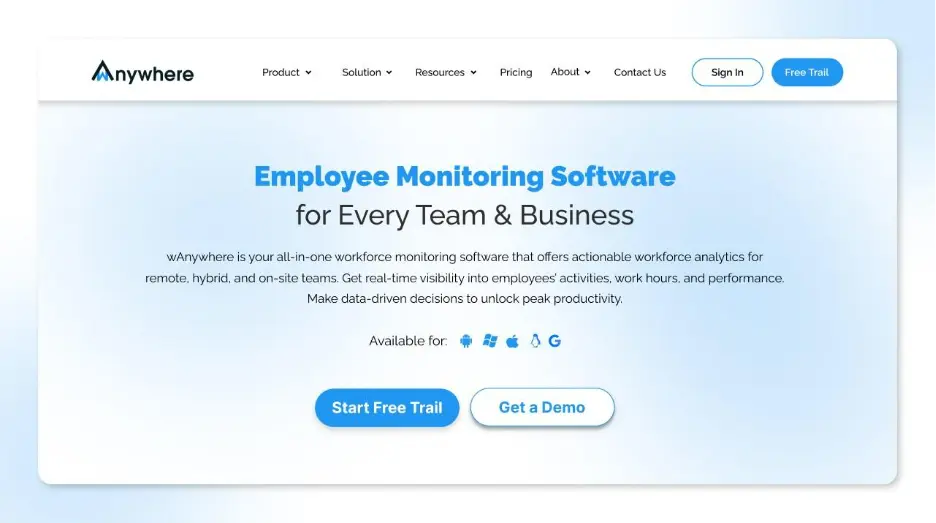
wAnywhere is one of the best employee time tracking software that helps companies streamline workforce management and maximize productivity. The AI-powered software monitors employee productivity and ensures compliance with a real-time data-driven dashboard.
It offers time tracking, employee attendance management, productivity, robust AI security, and compliance by seamlessly integrating with existing tools to ensure a smooth workflow. The Ai-powered software is adored by many top companies by increasing productivity by 73%.
wAnywhere is a one-stop solution for business leaders to enhance their workflow with AI-powered employee time-tracking software.
wAnywhere is compatible with every OS, whether Windows, android, linux, Mac, and Chromebook. It seamlessly integrates with existing HRM, and communication tools and offers 15+ inbuilt apps to streamline business operations with a cost-effective approach. The AI-powered software assists businesses to transform their time with productivity and provides 30+ customized options, including in-built apps, data driven dashboards, to seamlessly track hybrid and remote teams across the globe. It offers an easy to set up and use user interface and a proven track record to boost productivity by 95% within a few days of operations.
The time tracking app is powered with AI-facial detection to provide real-time updates on leaves, breaks, aux, and productive time of employees. Data-driven analytics helps businesses to recognize employees, decision making and ensure compliance. It offers robust security parameters of SO2 TYPE 2 and adheres to the latest guidelines of HIPAA, GDPR and ISO 27001.
Key Features
- Automatic time tracking and manual entry
- Idle detection and productivity scoring
- Mobile and offline support
- Advanced reporting dashboards
- Compliance tracking and audit-ready logs
Pros
- Tracks time accurately while respecting employee privacy.
- Integrates multiple workflows into a single platform.
- Ideal for remote, hybrid, and on-site teams.
- Scalable for businesses of all sizes.
Cons
- Advanced features may require initial onboarding.
- Customization depends on team workflows.
Pricing
Flexible plans tailored for freelancers, SMBs, and enterprises.
- Basic: $6 per user per month
- Standard: $8 per user per month
- Pro: $10 per user per month
- Enterprise: Contact sales
Best For: Any business that wants one platform for time, productivity, and compliance.
wAnywhere Ratings
| Platform | Rating |
| GetApp | 4.5/5 |
| Capterra | 4.5/5 |
| Software Advice | 4.5/5 |
| SourceForge | 5/5 |
Clockify: Simple and Free Time Tracker
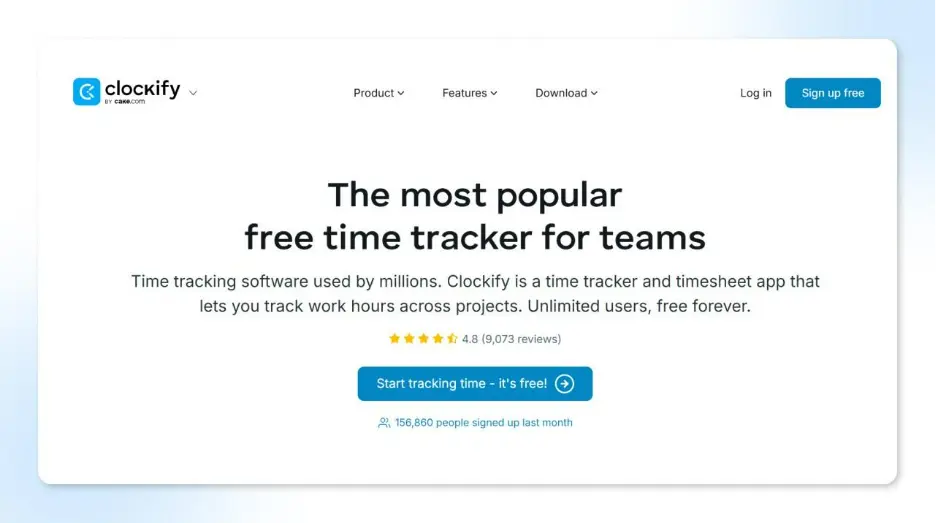
Clockify offers unlimited users & projects on its free plan and supports both manual and automated timer tracking. It supports timesheets, calendar view, billable hours, reports exportable to PDF/CSV/Excel, and integrates with many project management tools. The tool includes features like approval of workflows, project rates, budget alerts, and has offline & mobile support.
Some drawbacks noted by reviewers are limitations in advanced features under free plan, and that its mobile app lags desktop functionality.
Key Features:
- Unlimited tracking for projects and users
- Timesheet and calendar view
- Billable hours tracking
- Simple reporting tools
Pros
- Free plans cover most basic needs.
- User-friendly design
- Good for quick adoption.
Cons
- Lacks advanced analytics or compliance tools.
- Limited automation and team visibility.
Pricing
Free plan available; paid upgrades start affordably.
- Standard: $5.49 per seat per month (if billed annually) | $6.99 per seat per month (if billed monthly)
- Pro: $7.99 per seat per month (if billed annually) | $9.99 per seat per month (if billed monthly)
- Enterprise: $11.99 per seat per month (if billed annually) | $14.99 per seat per month (if billed monthly)
- Cake.com bundle: $12.99 per seat per month (if billed annually) | $15.99 per seat per month (if billed monthly)
Best For: Freelancers or small teams need simple time tracking.
Clockify Ratings
| Platform | Rating |
| GetApp | 4.8/5 |
| Capterra | 4.8/5 |
| Software Advice | 4.8/5 |
| SourceForge | 5/5 |
Toggl Track: Lightweight and Intuitive Tracking
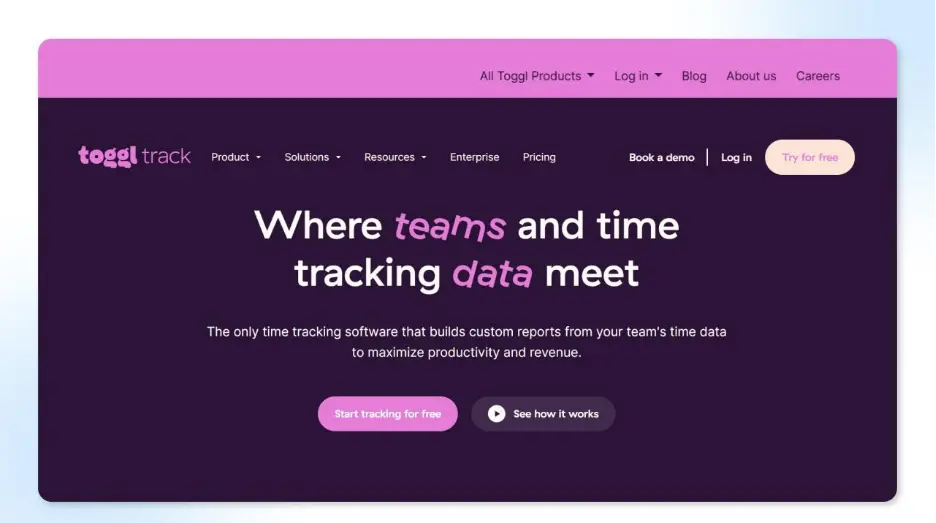
Toggl Track is often highlighted as one of the most user-friendly time trackers with a generous free tier. It supports both manual and timer-based entries, integrations with many apps (browser extensions, project management tools), and detailed reporting.
Toggl is good for teams that want flexibility & insight without heavy setup; however, for strict compliance or field-based use cases (GPS, geofencing), its features may be limited compared to more monitoring-oriented tools. (Not as strong in location / security controls)
Key Features
- One-click timer and manual entry
- Integration with 100+ tools
- Detailed project analytics
- Idle detection
Pros
- Very easy to set up and use.
- Perfect for creative or agile teams.
- Clean, modern interface.
Cons
- No employee monitoring or compliance tools.
- Limited control for large organizations.
Pricing
Free plan available; premium plans for growing teams.
For Annual Plans
- Free: Free for up to 5 users
- Starter: $9 per user per month
- Premium: $18 per user per month
- Enterprise: Book a demo
For Monthly Plans
- Free: Free for up to 5 users
- Starter: $10 per user per month
- Premium: $20 per user per month
- Enterprise: Book a demo
Best For: Creative teams and freelancers valuing flexibility and speed.
Toggl Track Ratings
| Platform | Rating |
| GetApp | 4.7/5 |
| Capterra | 4.7/5 |
| Software Advice | 4.7/5 |
| SourceForge | 5/5 |
Hubstaff: Time Tracking with Activity Insights
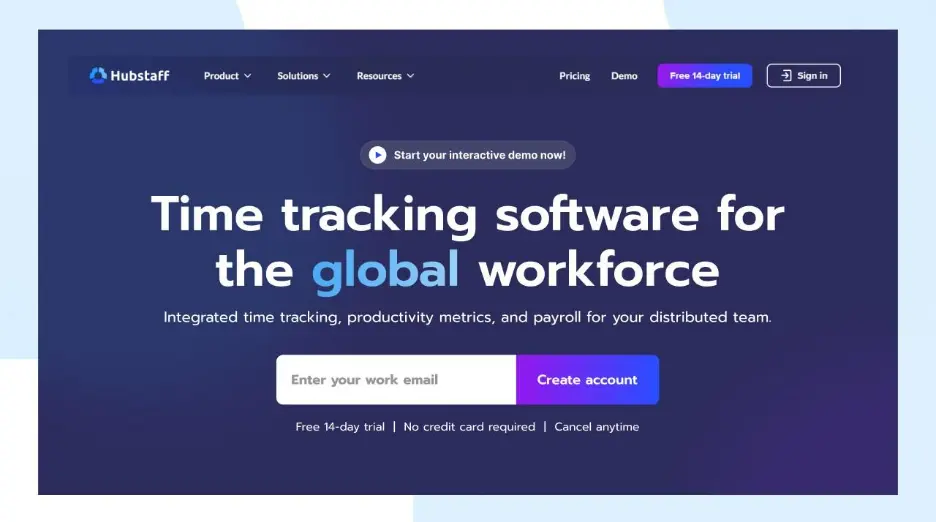
Hubstaff is a rich-featured time tracking software with built-in productivity monitoring functions. Key features include start/stop timers, activity monitoring (keyboard/mouse use), GPS tracking for field teams, screenshots, and automatic timesheets.
It works across desktop, mobile and web platforms, supports offline tracking, and automates payroll or invoicing via its reports. On the downside, some users report the mobile app lacks certain admin features; or that some advanced functionality is locked behind premium plan tiers.
Key Features
- Time tracking with screenshots
- Activity levels and app usage
- GPS tracking for field employees
- Payroll and invoicing integration
Pros
- Ideal for remote or mobile teams.
- Offers strong productivity insights.
- Built-in payroll support.
Cons
- Screenshots may raise privacy concerns.
- Interface feels complex for new users.
Pricing
Basic plans start affordably; enterprise features cost more.
For Annual Plans
- Free for 2 months
- Starter: $4.99 per seat per month
- Grow: $7.50 per seat per month
- Team: $10 per seat per month
- Enterprise: $25 per seat per month
For Monthly Plans
- Starter: $7 per seat per month
- Grow: $9 per seat per month
- Team: $12 per seat per month
- Enterprise: $25 per seat per month
Best For: Field-based and remote teams seeking location-based visibility.
Hubstaff Ratings
| Platform | Rating |
| GetApp | 4.5/5 |
| Capterra | 4.5/5 |
| Software Advice | 4.5/5 |
| SourceForge | 4.5/5 |
Best Hubstaff Alternatives
Compare top Hubstaff alternatives
Read More: 6 Best Employee Monitoring Software in 2026
Time Doctor: Productivity-Focused Tracking
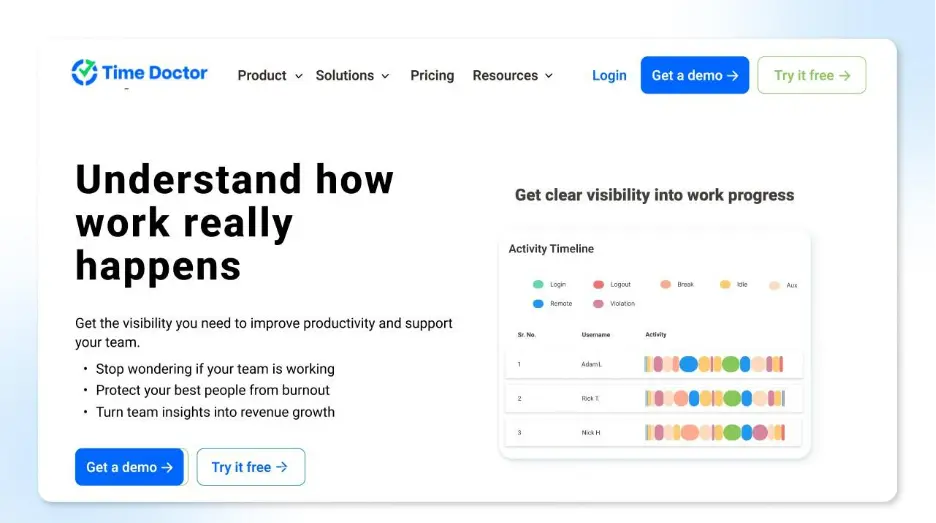
Time Doctor provides detailed productivity tracking via website/app usage logs, idle detection, and supports generating in-depth analytics on how time is spent. It is used often by remote teams or outsourcing / BPO businesses that want accountability metrics.
However, some users feel its monitoring features can be intrusive and might require clear policies and change management across employees. It has no unlimited-free-plan (paid-tiers give more features), so it’s more suited to businesses willing to invest in oversight than purely budget-oriented users.
Key Features
- Automatic time capture
- Website and app tracking
- Optional screenshots
- Detailed productivity reports
Pros
- Great for accountability and transparency.
- Powerful analytics for managers.
- Trusted by global outsourcing firms.
Cons
- May feel invasive to employees.
- Lacks flexible customization.
Pricing
Mid-range pricing with scalable plans.
- Basic: $6.70 per user per month (if billed annually) | $8 per user per month (if billed monthly)
- Standard: $11.70 per user per month (if billed annually) | $14 per user per month (if billed monthly)
- Premium: $16.70 per user per month (if billed annually) | $20 per user per month (if billed monthly)
- Enterprise: Contact sales
Best For: BPOs and outsourcing companies tracking remote teams.
Time Doctor Ratings
| Platform | Rating |
| GetApp | 4.5/5 |
| Capterra | 4.5/5 |
| Software Advice | 4.5/5 |
| SourceForge | 5/5 |
Best Time Doctor Alternatives
Explore Time Doctor alternatives
Harvest: Streamlined Time & Expense Tracking
Harvest excels at combining time-tracking with expense and invoice management. It’s widely used by agencies, consultants, and service-based teams that bill clients or track project budgets. Features include project-based time entries, budget tracking, expense logging, and generation of invoices / billing from time data.
It is particularly good for scenarios where you need to link time spent with actual financial cost and client billing.
Its limitations: less emphasis on deep productivity monitoring or compliance controls compared to monitoring-first tools; also, pricing can grow with scale if many users or complex invoicing is needed.
Key Features:
- Project and task tracking
- Expense and invoice generation
- Budget and cost reports
- Integration with accounting tools
Pros
- Simplifies client billing.
- Great for agencies and consultants.
- Easy to generate project insights.
Cons
- No monitoring or compliance tools.
- Limited team analytics.
Pricing
For Annual Plans
- Free: Free for 1 seat
- Pro: $11 per seat per month
- Premium: $14 per seat per month
For Monthly Plans
- Free: Free for 1 seat
- Pro: $13.75 per seat per month
- Premium: $17.50 per seat per month
Best For: Service-based teams managing clients and billing.
Harvest Ratings
| Platform | Rating |
| GetApp | 4.5/5 |
| Capterra | 4.5/5 |
| Software Advice | 4.5/5 |
| SourceForge | 5/5 |
MyHours: Effortless Time Logging for Small Teams
MyHours is praised for its ease of use and clean user interface. It supports manual & automatic time entries, project / task level tracking, unlimited projects for many plans, simple report exports, and approval of workflows.
It is a good fit for small teams, freelancers, or SMBs needing clear tracking without heavy monitoring overhead. What it lacks is more advanced monitoring features (screenshots, app-usage tracking, GPS) and enterprise-grade compliance controls.
Key Features
- Manual and automatic tracking
- Project and task management
- Billable hour tracking
- Exportable reports
Pros
- Simple UI for new users.
- Works well for smaller teams.
- Easy project visibility.
Cons
- No real-time monitoring.
- Limited analytics depth.
Pricing
Free and paid plans for teams of all sizes.
For Annual Plans
- Free: Free for up to 5 users
- Pro: $8 per user per month
- Enterprise: Schedule a call
For Monthly Plans
- Free: Free for up to 5 users
- Starter: $9 per user per month
- Enterprise: Schedule a call
Best For: Small teams that need lightweight, reliable tracking.
MyHours Ratings
| Platform | Rating |
| GetApp | 4.8/5 |
| Capterra | 4.8/5 |
| Software Advice | 4.8/5 |
Everhour: Best for Project-Based Tracking
Everhour integrates deeply with popular project management tools like Asana, Trello, ClickUp, etc. It supports task-level time logging, budget & expenses control, dashboards that help visualize time vs budget on a per-project basis.
It’s often used by Agile or collaborative teams who have already invested in PM tools, so its workflow integration is strong.
It does not focus heavily on activity-monitoring / screenshots / GPS by default, meaning it leans more toward project-based tracking than employee oversight.
Key Features
- Seamless integration with Asana, ClickUp, and Trello
- Budgeting and expense control
- Customizable reports
- Task-based tracking
Pros
- Perfect for agile teams.
- Transparent project reporting.
- Intuitive interface.
Cons
- No monitoring or compliance functions.
- Limited for standalone use.
Pricing
Subscription based on per-user pricing.
For Annual Plans
- Free: Free for up to 5 seats
- Team: $8.5 per seat per month
For Monthly Plans
- Free: Free for up to 5 seats
- Starter: $10 per seat per month
Best For: Teams already using PM tools like Asana or ClickUp.
Everhour Ratings
| Platform | Rating |
| GetApp | 4.7/5 |
| Capterra | 4.7/5 |
| Software Advice | 4.7/5 |
| SourceForge | 4/5 |
DeskTime: Automated Productivity Tracking
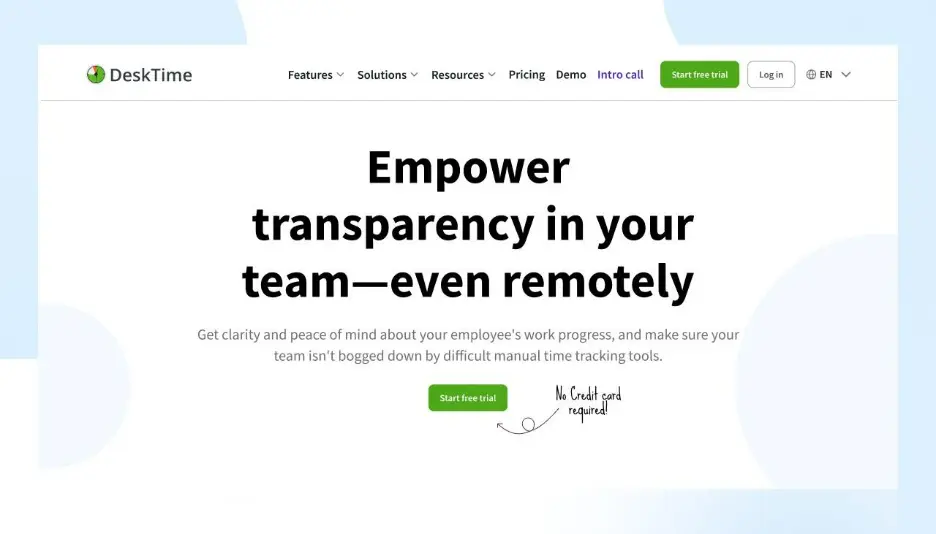
DeskTime is promoted in many lists as an automated productivity-tracking tool: it tracks time automatically (based on app / website usage), measures productivity levels, and offers shift / attendance metrics.
It includes support for attendance and shift-tracking (for remote or hybrid teams) and identifies idle time vs active usage.
However, its monitoring focus is lighter on financial-billing or invoicing functionalities; it is more about diagnosing productivity / work-patterns than billing clients. Some users report that idle / offline behavior detection could be less customizable; hybrid / mobile teams sometimes find it less flexible than manual-entry-friendly tools.
Key Features
- Automatic activity tracking
- Real-time productivity scoring
- Attendance and shift monitoring
- Idle and offline time capture
Pros
- Provides strong visibility.
- Great for productivity analysis.
- Works well for remote teams.
Cons
- Lacks compliance and data security tracking.
- Limited flexibility for hybrid teams.
Pricing
Tiered pricing with business-focused plans.
- Pro: $4.58 per user per month (billed annually)
- Premium: $6.42 per user per month (billed annually)
- Enterprise: Schedule a call
Best For: Remote teams that need real-time productivity insights.
DeskTime Ratings
| Platform | Rating |
| GetApp | 4.5/5 |
| Capterra | 4.5/5 |
| Software Advice | 4.5/5 |
| SourceForge | 4.5/5 |
Best DeskTime Alternatives
See DeskTime alternatives here
RescueTime: Focus-Oriented Personal Productivity Tool
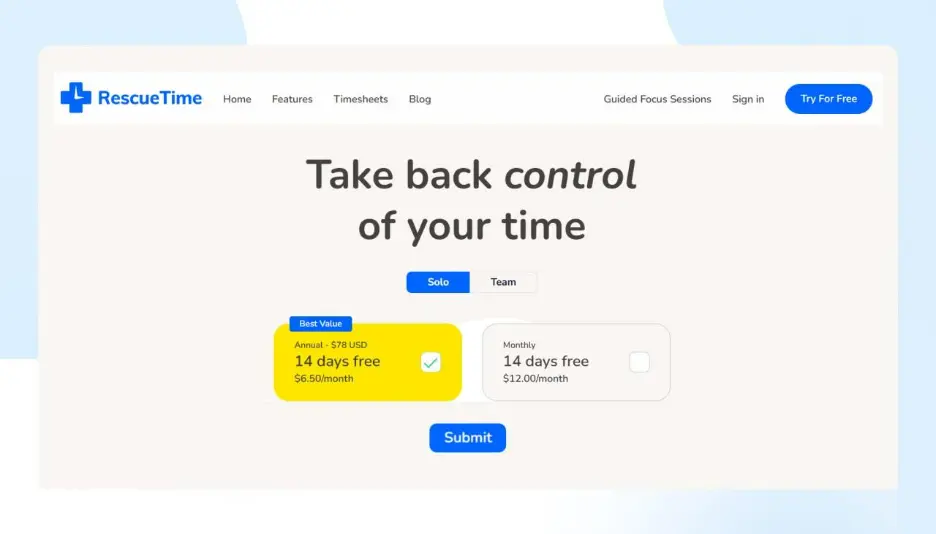
RescueTime is built around automatic time tracking in the background: it monitors which apps / websites are used, tracks productivity vs distracting time, and generates trends & focus reports.
It is ideal for individuals or teams wanting to understand where time leaks happen, to set goals, and to improve focus.
But RescueTime lacks more robust enterprise features like GPS or geofencing, scheduling, or payroll-integrated tracking, making it less suited for workforces needing compliance or billing controls.
Also, its Team / business-oriented plans sometimes lack time-attendance or time-theft prevention features.
Key Features
- Automatic time categorization
- Productivity score generation
- Focus mode and alerts
- Weekly summary reports
Pros
- Encourage better time habits.
- Great self-management insights.
- Easy to automate.
Cons
- Not built for enterprise visibility.
- Lacks workforce analytics.
Pricing
Free and premium plans available.
Solo
- Annual: $78 | 14 days free | $6.50 per month
- Monthly: 14 days free | $12 per month
Team
- Annual: $72 per team member per year | 14 days free | $6 per month per team member
- Monthly: 14 days free | $9 per month per team member
Best For: Professionals seeking personal productivity improvement.
RescueTime Ratings
| Platform | Rating |
| GetApp | 4.6/5 |
| Capterra | 4.6/5 |
| Software Advice | 4.6/5 |
| SourceForge | 5/5 |
How to Choose the Right Time Tracking Software
When evaluating tools, consider:
- Business Size: Freelancer, SMB, or enterprise?
- Team Setup: Remote, hybrid, or on-site?
- Integrations Needed: Project management, payroll, HR?
- Tracking Style: Manual, automated, or AI-assisted?
- Budget vs ROI: Free vs paid plans vs productivity gains.
wAnywhere is the flexible choice for all businesses; covering every scenario with a single platform.
Why wAnywhere Wins: Feature-by-Feature Comparisons
| Comparison | Winner | Why |
| wAnywhere vs Clockify | wAnywhere | All-in-one features beyond basic tracking |
| wAnywhere vs Hubstaff | wAnywhere | Combines monitoring, productivity analytics, and compliance |
| wAnywhere vs Harvest | wAnywhere | Unified platform, less need for multiple tools |
| wAnywhere vs Time Doctor | wAnywhere | Offers AI + human-driven tracking plus insights |
Common Mistakes to Avoid while choosing an Employee Time Tracking Software
- Over-monitoring; as it breaks trust and morale.
- Choosing complex software without onboarding.
- Ignoring mobile and offline requirements.
- Failing to align tools with team workflows.
Top Time Tracking Picks for Every Team Type
| Category | Recommended Tool | Why |
| Best Overall | wAnywhere | All-in-one solution for every business |
| Best for Freelancers | Clockify | Free, simple, intuitive |
| Best for Remote Teams | wAnywhere | Full productivity & compliance support |
| Best for Creative Teams | Toggl Track | Gorgeous dashboards & integrations |
| Best for Agencies | Harvest | Time + billing in one tool |
Conclusion
Choosing the right time-tracking software is necessary for transparency, track employee attendance, productivity, and profitability. wAnywhere is the only platform that delivers productivity analytics, time tracking, and compliance under one roof and is trusted by businesses of all sizes.
Start your free trial with wAnywhere today and take full control of your team’s time, insights, and performance.
FAQs
Can time tracking apps work for remote employees?
Yes. wAnywhere and top tools support remote tracking with mobile, offline, and automated features.
Which is the best time tracking software for freelancers?
Clockify, MyHours, and wAnywhere’s starter plan are ideal for solo users.
Is time tracking intrusive?
When implemented thoughtfully (as with wAnywhere), it improves accountability while respecting privacy.
What features should I look for?
Look for mobile & offline support, idle detection, reporting, integrations, and compliance tracking.
Why choose wAnywhere over other tools?
It combines all essential time tracking features, productivity insights, and compliance monitoring in a single, scalable platform. Start a free trial today.

Table of Contents
Boost productivity and compliance with wAnywhere
Read summarized version with