 Set as a preferred Google source
Remote work has changed how companies manage productivity, security, and compliance.Teams are no longer sitting in one office with visible workflows and easy oversight. Today, leaders need a better way to understand what is happening on employee screens without creating unnecessary friction.
That is where screen monitoring software comes in. The right solution helps organizations improve accountability, protect sensitive data, and maintain audit-ready visibility across remote and distributed teams.
For compliance teams, founders, CXOs, and IT administrators, screen monitoring is no longer just about oversight. It is about control, visibility, and proof.
If you are also looking at broader workforce visibility, see our guides to best practices to monitor remote employees and top user activity monitoring tools for the full picture.
What is Screen Monitoring Software?
Screen monitoring software is a tool that helps businesses observe, record, or analyze employee screen activity during work hours. It is commonly used to understand productivity, detect unusual behavior, and protect against misuse of company systems.
Most solutions work by capturing live screen activity, logging user actions, or generating reports on desktop behavior. Some tools also provide AI-based alerts, usage analytics, and evidence trails for compliance reviews.
Key Components of a Modern Monitoring Platform
A modern screen monitor software solution usually includes
- Live screen visibility — real-time view of active screens without delays or scheduled refresh
- Session recording — full or interval-based capture from login to logout
- AI-based behaviour detection — anomaly flagging, unknown person detection, mobile phone use
- Identity verification — facial recognition to confirm the right person is at the workstation
- Application and website tracking — log of what tools and sites are in active use
- Compliance logs and audit trails — tamper-proof records for regulatory reporting
- Alerting and reporting — configurable notifications and exportable report
The best tools go beyond basic observation. They help teams connect screen activity with risk, performance, and accountability.
Why Remote Teams Need Screen Monitoring
Remote teams need clear visibility to stay productive, accountable, and aligned without constant manual oversight.
Productivity & Accountability
Remote teams often work without the same level of visibility found in office environments. That can make it harder to understand how time is spent and where work slows down.
A remote computer monitoring software tool helps managers see work patterns more clearly. It supports accountability without relying only on manual check-ins or assumptions.
For teams where fake activity is a known problem — agents using tools to simulate keyboard and cursor movement while away from the desk — see our analysis of mouse jiggler detection and what it reveals about monitoring gaps.
Security & Data Protection
Remote work increases exposure to data leakage, unauthorized access, and device misuse. Employees may work on personal networks, shared devices, or outside standard office controls.
Desktop monitoring software helps reduce this risk by showing what is happening on work systems in real time. That makes it easier to identify unusual behavior before it turns into a security issue.
Compliance and Audit Requirements
Many teams handle sensitive customer, financial, or operational data. For these organisations, oversight is not optional — it is a regulatory requirement. HIPAA, GDPR, SOC 2, and ISO 27001 all require demonstrable controls over who accesses sensitive systems and what they do with that access.
A remote pc monitoring software solution can help compliance teams maintain visibility, generate logs, and support audits. For businesses in regulated industries, this creates a stronger control environment and better proof of governance. See how wAnywhere’s audit trail for compliance is structured for regulatory use.
Key Features to Look For in Screen Monitoring Software
The right tool should give you live visibility into screen activity so you can act quickly, not after the issue is already over.
Real-Time Screen Monitoring
The most important feature is live visibility. A remote screen monitoring software tool should let managers see screen activity as it happens, not after the fact.
This is especially useful for compliance-sensitive workflows, training, and high-risk tasks. Real-time visibility helps teams respond faster and stay in control.
Activity Tracking & Reports
A strong computer screen monitoring software platform should track activity trends, application use, idle time, and work patterns. Reports should be easy to read and useful for both managers and compliance teams.
The goal is not just data collection. It is decision support.
AI-Based Alerts
Modern solutions should do more than record activity. They should detect unusual behavior and flag potential risks automatically.
AI-based alerts can highlight suspicious logins, unusual work patterns, or screen behavior that may need to be reviewed. This makes monitor computer software more useful for proactive control.
Compliance Logs & Audit Trails
If your team works in a regulated environment, logs matter. You need clear evidence of what happened, when it happened, and who was involved.
A good desktop monitoring software solution should create audit-ready records that support internal reviews, security investigations, and external compliance checks.
Identity Verification at the Session Level
This is the feature most monitoring tools do not offer — and the one that matters most for organisations that face credential misuse or insider threat risks. Knowing that a session is authenticated is not the same as knowing that the authorised employee is actually at the workstation.
The most advanced platforms use AI-powered facial recognition to verify identity continuously throughout every session, not just at login. wAnywhere’s facial recognition feature does this in real time — flagging sessions where an unknown person is at the desk, where the screen is unattended, or where multiple people are visible, and acting on those flags automatically.

wAnywhere does more than monitor screens.
AI identity verification, DLP controls, and compliance-ready audit trails — in one platform.
Benefits of Screen Monitoring Software
Screen monitoring software helps remote teams work with more clarity, stronger control, and fewer blind spots.
Improved Productivity
One of the biggest advantages of screen monitoring is better visibility into how work gets done. Managers can identify bottlenecks, reduce wasted time, and support stronger performance across remote teams.
It also helps teams stay focused, especially when work is distributed across locations and time zones.
Better Visibility
Remote work can make leadership feel disconnected from day-to-day execution. With the right screen monitor software, leaders get a clearer view of operations without depending on constant manual updates.
This creates a more informed management model and improves decision-making.
Risk Reduction
When screen activity is visible, it becomes easier to catch risky behavior early. That could include unauthorized access, policy violations, or misuse of company systems.
For compliance and security teams, this is a major benefit. Better visibility means fewer blind spots and stronger control.
Challenges & How to Overcome Them
The right screen monitoring approach should address privacy, legal, and adoption concerns without reducing trust or control.
Employee Privacy Concerns
One of the most common concerns around screen monitoring software is privacy. Employees may worry that monitoring feels too invasive.
The best way to handle this is through transparency. Explain what is monitored, why it is monitored, and how the data will be used. Clear policy communication builds trust. According to Harvard Business Review, productivity increased by 15-25% on average in organizations with transparent monitoring programs.
Legal Compliance
Monitoring must align with local labor laws, privacy laws, and internal policies. This is especially important for global teams.
Before deployment, organizations should review legal requirements by region and make sure the tool supports compliant use. A trusted remote pc monitoring software platform should help support this, not complicate it.
Adoption Issues
Even useful tools can fail if teams do not understand them or do not trust them. Low adoption often happens when monitoring feels hidden or overly complex.
To improve adoption, choose software that is easy to deploy, easy to explain, and aligned with real business needs. The right screen monitoring tool should support operations, not create resistance.
How to Choose the Right Screen Monitoring Tool
Choosing the right tool means balancing visibility, compliance, usability, and long-term value for your team.
Business Needs Assessment
Start by identifying your main goal. Are you trying to improve productivity, strengthen security, support compliance, or all three?
Different teams need different levels of visibility. A compliance-focused company may need stronger logging and alerting, while an operations team may care more about productivity trends.
Top Screen Monitoring Software (2026)
Choosing the right screen monitoring software depends on your business goals, compliance needs, and team structure. Here are some of the top options to consider in 2026.
⭐ wAnywhere (Editor’s Pick for AI & Compliance)
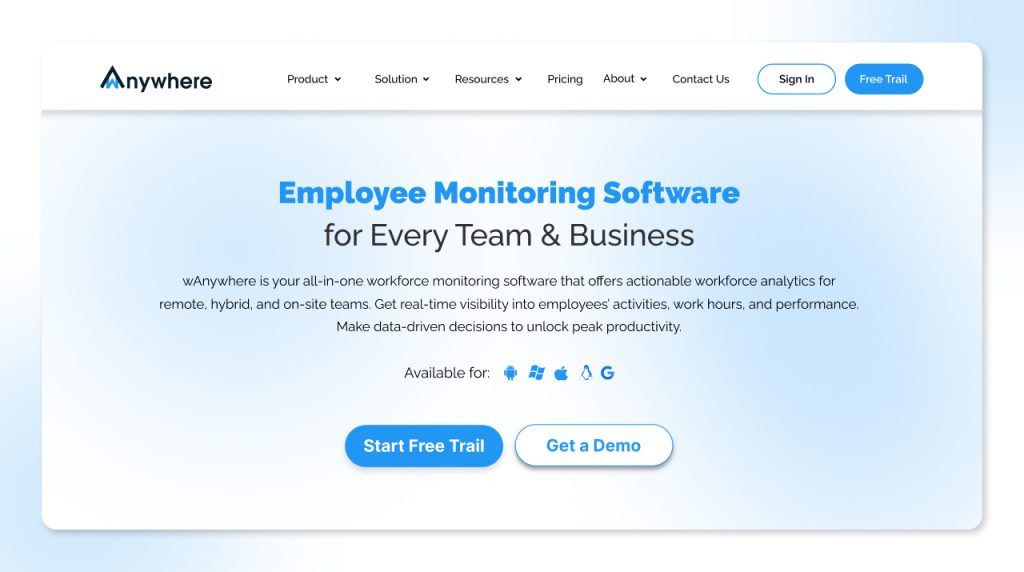
wAnywhere is built for organisations that need more than basic employee tracking. Its screen monitoring feature provides real-time visibility combined with AI-driven detection, facial recognition, and compliance-grade audit trails — all in a single platform deployable in minutes with existing webcams.
- Best for: AI-driven monitoring, compliance-ready teams, and organizations that need live proof of remote activity.
- Key features: Real-time screen visibility, AI-based behavior detection, facial authentication, multiple-person detection, unknown person detection, mobile detection, screen activity recording, audit-ready reporting, API integration, data protection controls, DLP-style monitoring for copy/paste, print screen, USB, apps, and websites.
- Use case: Ideal for compliance teams, CXOs, and remote operations that need to monitor productivity while also proving who is at the desk and what risky behavior is happening in real time.
- Limitation: Best suited for organizations that want compliance-first monitoring rather than basic time tracking, because its depth goes beyond simple productivity analytics.
Time Doctor
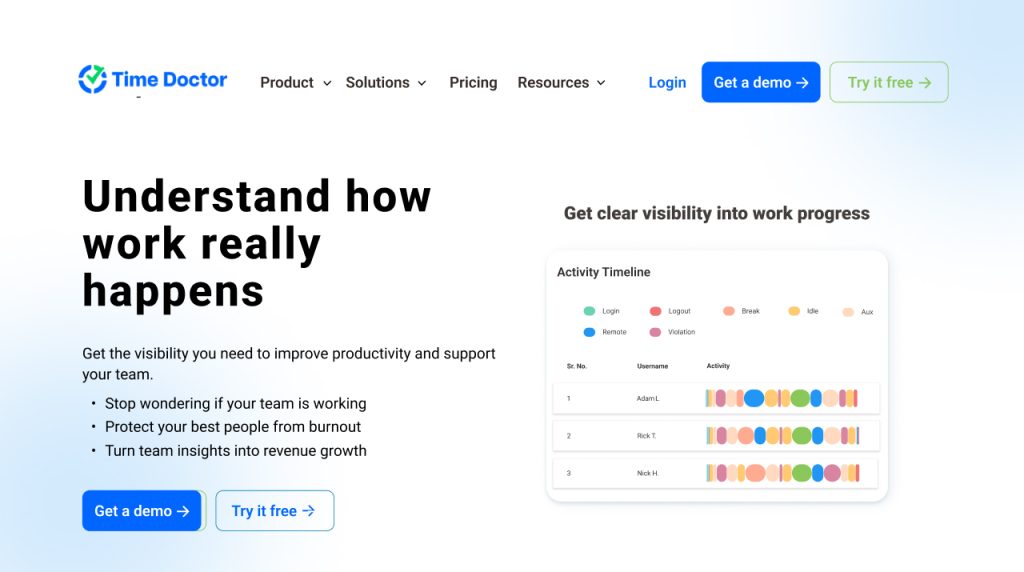
Time Doctor is a productivity-focused tool designed for teams that want clearer visibility into work hours and daily activity. It helps managers understand how time is spent across distributed teams. The platform is best suited for organizations that want to improve accountability and time-on-task tracking. It is a practical choice for general remote workforce management.
- Best for: Productivity tracking for distributed teams, especially where time-on-task and activity visibility matter most.
- Key features: Time tracking, break and idle time detection, screenshot capture, keyboard and mouse activity tracking, app and website usage tracking, distraction alerts, productivity reports, and workforce planning insights.
- Use case: Good for teams focused mainly on work hours, output visibility, client billing accuracy, and productivity analysis across remote employees.
- Limitation: Less focused on compliance-grade audit trails, live proof, and deeper security controls, so it may be better for productivity management than regulated environments.
Hubstaff
Hubstaff is a workforce activity tracking tool that helps teams monitor time, attendance, and productivity across remote employees. It is often used by businesses that need operational oversight and payroll-linked tracking. The platform offers useful visibility into team activity and work patterns. It works well for businesses focused on productivity management.
- Best for: Time tracking and workforce activity monitoring with strong operational visibility.
- Key features: Screenshot capture, activity levels, GPS/location tracking, payroll support, attendance tracking, productivity monitoring, and remote team management features.
- Use case: Useful for remote teams that want operational productivity tracking, location-aware oversight, and payroll-linked workforce monitoring.
- Limitation: Strong on monitoring, but not always ideal for deep compliance use cases that require stronger audit trails, identity proof, or security-first controls.
Teramind
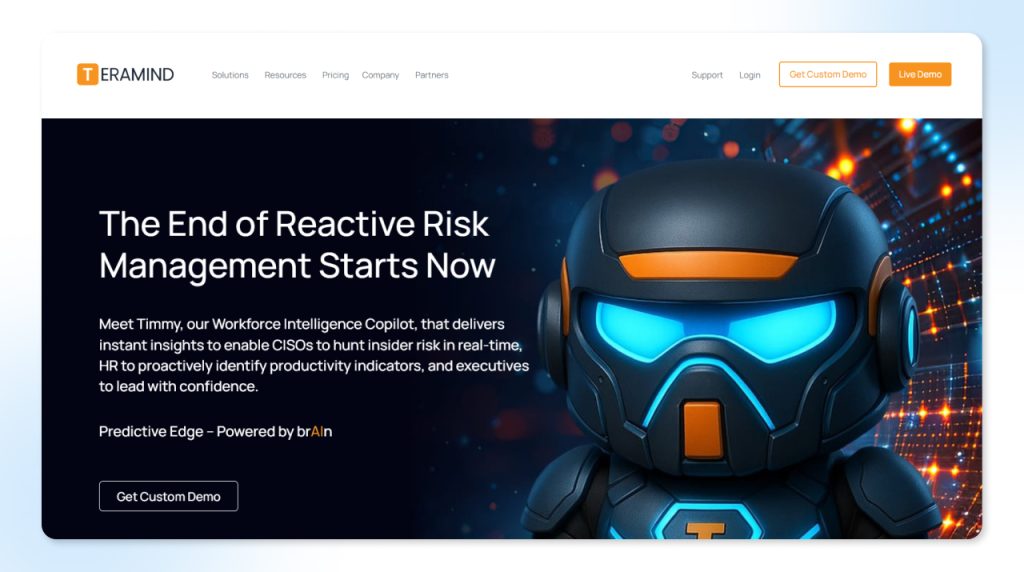
Teramind is designed for organizations that need stronger security, behavior monitoring, and insider risk detection. It goes beyond basic productivity tracking by offering deeper visibility into employee actions and potential policy violations. This makes it suitable for compliance-heavy environments. It is especially useful where risk control and forensic readiness matter most.
- Best for: Security-focused employee monitoring, insider risk detection, and compliance-heavy environments.
- Key features: User behavior analytics, anomaly detection, behavioral DLP, risk scoring, real-time intervention, tamper-proof logs, forensic investigation tools, and automated compliance reporting for GDPR, HIPAA, PCI-DSS, and SOX.
- Use case: Suitable for organizations needing stronger risk and security oversight, especially where insider threats, forensic readiness, and policy enforcement are priorities.
- Limitation: Can be heavier to deploy and manage for teams wanting simpler setup or lighter productivity-focused monitoring. For a detailed enterprise security tool comparison, see our Dtex features and alternative breakdown.
Feature Comparison Table
| Feature | wAnywhere | Time Doctor | Hubstaff | Teramind |
| Real-time live screen view | ✓ Yes | ✓ Yes | ✓ Yes | ✓ Yes |
| Session recording | ✓ Login to logout | Interval only | Interval only | ✓ Continuous |
| AI behaviour detection | ✓ Advanced | ✗ No | ✗ No | ✓ Advanced |
| Facial recognition / identity | ✓ Continuous | ✗ No | ✗ No | ✗ No |
| Unknown person detection | ✓ Real-time | ✗ No | ✗ No | ✗ No |
| Copy-paste blocking | ✓ Yes | ✗ No | ✗ No | Partial |
| Mobile phone detection | ✓ Real-time | ✗ No | ✗ No | ✗ No |
| DLP controls | ✓ Built-in | ✗ No | ✗ No | ✓ Built-in |
| Immutable audit trail | ✓ Tamper-proof | Limited | Limited | ✓ Tamper-proof |
| HIPAA / GDPR reporting | ✓ Built-in | ✗ No | ✗ No | ✓ Built-in |
| Hardware required | ✗ None | ✗ None | ✗ None | ✗ None |
| Deployment time | < 1 day | < 1 day | < 1 day | 1–3 days |
Already know what you need?
wAnywhere deploys in under a day — no hardware, no professional services.
★ wAnywhere differentiators: Continuous facial recognition, real-time unknown person detection, and mobile phone detection are not available in any other tool in this comparison. Copy-paste monitoring and clean desk policy enforcement are additional capabilities unique to the wAnywhere platform.
How wAnywhere Supports Remote Teams
wAnywhere brings real-time visibility, AI-driven insights, and compliance-ready control into one platform for remote teams.
Real-Time Monitoring with Live Proof
wAnywhere helps organizations gain live visibility into remote work activity. It supports real-time monitoring with proof that helps teams understand what is happening as it happens.
That makes it useful for both productivity oversight and compliance control.
AI-Based Insights
wAnywhere uses AI-driven signals to help identify unusual behavior and operational risk. Instead of relying only on passive observation, teams get smarter insights that support faster action.
This is especially valuable for organizations that need more than just basic desktop monitoring software.
Compliance-Ready Features
For security and compliance teams, wAnywhere offers audit-friendly visibility, logs, and control support. It is built to help organizations monitor work activity while keeping compliance needs in mind.
That makes it a practical choice for businesses that need remote computer monitoring software with stronger governance features.
The wAnywhere data breach security and user activity monitoring features sit alongside screen monitoring in a single platform — giving compliance and security teams a unified view rather than a stack of separate tools that need to be correlated manually.
Conclusion
The right screen monitoring software helps organizations do more than watch screens. It improves accountability, strengthens security, and creates the visibility needed to manage remote teams effectively.
For companies that need both productivity control and compliance support, the best tools combine real-time monitoring, AI-based alerts, and audit-ready logs. That is where wAnywhere stands out.
If your team is looking for a remote screen monitoring software solution that supports live visibility, compliance, and operational control, wAnywhere is built to help.
Book a demo and see how wAnywhere supports remote teams with real-time monitoring and compliance-ready proof.
Start monitoring your teams in minutes.
Know how, when, and wFree trial — full feature access, no hardware required.
FAQs
Does it affect employee trust?
It can if it is introduced poorly. But when monitoring is transparent, policy-based, and tied to productivity or compliance goals, it is easier to build trust.
How secure is monitoring data?
That depends on the platform. A strong solution should protect data with access controls, encryption, and audit logs so the monitoring itself does not create a new risk.
What is the difference between screen monitoring and employee monitoring?
Screen monitoring is a subset of employee monitoring that specifically captures and analyses screen activity. Broader employee monitoring software may include time tracking, GPS, keylogging, email monitoring, and application usage — screen monitoring focuses specifically on the visual layer of what employees see and do. The two overlap significantly in enterprise platforms, which typically combine both capabilities.

Table of Contents
Boost productivity and compliance with wAnywhere
Read summarized version with